Answered
Resetting the Workspace
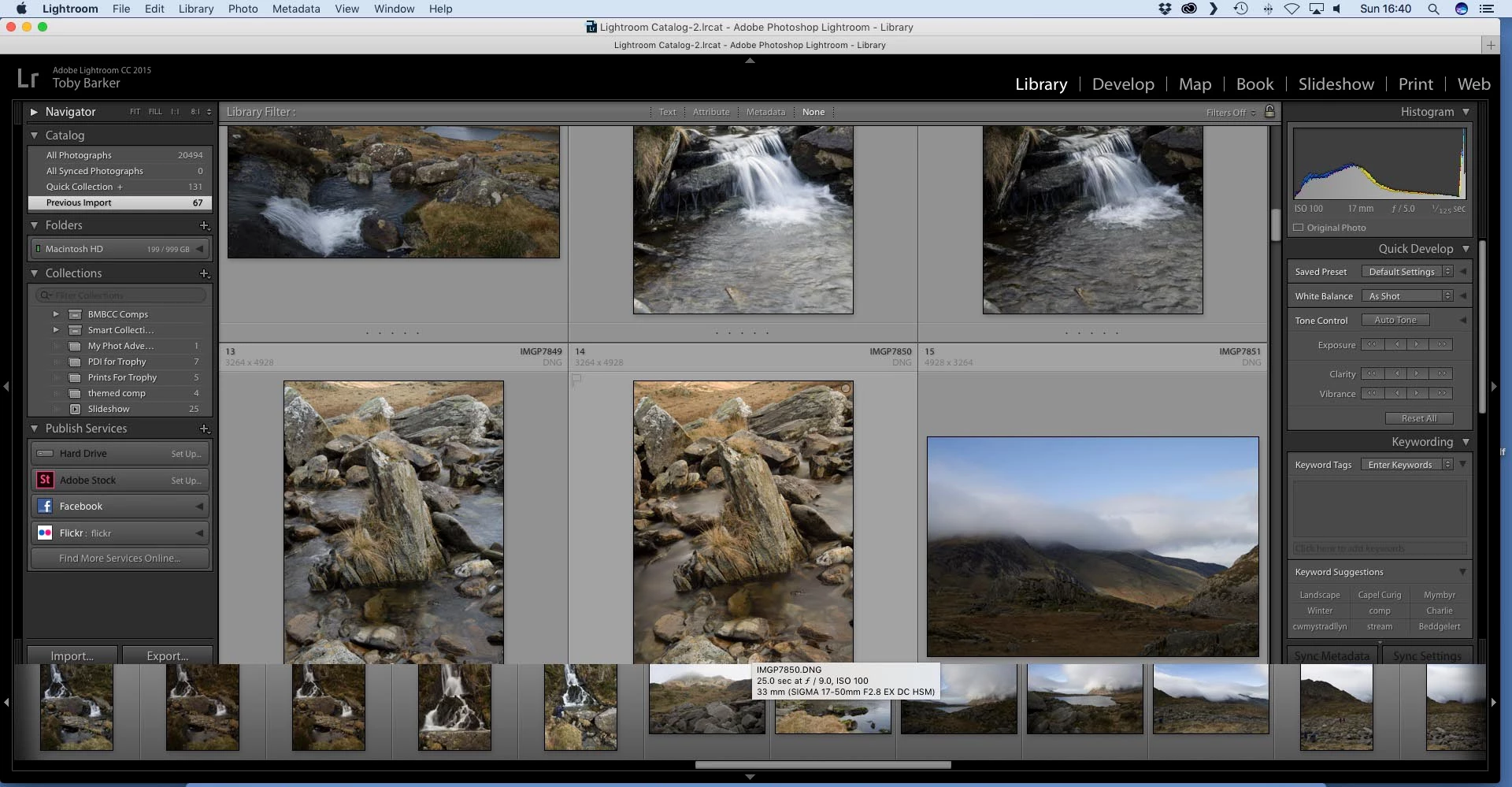
The icons at the bottom of the screen have ended up too large and they obscure what's underneath. I hve no idea how it happened, but can I reset LR so it uses some default workspace arrangement?

The icons at the bottom of the screen have ended up too large and they obscure what's underneath. I hve no idea how it happened, but can I reset LR so it uses some default workspace arrangement?
A known problem- Read the forum links-
Filmstrip in Lightroom CC overlaps and cannot be reduced
Filmstrip is covering / overlapping filter- and breadcrumb bar | Photoshop Family Customer Community
Already have an account? Login
Enter your E-mail address. We'll send you an e-mail with instructions to reset your password.
 AdChoices