Known Participant
June 2, 2020
Question

Resolution of merged image

  • June 2, 2020
  • 4 replies
  • 2584 views

I purchased Lightroom for the main purpose of stitching (merging) images.  I believed it was the best program for doing that.  Before that I was using corel Paint Shop.  Merging files in Lighroom is automatic, while in Corel it is a manual prcess. 

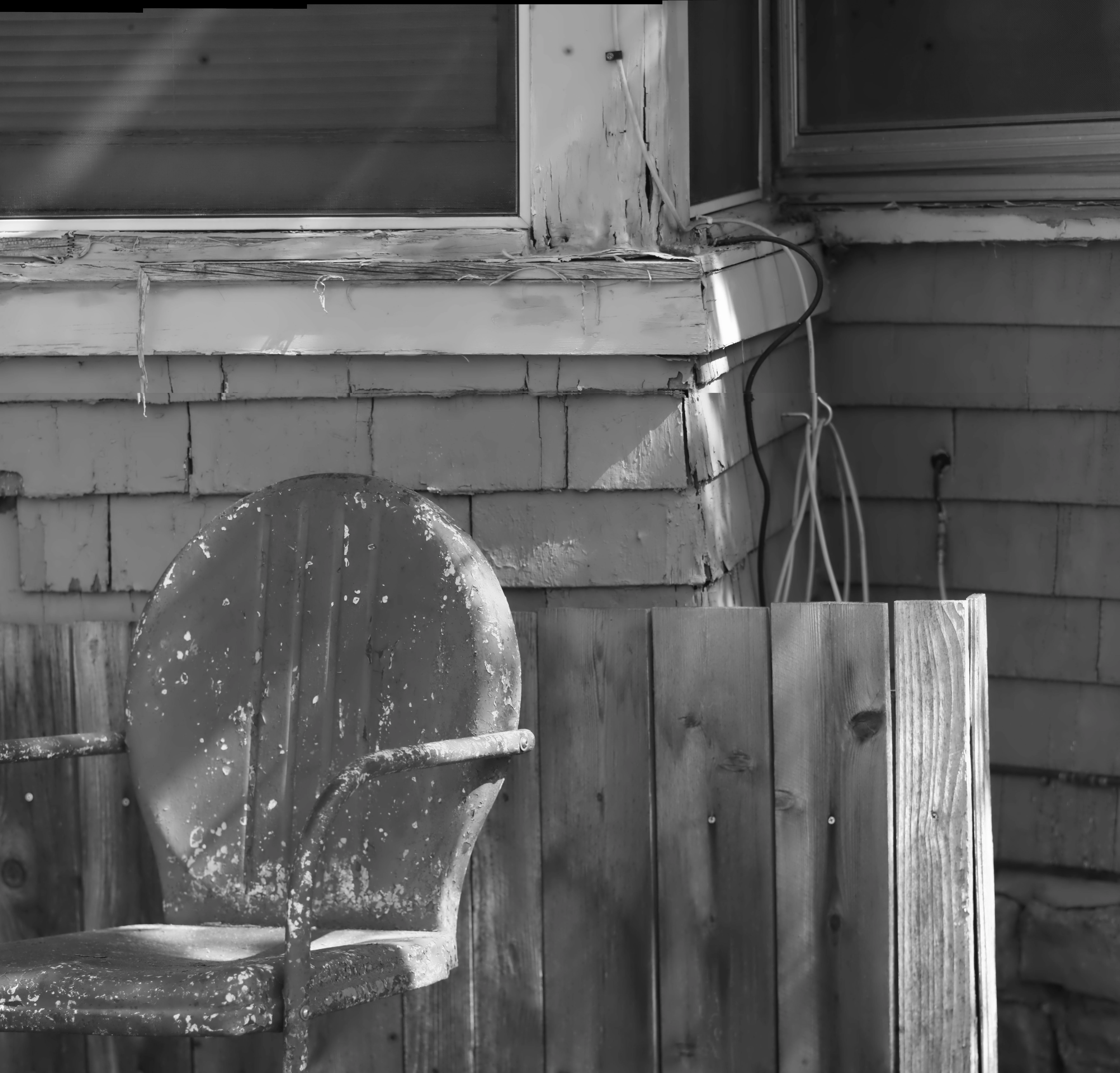
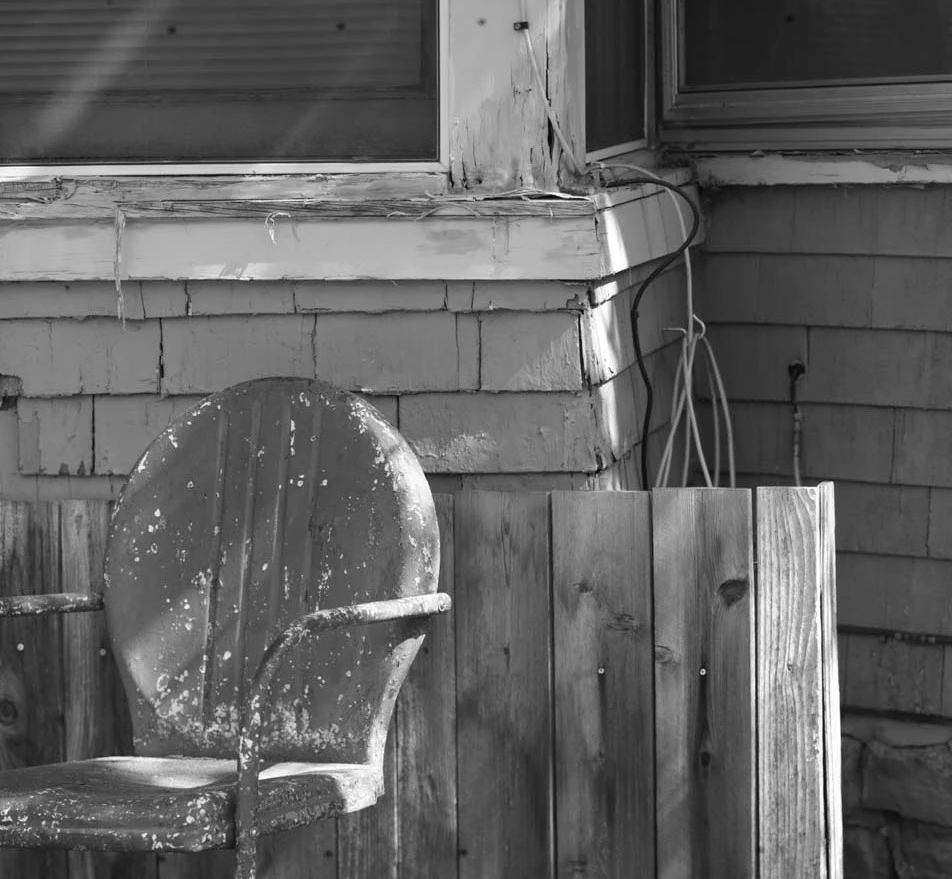
Now comparing a merged inmage from Lightroom and Corel I am disappointed by the Lightroom resolution.  The Lightrrom size of the merged image (upper) is 185KB.  The Corel size of the same merged image (lower) is 3.13MB.  The whole purpose of multiple exposure and stitching in my case is to create high resolution images.  Am I missing something?  Thanks.
This topic has been closed for replies.

4 replies

GoldingD
Legend
June 3, 2020

Ahh, rereadng your last, so a Photo Merrge PANO.


From RAW?

To DNG?

And the resulting file would defiantly take up more hard drive space than one of the individual files. Total space maybe less than their sum (due to overlap).


seigezapfAuthor
Known Participant
June 3, 2020

I retried everything and the result was successful.  Thank you again Conrad and Wobert.  I had originally been using Lightroom CC without being aware.  As mentioned I switched to Lightroom Classic.  Classic is so much easier to use.  Much of Lightroom CC felt opaque to me and may have been one reason I didn't export properly.  Anyway I am very happy now.


David I used JPEG files.  I know my camera will produce RAW files and have read that they are much better to edit.  So far I have no experience with them.  I'm just learning about this.  My photographic experience many years ago was with film and darkrooms.  I have just taken up photography again.  Digital is new for me with so many possibilities and so much to learn.


I don't know what a DNG file is, but no doubt will run across it as I keep figuring stuff out.


Craig

GoldingD
Legend
June 3, 2020

You are using RAW files correct?


And by Merge, you are refering, in this case, to Photo Merge, and then HDR?


In Lightroom Classic the above merge should result into a DNG file, and that file may be larger (HD space) than any of the RAW files used in the merge. 


https://havecamerawilltravel.com/lightroom/hdr-photo-merge/


Rob_Cullen
Community Expert
Community Expert
June 3, 2020

"Now comparing a merged inmage from Lightroom and Corel I am disappointed by the Lightroom resolution. The Lightrrom size of the merged image (upper) is 185KB. The Corel size of the same merged image (lower) is 3.13MB. The whole purpose of multiple exposure and stitching in my case is to create high resolution images. Am I missing something? Thanks."


"Resolution" has no meaning with 'Digital' files. The important criteria is Pixel Dimensions.

"Stitching"- I presume you mean 'Panorma'.

Where are you seeing the 185KB (KILO bytes) ?  Is this the metadata in Lightroom or in a File Browser?

What Pixel Dimensions are the original files you are merging?

What Pixel Dimensions are the resulting 'merged; file?


Here is my experience with Panorama merging in Lightroom-

Eight original files (4016x6016px) , each ~30MB (MEGA bytes), The panorama is ~275MB.

Note the Panorama File Size and Dimensions (15068x5487px) in my screen-clip:

Regards. My System: Windows-11, Lightroom-Classic 15.3, Photoshop 27.5, ACR 18.3, Lightroom 9.3, Lr-iOS 10.4.0, Bridge 16.0.3 .
seigezapfAuthor
Known Participant
June 3, 2020

Thank you Conrad and Wobert.  Your comments are very helpful.  I wasn't aware that pixels and KB or MB had different meanings, but I think I understand now.  Wobert, the KB and MB numbers were from the computer file browser not Lightroom.  Yes I meant panorama. 


I just loaded lightroom today and somehow Lightroom CC was activated.  I have since uninstalled that and installed Classic which is what I thought I got in the first place.  I'm not sure if that makes any difference. I just finished an hour long chat with an Adobe agent who was able to help me switch to Classic, but didn't seem to have a clue about the resolution issue.  


Conrad, I'll try it all again and pay attention to the Export Settings.  I don't remember seeing them, but this is all very new to me.  I did panorama not HDR merge.  I understood that HDR was merging a set of bracketed exposures.  I sure could be wrong about that.  


I am merging a series of images taken with a full frame camera mounted on a sliding digital back of a 4X5 view camera.  So it makes no sense to lose so much resolution by combining them.  The 10 images that were used to merge were each 2912 X 4368.  The resulting images from Corel and Lightroom are what you indicate Conrad. 


I'll work on this again tomorrow using your suggestions.


Thanks again.  I really appreciate your help.


Craig  

Conrad_C
Community Expert
Community Expert
June 3, 2020

I understand what kind of merging you are doing now. I’ve also done two-dimensional panorama merges in Lightroom Classic. One of them, of a large interior, started as a 9 x 7 grid of raw images that merged into a single 8040 x 6432 pixel image after distortion removal and cropping. This sort of thing is definitely doable in Lightroom Classic.


Feel free to come back and let us know how it went.

Conrad_C
Community Expert
Community Expert
June 3, 2020

First, you compared “resolutions” by stating file sizes: 185KB vs 3.13MB. But resolution is not file size, because many variables can make two images of the same resolution have very different file sizes.


More useful is to look at resolution as defined by the pixel dimensions of the two images. Looking at the examples you uploaded, the actual pixel dimensions of the Lightroom Classic example are 952 x 897 pixels, and the Corel example is 7062 x 6765 pixels. That is clearly a large difference in resolution.


Lightroom Classic does not alter the resolution of an image except at export, so the probable cause here is that when you exported the example from Lightroom Classic, the Image Sizing option in the Export Settings dialog was probably set to something that limited the pixel dimensions.


To avoid this, next time you export the Lightroom Classic version, in Export Settings try leaving Resize to Fit disabled. That should export the full available pixel dimensions of the original HDR merge.