Inspiring
January 9, 2025
Answered

Restoring Catalog

  • January 9, 2025
  • 2 replies
  • 3195 views

Hi guys,

I received an alert that says: REPAIR CATALOG  The Lightroom Catalog-2-2-v13-3” is corrupt and cannot be used until it is repaired.

The repair process may take several minutes.


…… It has been several hours and the wheel is still twirling.


I have a Macbook / Sequoia 15.1.1

And I have the backup drive.


What’s your best advice?


Thanks a lot,

Correct answer dj_paige

Thanks dj.

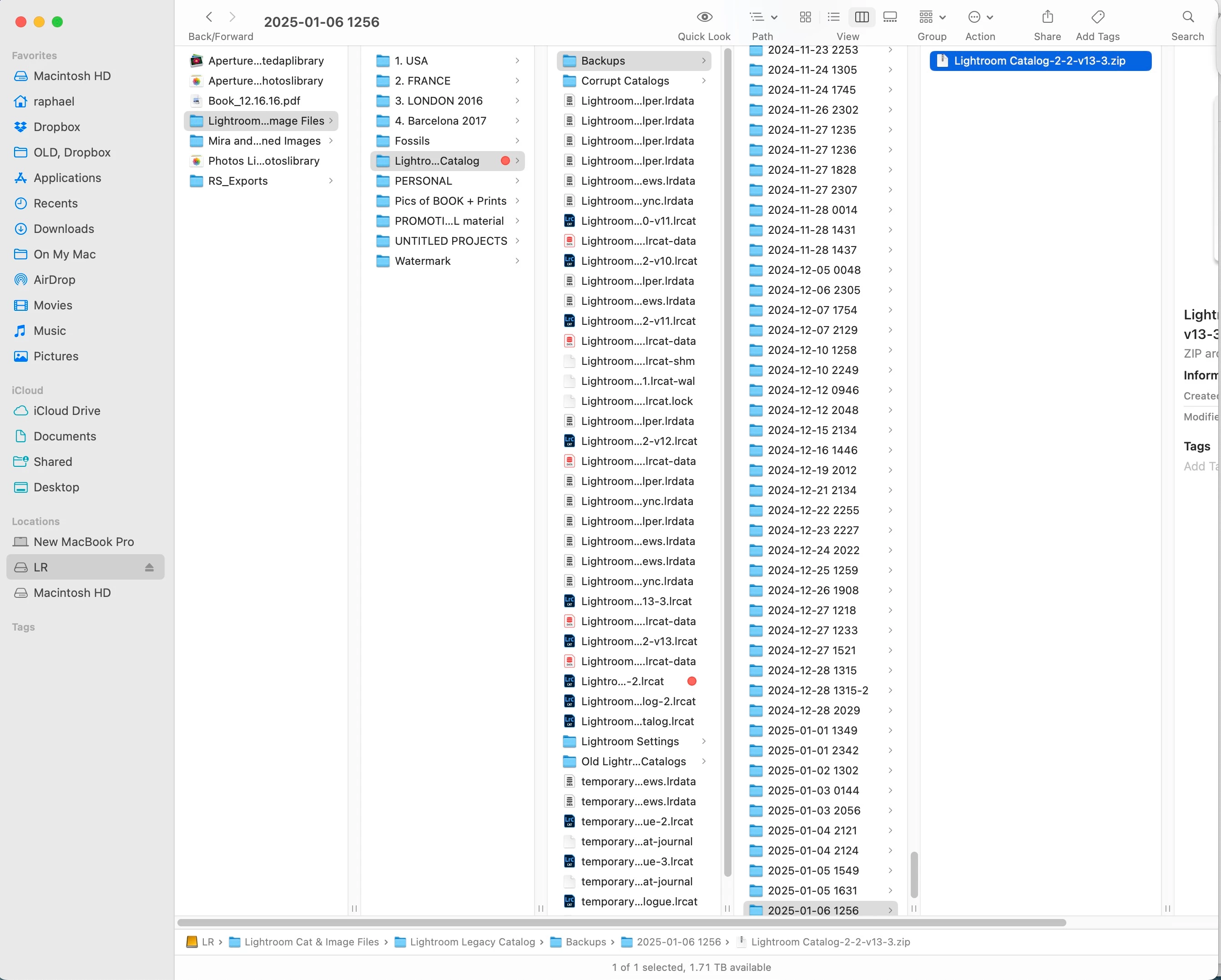
Do you mean use this catalog for instance?

It's the latest.


Yes you could restore that one, and if that doesn't work, try a few of the older ones.

2 replies

dj_paige
Legend
January 9, 2025

Restore a recent backup of you Lightroom Catalog.

Inspiring
January 9, 2025

Thank you, dj.

Just stop the repair, connect my LR drive and my backup drive, and reverse the back up direction?

dj_paige
Legend
January 9, 2025

If the process takes hours, that's just not right, and there's no point to continue.


I would unzip the backup catalog file, copy the unzipped file to the same folder that the original catalog was in. If this is a problem caused by a failing hard disk (quite likely) then perhaps you want to unzip the backup again, and copy the unzipped catalog file to some other folder.

Inspiring
January 9, 2025

And ... I use SuperDuper!