
Question
Right-click image in develop module, can no longer see all of my develop presets
I always used to be able to see and select from all of my develop presets when I right-clicked an image in the loupe of the develop module. But with some update I must have done years ago, they don't show up anymore. This is all I see now:
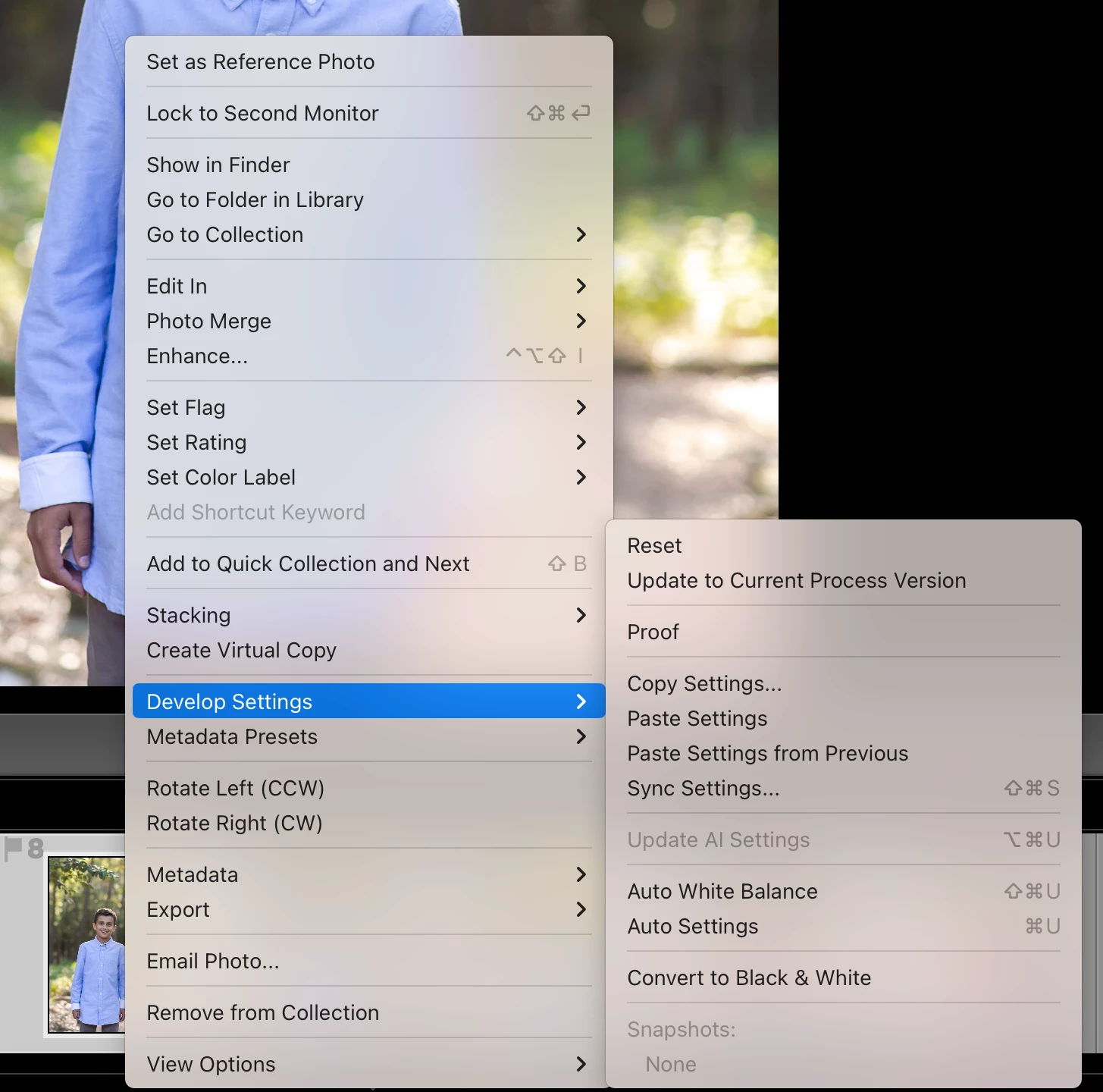
I've just tolerated it all this time, but I would really like to be able to go back to quickly applying a preset to an individual image insead of having to scroll through all of my presets in the left panel. Any thoughts as to a setting or something I may have inadvertently changed?
Thank you!
~Michele


 AdChoices