


Answered
Right Left Arrow Keys do not work in develop module after Remove Tool used
In Develop Module, after using the remove tool (doesn't matter which of the remove tools is used), the right left arrow keys no longer work to go to next photo.
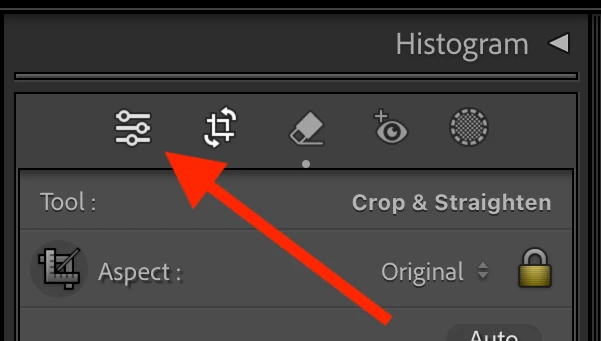
Workaround: If you click the Library tab and back to Develop, the right / left arrow keys will work again.
Reproduction steps.
1. In develop module
2. Use right or left arrow key to move to a picture
3. Select remove tool
4. Remove a selection using the Remove Option (or heal or clone)
5. Hit <enter> to accept
6. Attempt to move to next picture with left or right arrow (does not work)
Windows 11
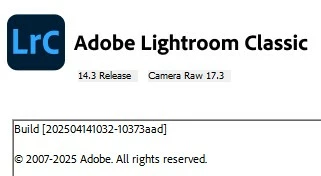
14.3 Release

 AdChoices