
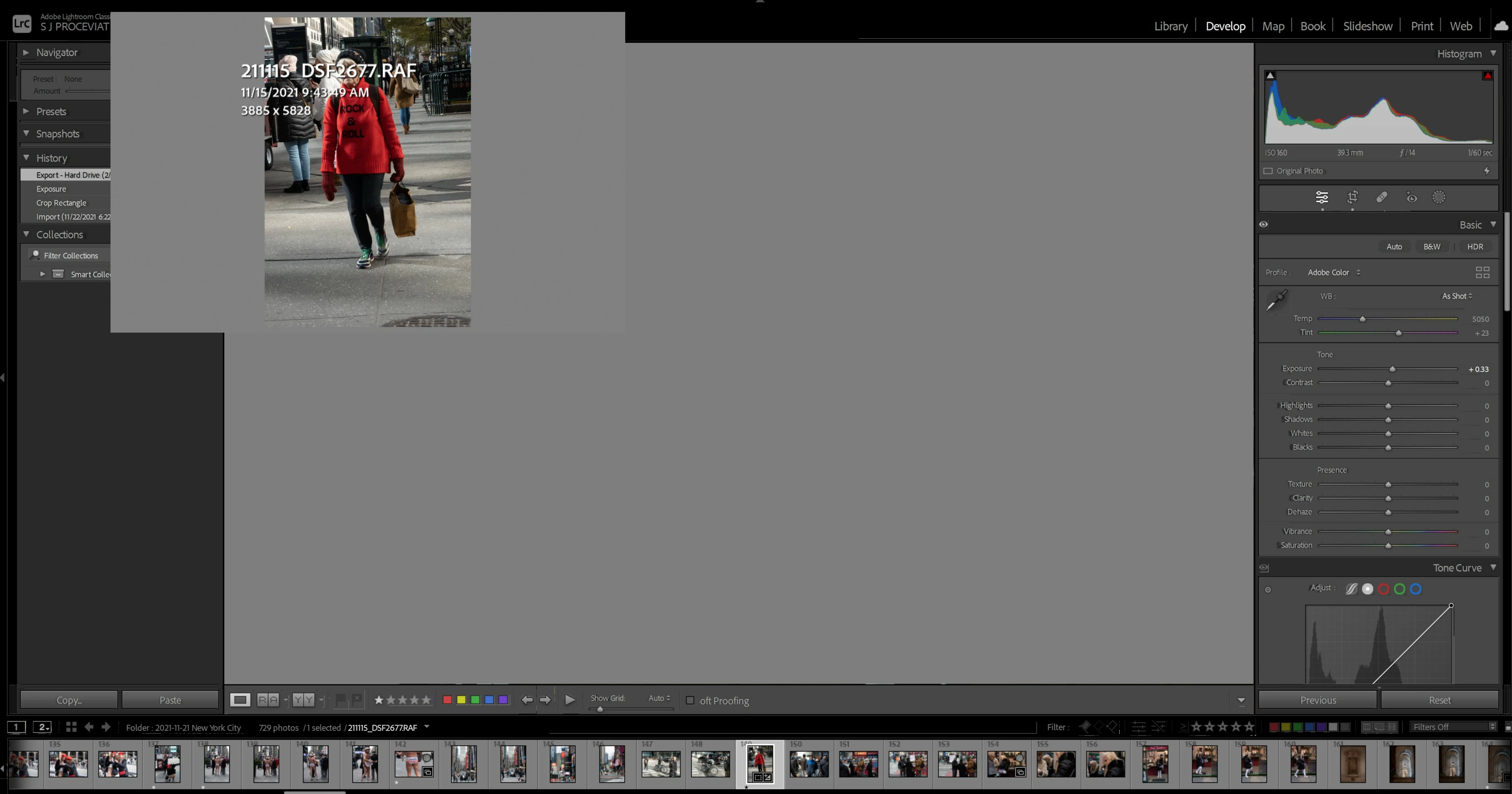
Screen in develop mode , unusable
I posted something a couple of days ago. Got some recommendations which I implemented. The problem is still here.
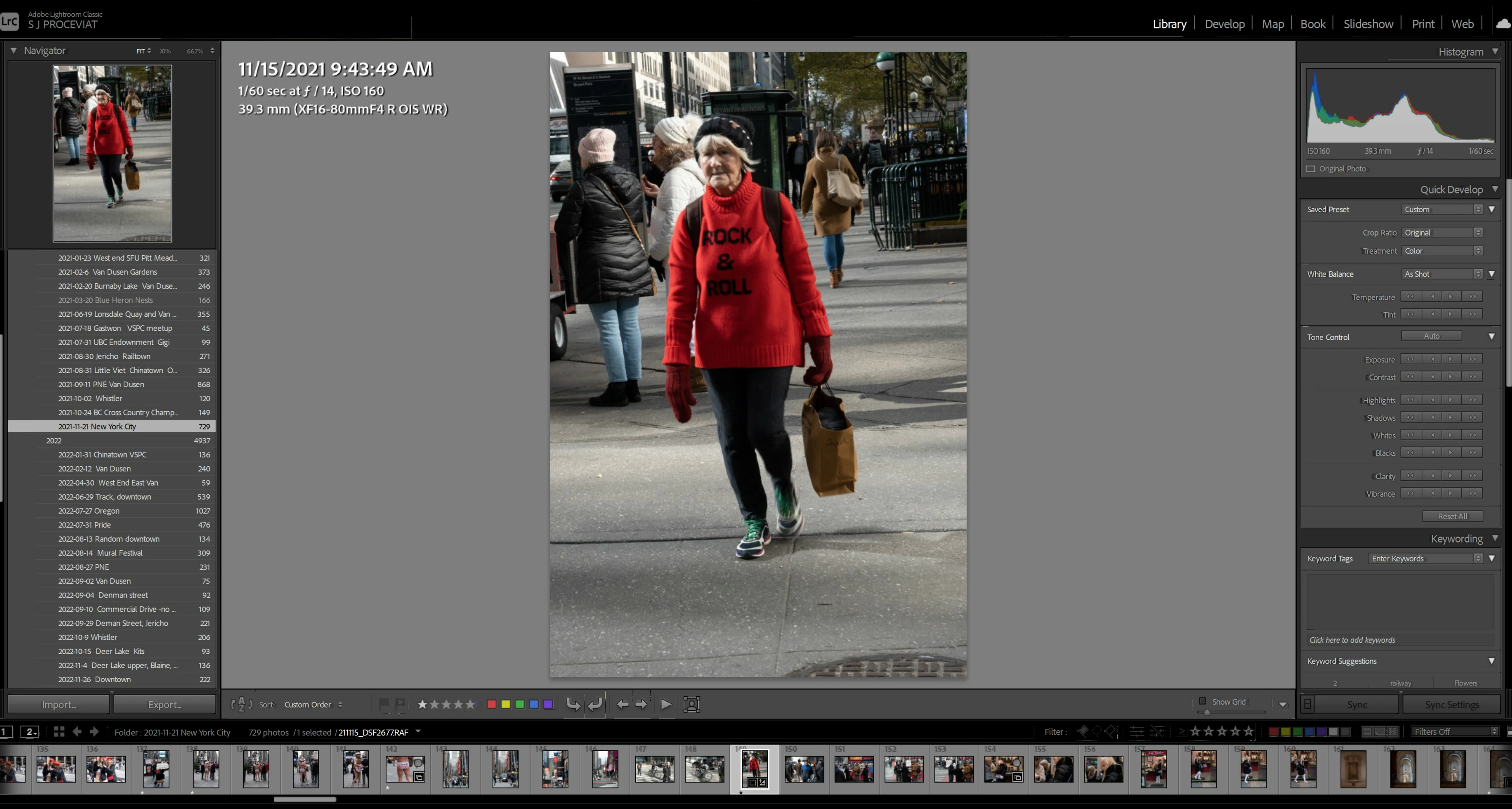
This is a screen shot in File mod
This is what happen when I am in develop mode
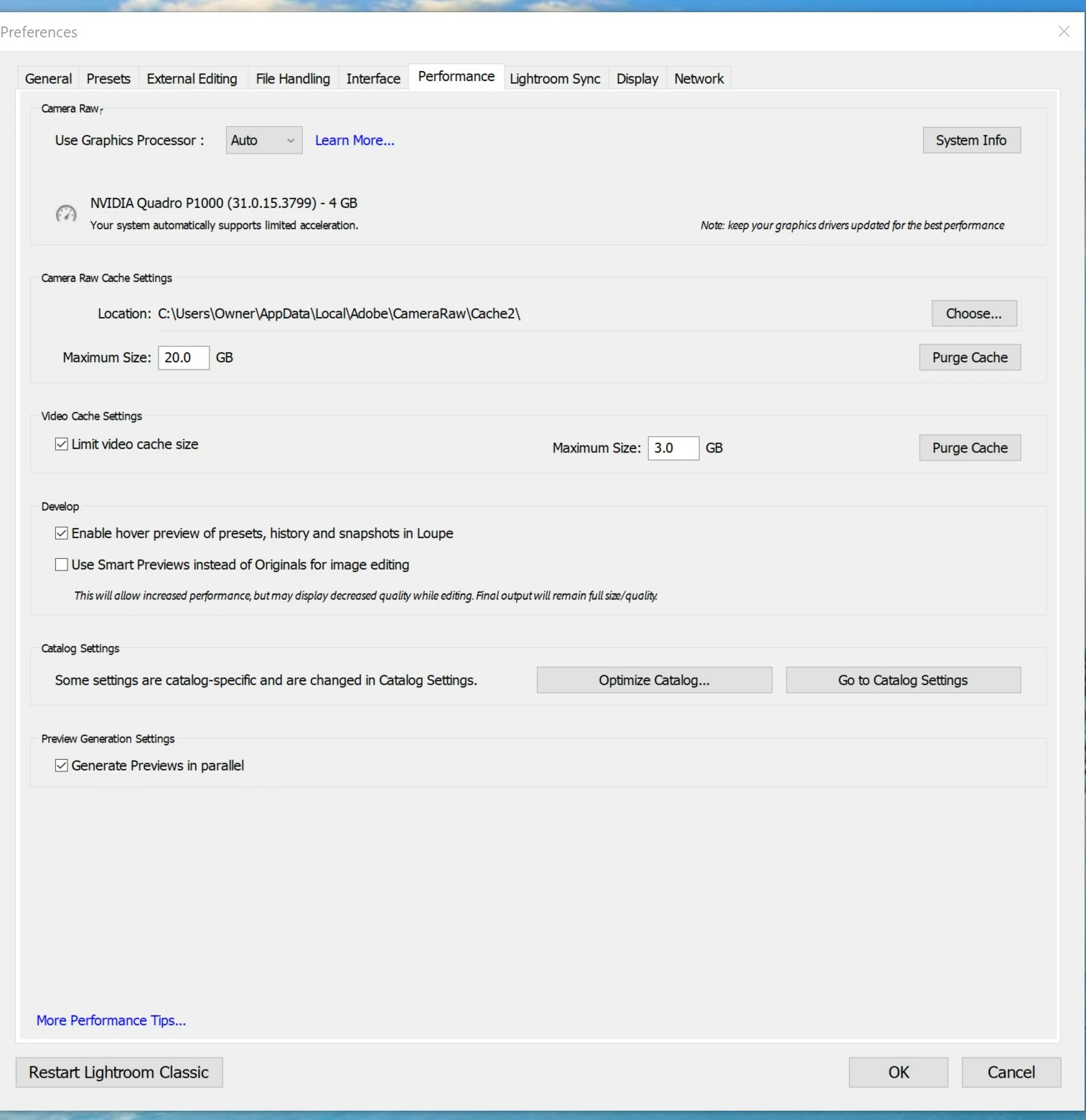
Here is a screen shot of my performance tab
Here is my system
Windows 10, 132 mgz, 2 ssd 1TB drives in a standalone computer.
Lightroom up to date and I updated both drivers yesterday.
I had a techie in who set up my computer to backup to One Drive every 10 minutes or so. All the information from lightroom is on my SSD drives on my computer and is backing up to ONE Drive.
One of the programs I use for work had to be moved directly to C:\ as any backing up of files of this type on my computer to one drive interferred with the software. I am wondering if this is what is the problem here. If so how can I safely move the folder to a safe spot. All my photos are on external hard drives - 1 - 4 TB in size.
I recently added a new (2nd monitor) 4K screen. Had some issues with bleeding, pixelating and the screen turning itself off.
What can I do to get lightroom working again?


 AdChoices