
Question
Scrolling Mask Presets
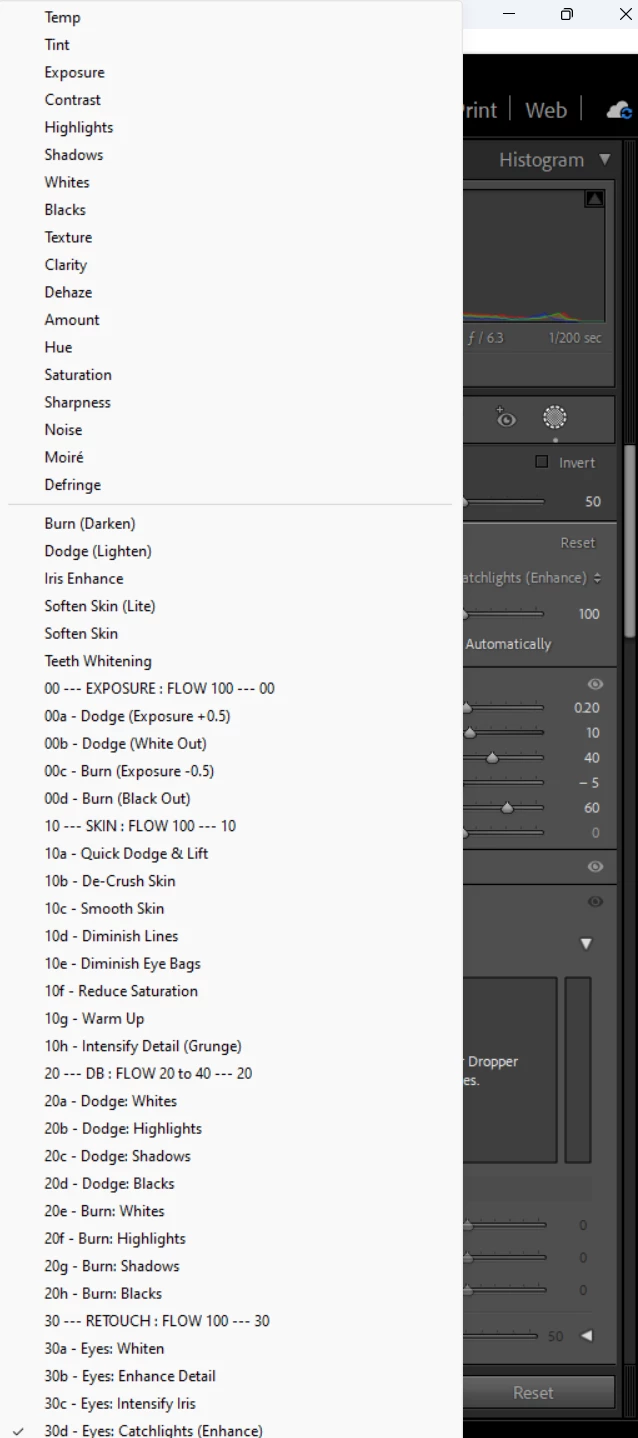
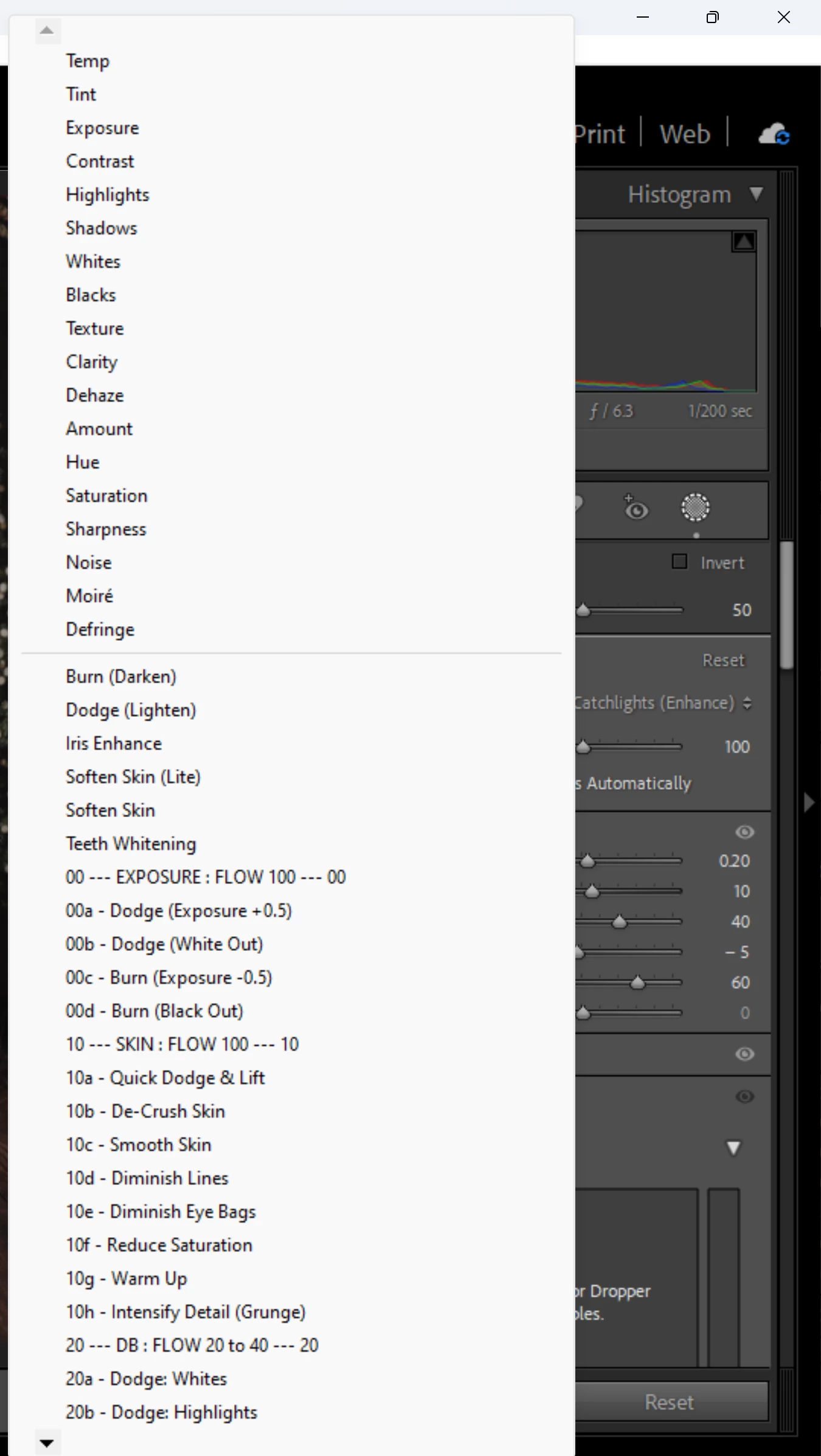
Something weird is going on and I cannot for the life of me figure it out. I have a 4k laptop and a 2k xp pen display that I do my editing on. If I have lightroom open just on my laptop screen I can scroll through the mask brush presets using the little arrows at top and bottom, but if I have lightroom open on the other screen I no longer see the arrows to scroll. The first screen shot is from my xp pen monitor and second from my laptop. Any clues how I can get the arrows to appear on both? I never thought having two different resolution monitors was such a hassle!
 AdChoices