


Secondary Display rendering changes when Develop is active
I’m experiencing a display/rendering problem in Lightroom Classic on macOS.
When Lightroom Classic is in Develop on my primary display, the image shown on the Secondary Display immediately becomes noticeably lighter/washed out when I select it. This happens in both Grid and Loupe view on the Secondary Display.
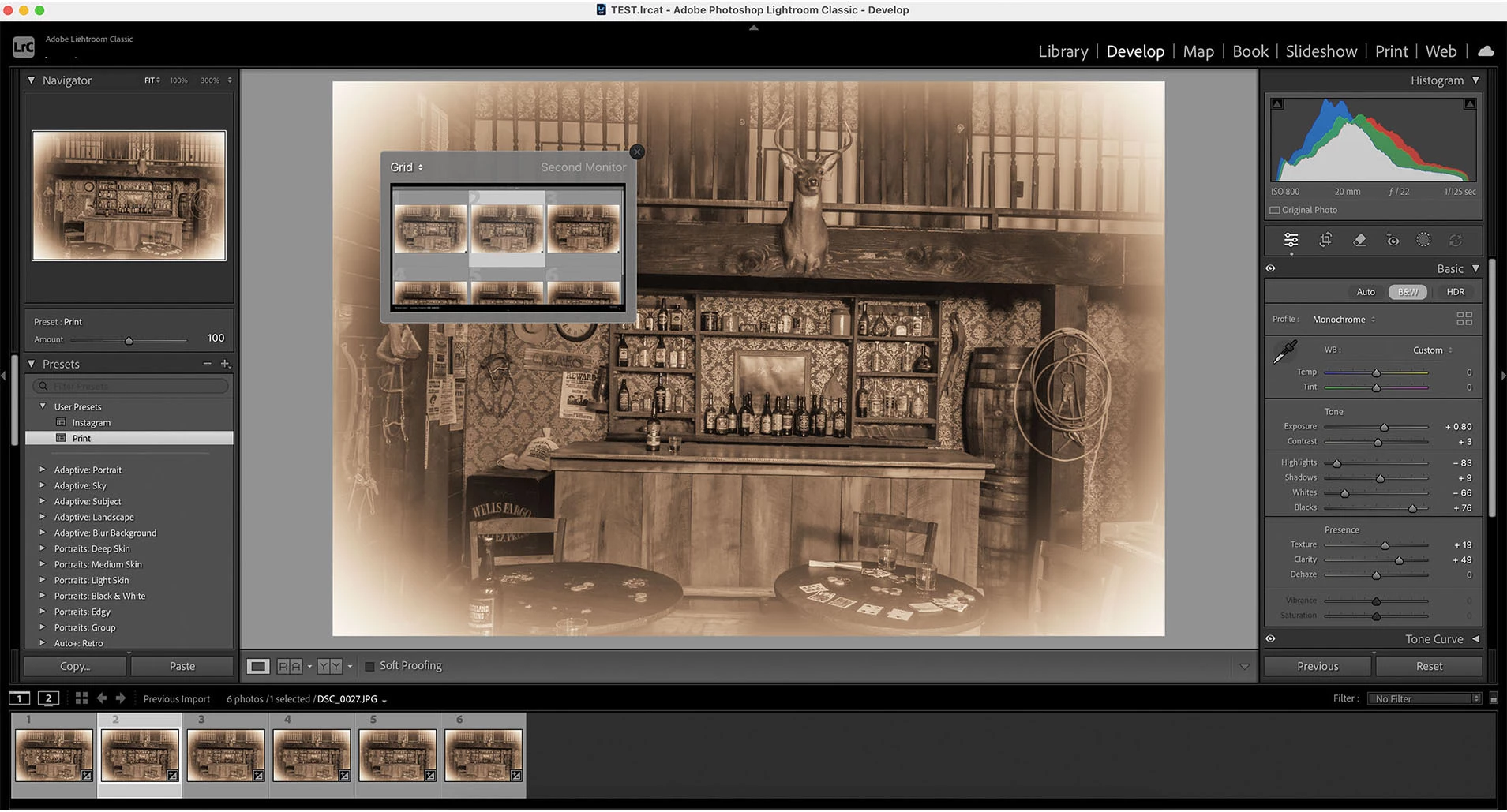
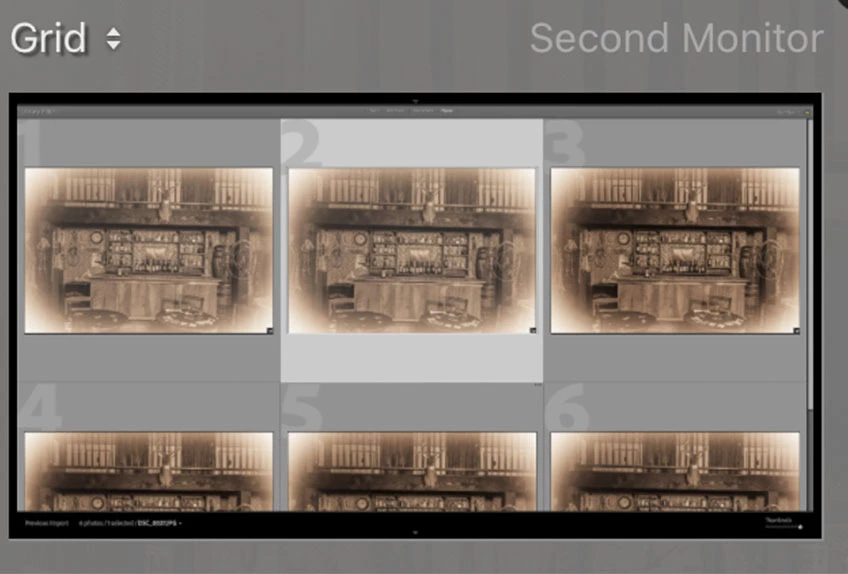
The same photos display correctly in Library and Print, and the problem occurs on all four of my connected displays.
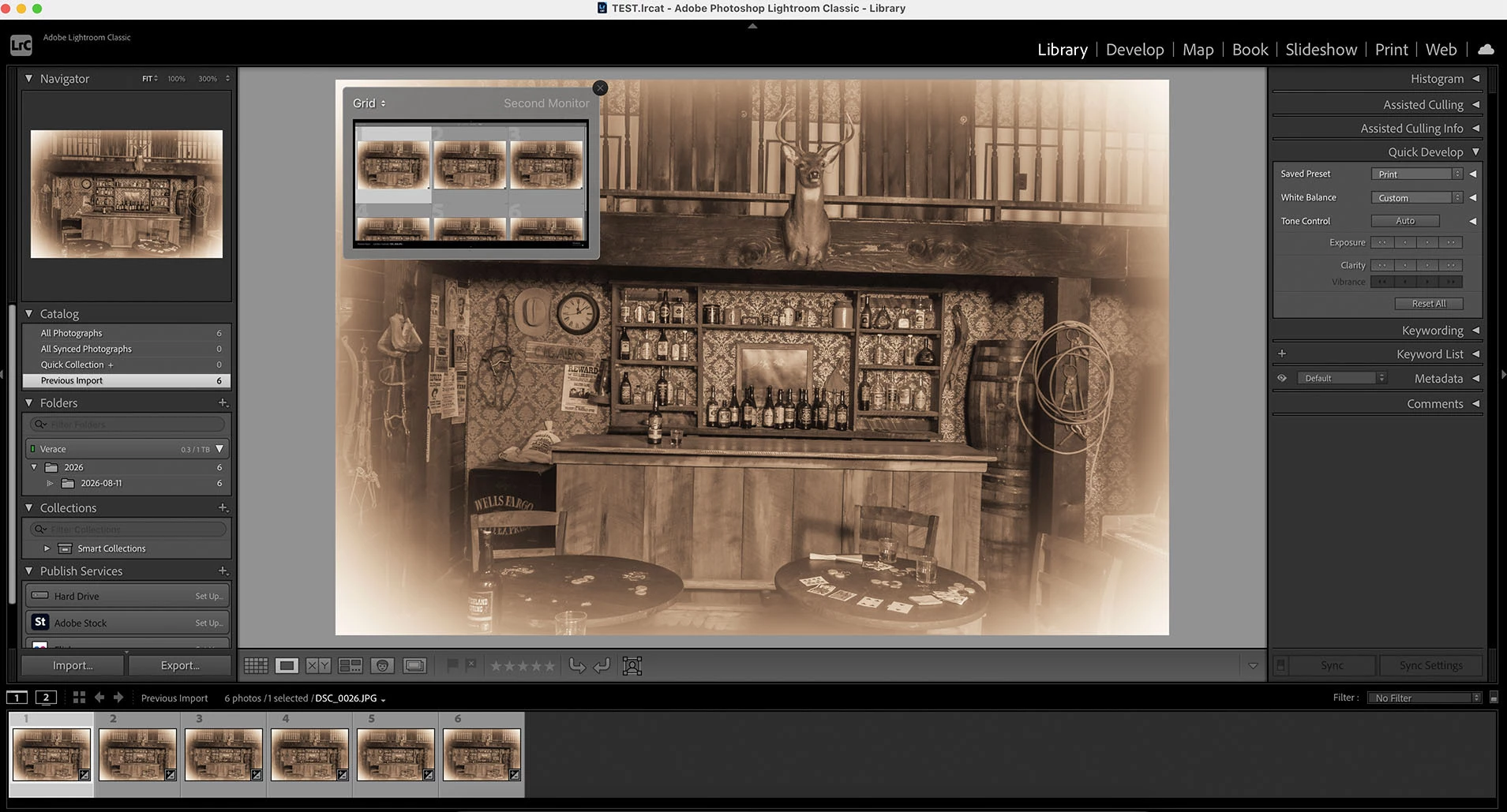
Expected: The Secondary Display should show the same appearance as the photo in Library/Print.
Actual: The selected photo becomes visibly lighter/washed out only when the primary Lightroom window is in Develop.
I can reproduce this with a brand-new catalog and an untouched JPEG or RAW file. I have also tested with GPU disabled, reset Lightroom preferences, purged the Camera Raw cache, and updated Lightroom Classic to the latest version. The behavior remains unchanged.
System: 2019 Intel iMac, Radeon Pro 555X 2GB, 32GB RAM, macOS 15.7.7.
 AdChoices