
Secondary Window is not handled properly and setting is lost after closing the app
I have to set the secondary window after every launch of LrC.
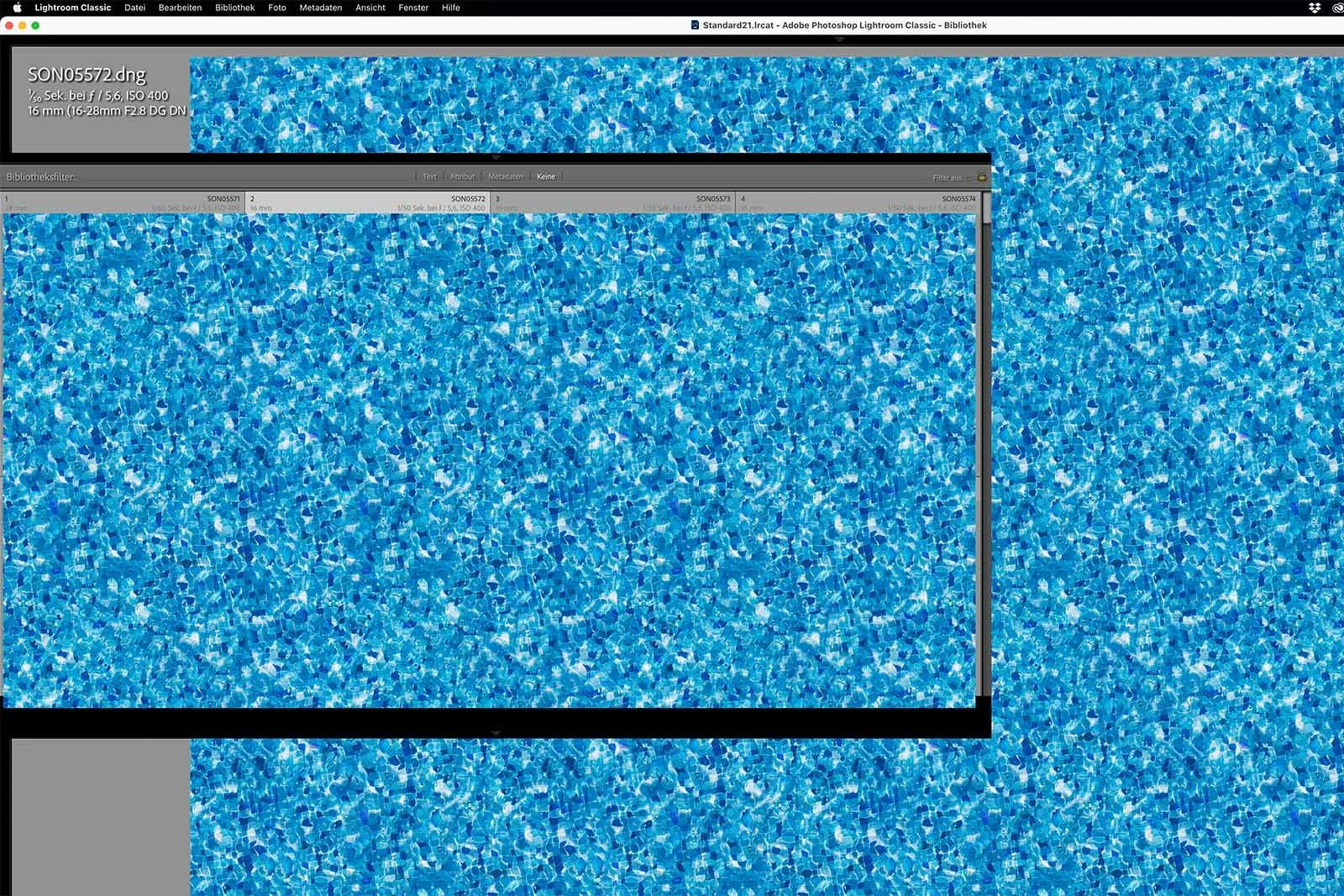
I am using a M1 MacBook with an external 4K monitor with scaling. The internal display is primary, LrC by default launches on an own desktop on the external monitor. When I activate the secondary window by Shift+E or Shift+G, it is overlayed on the primary window and only partially covers it. I have to close it again, set the secondary window to the MacBooks internal display and then it works again. The setting is lost after closing and relaunching. Strangely when I go first to the settings before activating the secondary window it is indicated to be properly set to the internal display. When activated via shortcut, it is again overlayed on the primary. Returning to the settings panel it shows that it is improperly set. After setting it up, it appears where it is supposed to.
 AdChoices