
Select Catalog Window is always blank
Hi,
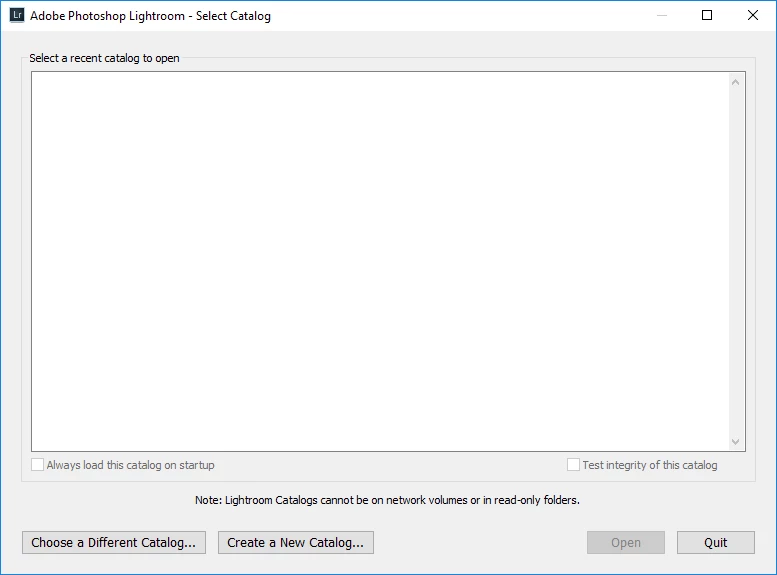
I have an old lap top with light room 5 on it. My new computer has lightroom 6 (and Windows 10). I have copied the catalog files Lightroom Catalog.lrcat, Lightroom Catalog Previews.lrdata, and all the backups to my new computer. When I open Lightroom, the "Adobe Photoshop Lightroom - Select Catalog" window opens. There is a window labeled "select a recent catalog to open" and it is completely blank.
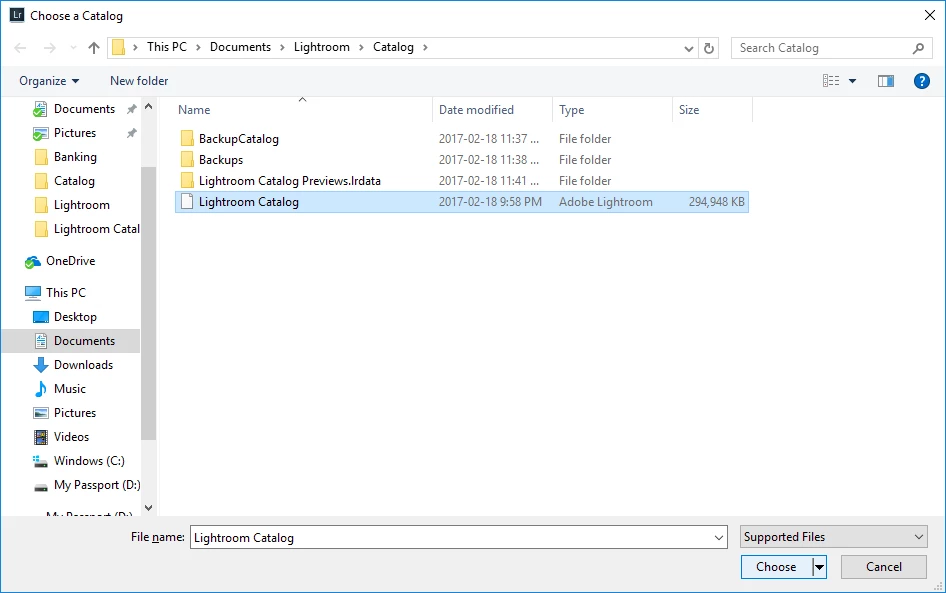
I click on "Choose a Different Catalog" on the bottom left, navigate to where Lightroom Catalog.lrcat is located, select it, and hit "choose". It then takes me back to the original "Adobe Photoshop Lightroom - Select Catalog" window still with nothing listed under "select a recent catalog to open".
Is this because the catalog is from lightroom 5? I thought it was supposed to recognize that and convert it.
Thanks,
 AdChoices