Participant
November 18, 2019
Question

Serious issues with the new Lightroom Classic update

  • November 18, 2019
  • 2 replies
  • 339 views

Just by updating to the new version of lightroom today:


  • I have been unable to open my catalog, an error appears (see attached)
  • Upon opening a backup catalog, I was trying to save an image exported from LR to PS back to LR and it wouldn't respond, I had to force quit.
  • Now the app continues to bounce and will not open.
  • Update: stopped bouncing, just won't open now, required to Force Quit again.


I've uninstalled and re-installed Lightroom Classic.


I am using a Mac  ios version 10.15.1


Lightroom Classic V 9.0


Trying to get work to a client ASAP and Photoshop has also been giving me issues since updating.

This post is more of a plea to Adobe to have these fixed ASAP, professionals are counting on it.

I have tried the chat, but I've been waiting an hour for someone to respond.
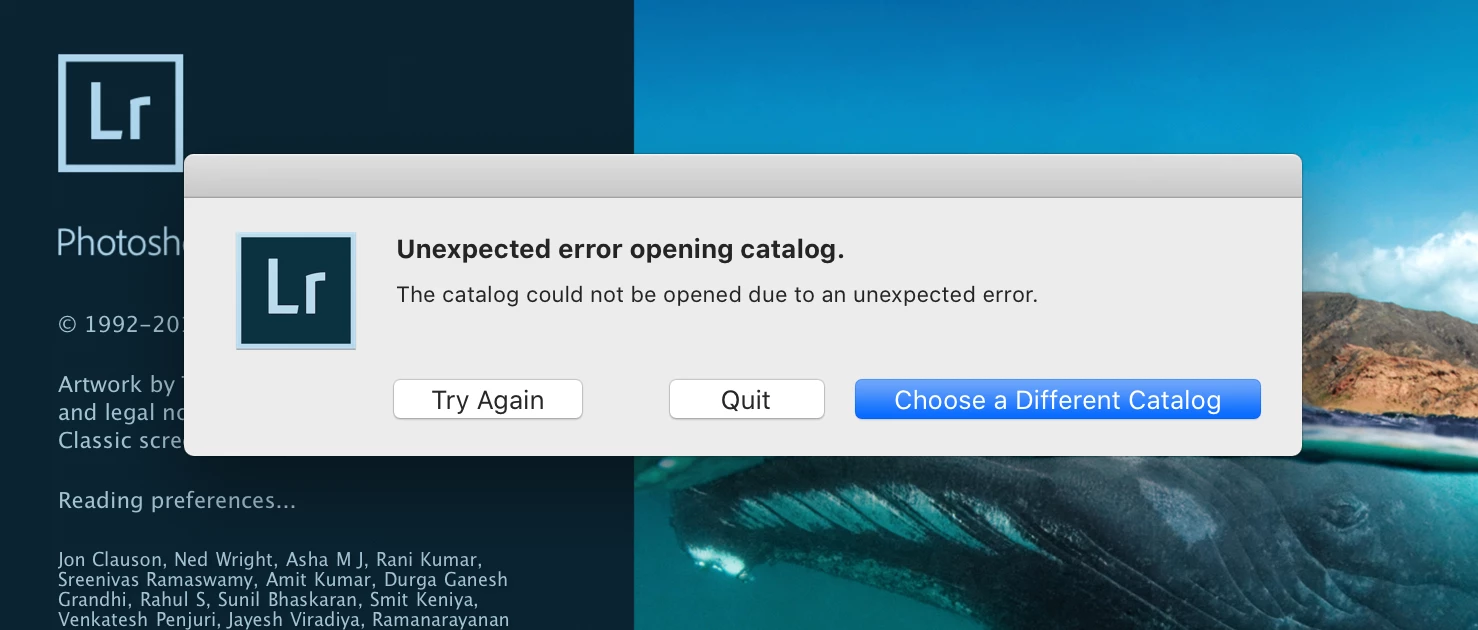
 

Update:

I have downloaded the previous version of Lightroom Classic and the same error appears:
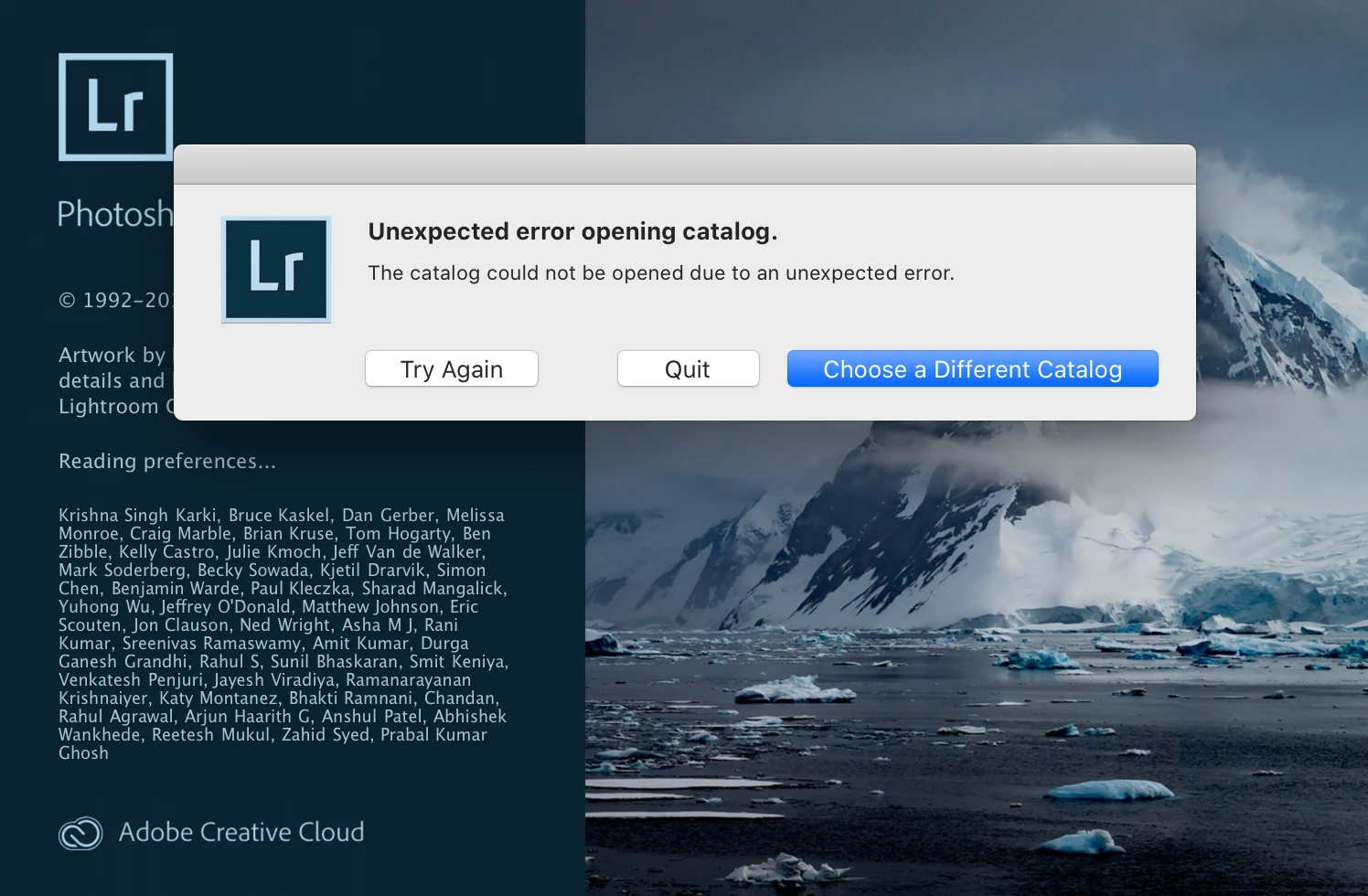
 

Another update:

I can no longer access even my new backup catalog....


This topic has been closed for replies.

2 replies

Community Expert
November 19, 2019

Two very important things to check if you are on Catalina is that the app's access is set correctly in System Preferences -> Security & Privacy -> Privacy -> Files and Folders as below:

Lastly, if you are using external disks that are NTFS formatted, you might run into the problem where the diurvers you were using for that need to be updated. Mac OS X cannot natively write to such disks and those disks should be reformatted to HFS extended or APFS when you get them first or you need to use a third-party driver.

Community Expert
November 18, 2019

Try opening with the option key pressed. You should get a dialog where you can choose which catalog to open. Choose yur catalog and select "test integrity of this catalog". It's a long shot but it will try and repair damage to your catalog file with this option.

skeith201Author
Participant
November 18, 2019

Thanks for the tip, unfortuantely, still no luck. This is my backup catalog as well...

I'm going to try unmounting every disk and restarting the computer. Fingers crossed!