


Shadows clipped in Lightroom Classic and Adobe Camera Raw on macOS
I have recently run into an issue where very dark shadows are being clipped in Lightroom Classic and Adobe Camera Raw. No issue in Photoshop.
MacBook Pro M3 Max
macOS 15.6.1
Photoshop 26.10.0
Lightroom Classic 14.5.1
I noticed this issue with macOS 15.5.0 and the previous releases of PS and LRC. I updated everything to the latest as of this morning, rebooted multiple times, and the issue still exists.
The issue happens when:
- Using the built-in display of my MacBook and the stock Apple XDR profiles or custom profiles I created with my Calibrite Display Plus HL.
- Using my external 24" LG 4K display with custom profiles created with my Calibrate Display Plus HL.
The issue DOES NOT happen when I set the display to use a generic profile like Display P3.
Disabling GPU acceleration in LRC improves the problem (less clipping) but doesn't completely get rid of it.
The issue also happens when using Adobe Camera Raw in Photoshop as filter on a layer.
I updated Calibrate Profiler to the latest version and created new profiles to see if that would fix it, but no luck. The issue also happens with old profiles I created a year or more ago that I never had an issue with before until I started seeing this problem recently.
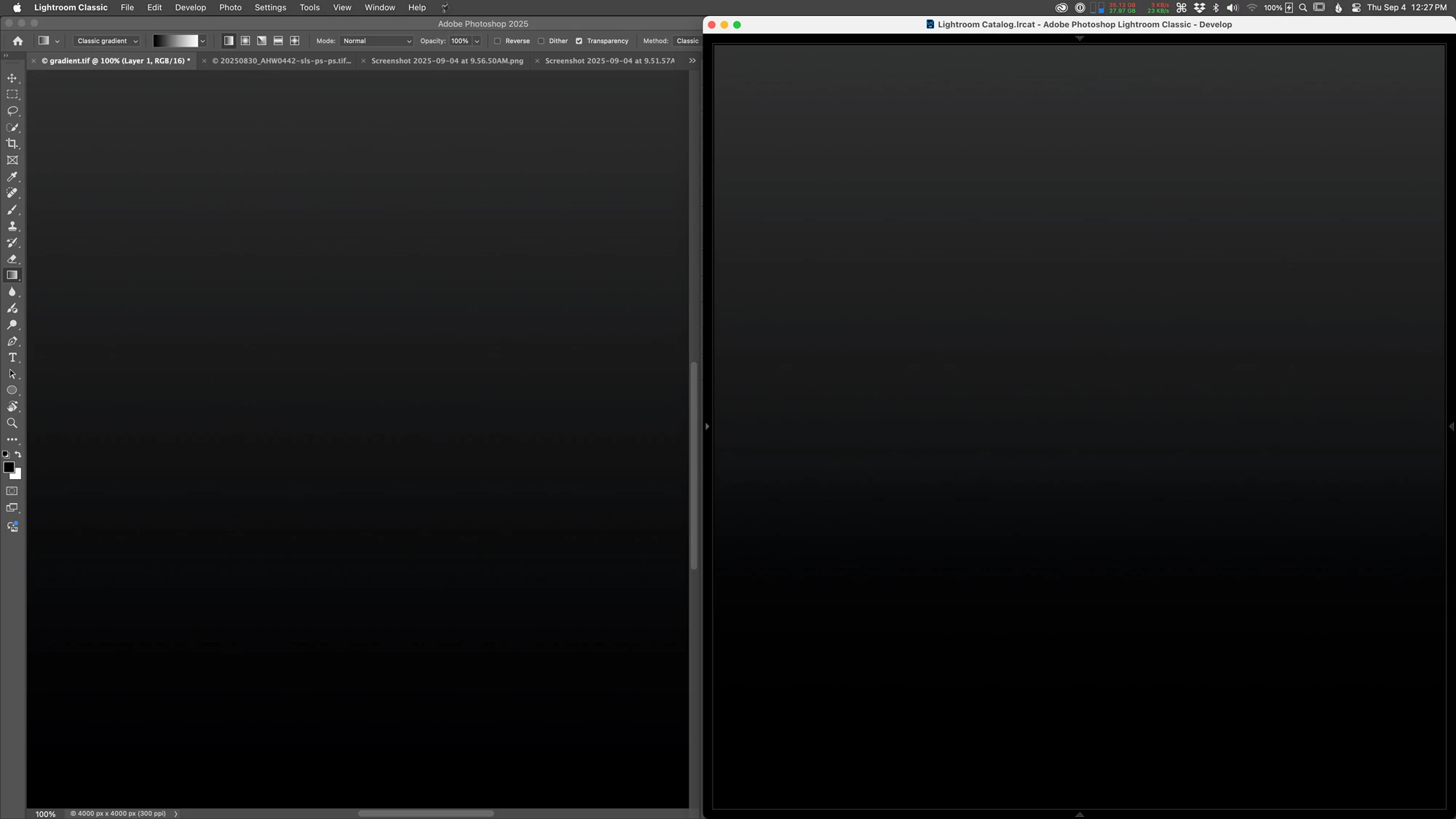
Here is an example of the issue. Photoshop 26.10.0 on the left, Lightroom Classic 14.5.1 develop mode on the right, running on macOS 15.6.1. Zoomed in to 100% on both. Same gradient 16-bit ProPhoto RGB TIFF file opened in PS and LRC. This is difficult to show with the JPEG black crushing of the screenshots, but it is visible. Increasing your display brightness will help to see it. The original hi res screenshot can be downloaded here that more clearly shows the issue.
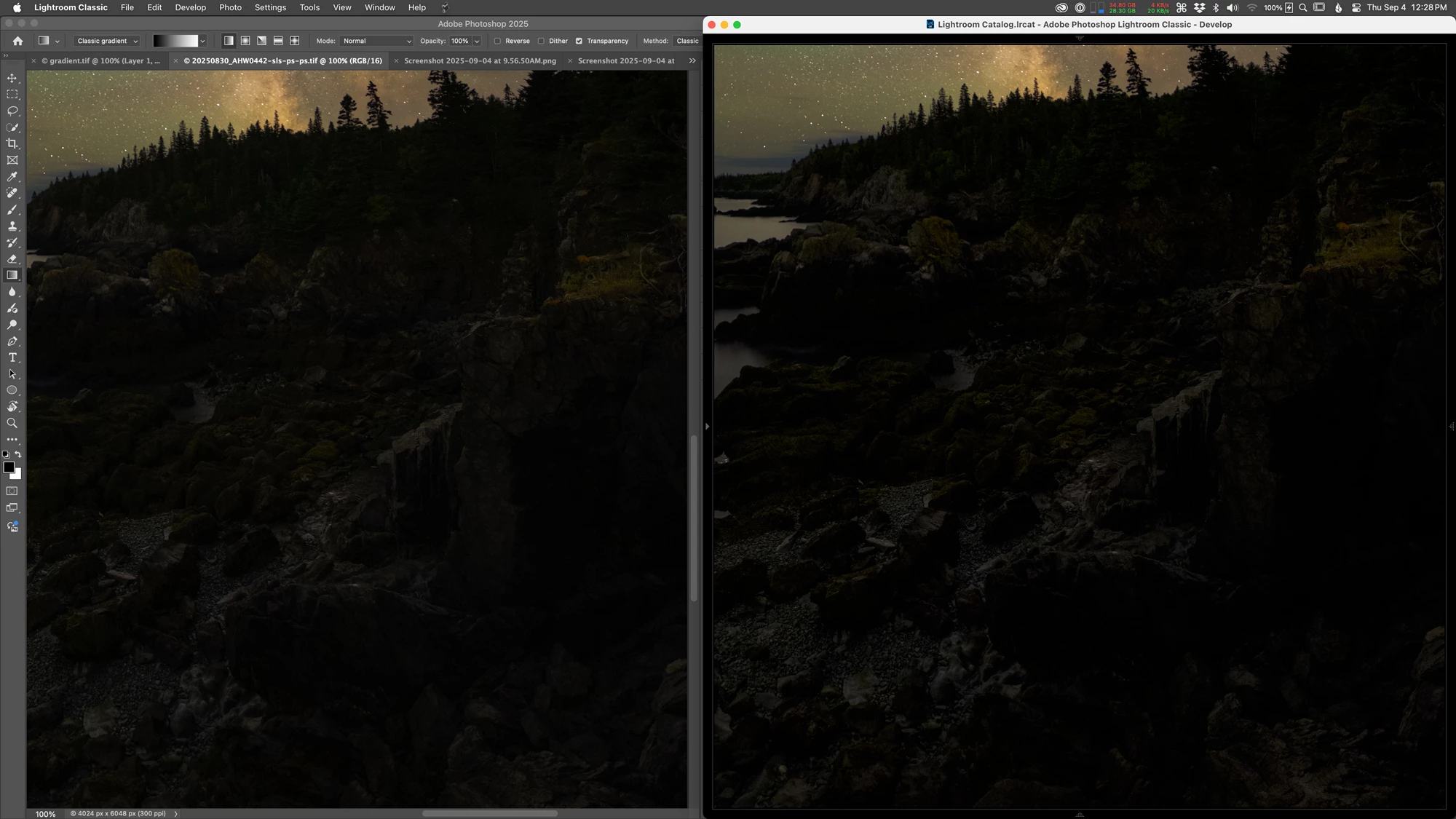
Here is another example, PS left, LRC develop mode right. Original screenshot here.
Is anyone else seeing this? Any other ideas for trying to fix it?
 AdChoices