
Question
shortcut to delete masks (or at least copy settings WITHOUT masks being included)?
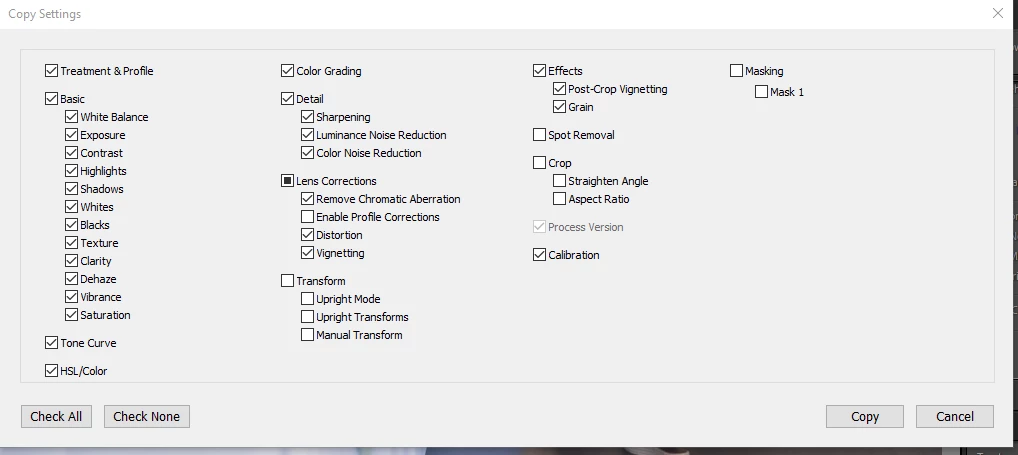
Hi, I haven't posted here in a bit, but I'm working through a big batch of photos in lightroom 11 for the first time, and i've noticed that whenever I copy settings from previous photo, the masks copy over (even though I've disabled the function in the copy setting panel). And since I can't find a keystroke to delete the masks (this was quick and easy to do with the gradients in previous versions), I have to move my hands, off my editing console and physically click on the mask panel TWICE every time this happens.
it's a big time suck and interrupts the flow of processing. Has anybody figured out a workaround for this yet?
 AdChoices