

Sidecar files disassociated from image files
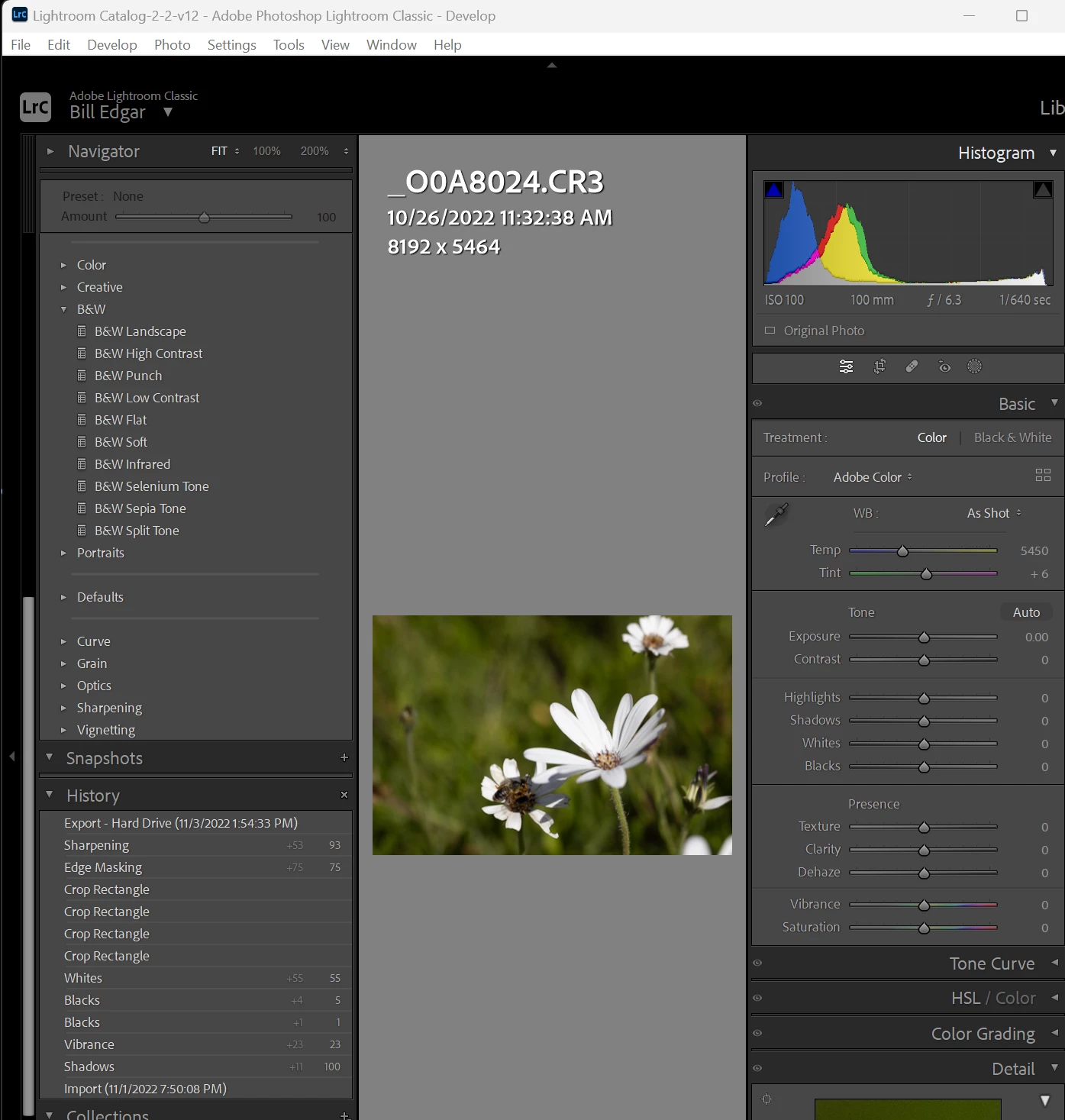
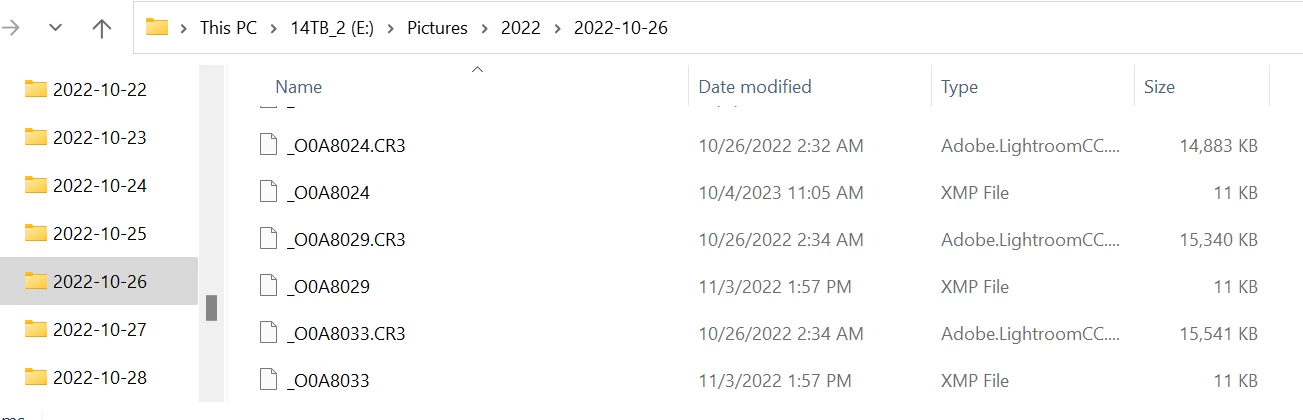
A few weeks ago, Lr crashed: the app just froze while editing images in a catalog, haven't had that happen more than a few times since the Beta version many years ago. I waited about 30 minutes hoping it would recover, but eventually used Task Manager to close Lr. Note that all other open apps, and my system, seemed to be working correctly. I rebooted to ensure no odd things were running then relaunched Lr. Now, all my previous edits in sidecar files are not being applied; I save sidecar files by default because I work on a Surface when I'm remote and need to have the edits applied in both directions at times (to the Surface from my desktop, and from the Surface to my desktop). The XMP files are the same name as the image files (different file extension of course) and they are all in the same folders they were before the crash, but none of the edits are being applied. However, in my History panel, all the edits are showing (images attached for reference). I understand that edits are saved to the Catalog file normally, but the edits in my XMP files had been in place in the image folder and properly associated in Lr in some cases for over a year. I want them to re-associate so I don't need to re-edit hundreds of images. System is Windows 11, Intel i9 10-core 3.7GHz, 128GB RAM, 1 TB NVMe boot drive, 2TB NVMe scratch drive, and a pair of 14TB 7,200 rpm storage drives.


 AdChoices