
Participant
January 8, 2022
Question

Since 11.1 update, having a strange thing happen with images

  • January 8, 2022
  • 1 reply
  • 143 views

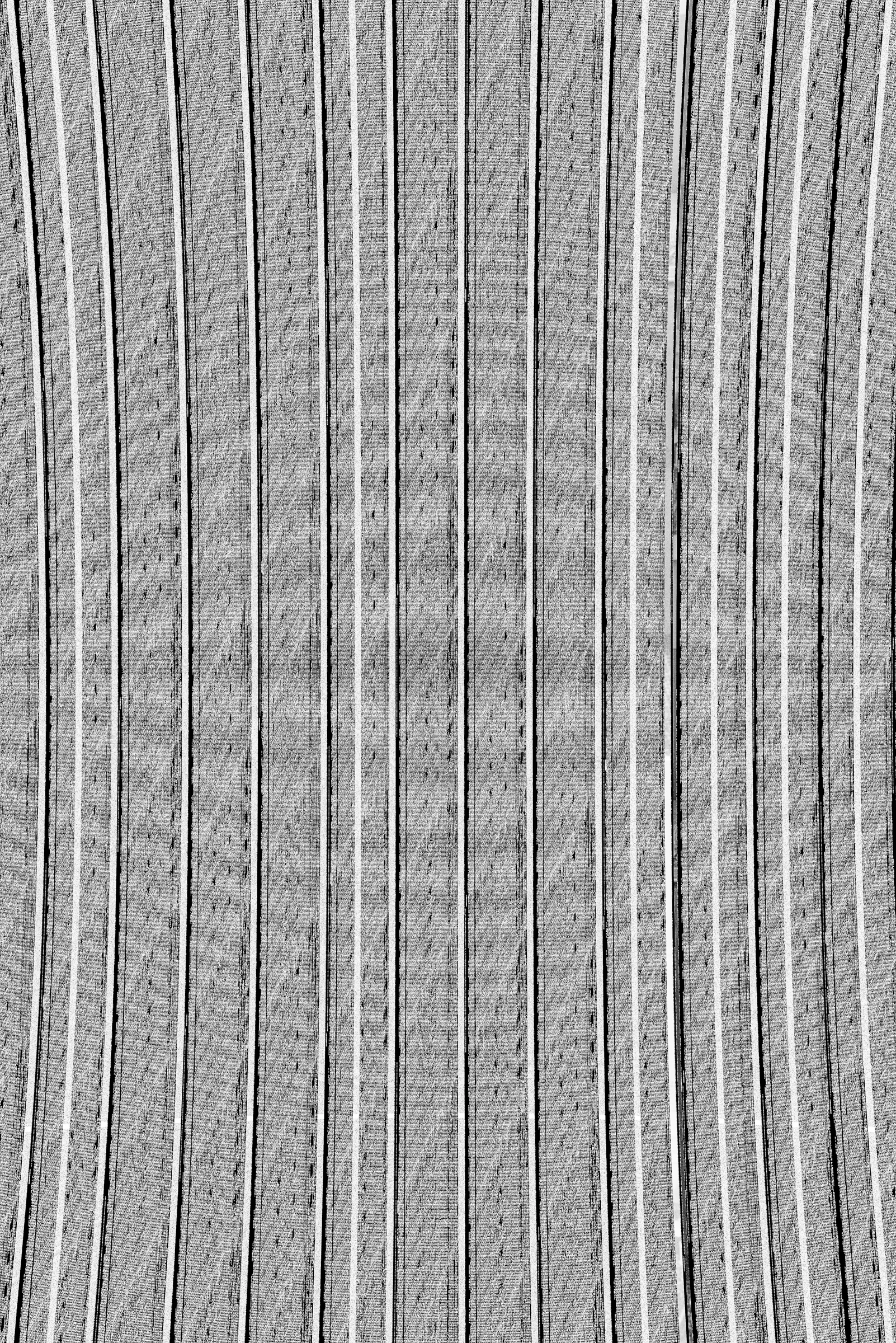
Since 11.1 update, but also at time of hardware fialure of HDD that I've now migrated away from, certain file types won't render and give strange output once I move to development module. This is an example of a DNG file post edits in development module. To note, this is a LEICA DNG file raw from camera. 
 

[Mod: Edit version in title from 12.2 in 11.1]

This topic has been closed for replies.

1 reply

TheDigitalDog
Inspiring
January 8, 2022

First, try disabling GPU in the preferences (Preformance tab). Any better?
If not, recalibrate and build a new ICC display profile, the old one might be corrupted.
If you are using software/hardware for this task, be sure the software is set to build a matrix not LUT profile, Version 2 not Version 4 profile.
If turning OFF GPU works, it's a GPU bug and you need to contact the manufacturer or find out if there's an updated driver for it. 
Also see: https://helpx.adobe.com/photoshop/kb/acr-gpu-faq.html

Author “Color Management for Photographers" & "Photoshop CC Color Management/pluralsight"
AMH22Author
Participant
January 9, 2022

Would this cause the same problem even when viewing in file explorer or photo mechanic?