

Malthouse Photography
Known Participant
July 31, 2024
Question

Sky masking causing fringe on the horizon

  • July 31, 2024
  • 2 replies
  • 472 views

Hi, I've got a bunch of images taken outside with a rolling hill in them. Two things break this hill: the subject couple (wedding image) and a dead tree.

I did a "Select Sky" mask in Lightroom Classic and wanted to make the clouds more dramatic (as they were at the time). Now I could lower the exposure, or highlights, or whites, or dehaze - or a combination of all of these. Indeed that's what I did - a combination.

The problem is that the mask selects a little bit of the top of the hill so when you lower anything you get a bit of a "ring edge" or "fringe" to the hill (it is less noticable around the couple themselves).

I've tried only adjusting one of those things at a time and the issue remains much the same.


Before:
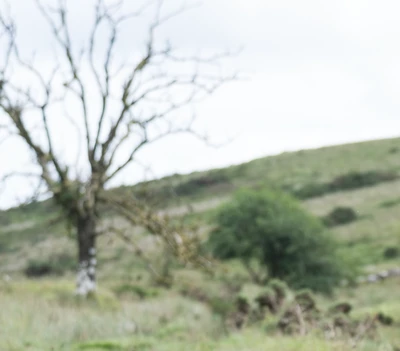
After - note the "double line" of the horizon.
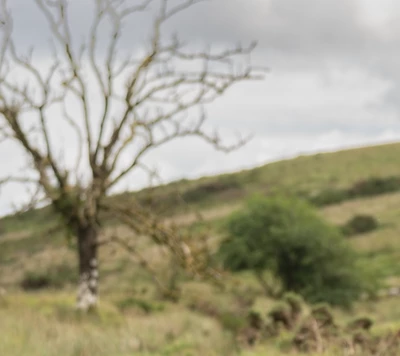
 

Before:
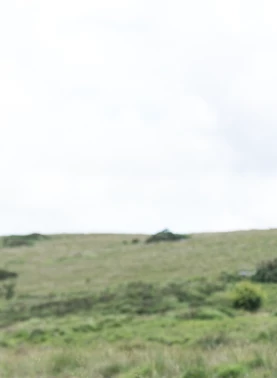
After:
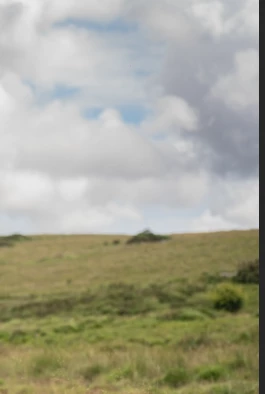

I know it's the mask as when I simply lower the exposure dramatically I can see the effect well - it must be selecting part of the hillside and/or feathering and including the hillside.
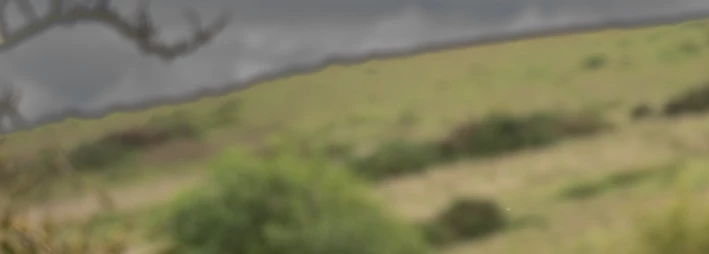

Any idea of a quick fix as I've got a couple of dozen like this to work on?

My best attempt so far is to use a big soft brush to run along the divide and deselect some of the bottom of the sky but that means it gets bright at the horizon which isn't ideal.


This topic has been closed for replies.

2 replies

GoldingD
Legend
July 31, 2024

See the following (others exist on the web):


https://www.youtube.com/watch?v=1OiFSYrWKGU


Note that you could create a preset for this.


Malthouse Photography
Known Participant
August 1, 2024

@JohanElzenga @GoldingD  thank you both.


My adjustments didn't seem huge at all but I was intrigued by the masking trick.


That's an interesting hack - odd that there is even a difference! I did try it and it didn't make much (any) difference.

I went back to basics and took the mask off. I reset all the image sliders and just dropped exposure by a silly amount to see what is there at all.

As you can see there's a bit of a "halo" on the horizon just doing that.

On that basis I have to concede that what I've got is probably the best I'm going to get for these particular images.

Thank you for your suggestions.

JohanElzenga
Community Expert
Community Expert
July 31, 2024

This effect is inevitable if you make too strong adjustments with a mask. In my experience you should not go over an adjustment of about -1 stop. You can try to solve this by subtracting an inverted sky mask. Their may sound odd at first (you would think that this will do nothing to the mask), but you will see that this does make a difference, and sometimes improves the mask.


-- Johan W. Elzenga