


sidk19402149
Participant
July 3, 2024
Answered

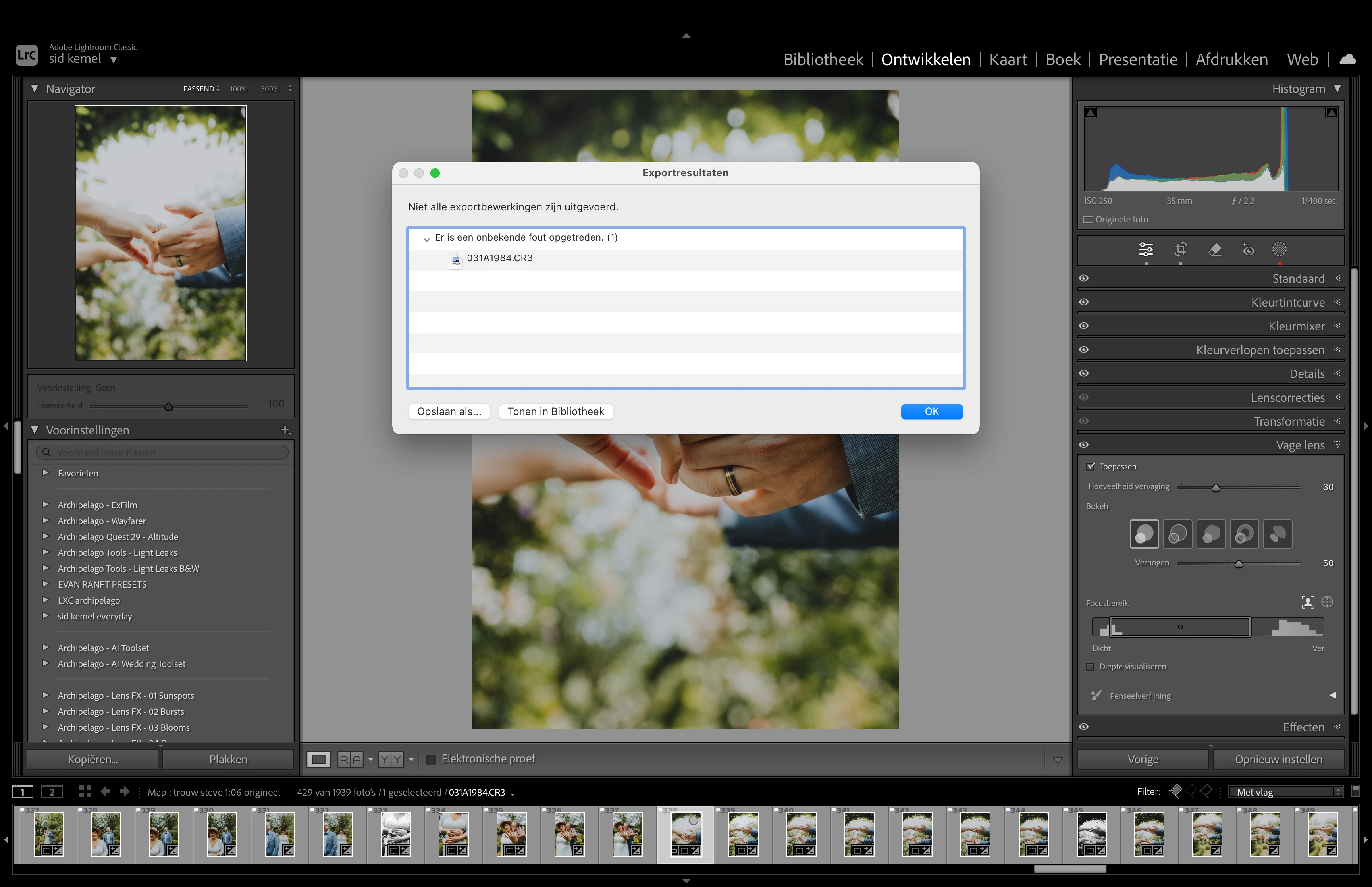
some export operations were not performed

  • July 3, 2024
  • 2 replies
  • 639 views

For everyone who gets this error message while exporting photos:

"Some export operations were not performed."

I found out that I can export normally when I delete my AI mask. Alternatively, if you disable AI lens blur, you can also export without issues.

Here's how I fixed my problem:

  1. I changed the GPU settings in Lightroom from 'Automatic' to 'Custom'.
  2. Then, I checked the option 'Use GPU for export'.

Hope this helps!
Correct answer sidk19402149

change gpu settings in order to keep the AI lens blur and masks

2 replies

Participant
April 24, 2025

Thank you¡. Fixed my issue. I wonder why Adobe allows for a Lens Blur and then not be able to export it?

sidk19402149
sidk19402149AuthorCorrect answer
Participant
July 3, 2024

change gpu settings in order to keep the AI lens blur and masks

Participant
March 5, 2025

Thanks for this, it was also affecting my exports