
Question
Sony A7iii + Sigma 24-70 2.8 DG DN lens correction over-correcting vignette at 24mm
Lightroom 10.2 with the above combo is over-correcting vignette at 24mm, leaving white in the corners of the image in certain scenarios:
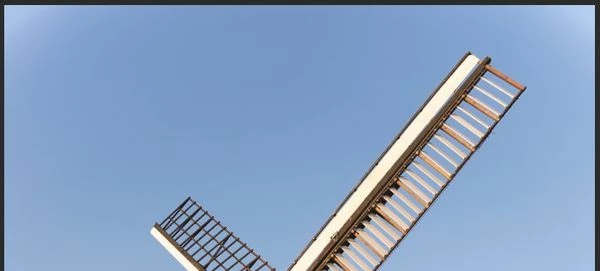
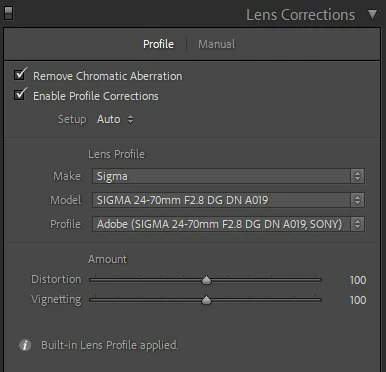
I can turn the vignetting down to 30-ish which resolve this but I then don't know if the Distortion settings are correct anymore.
I am on lens firmware 0.2 from Sigma which is the latest. I do have in-camera profile corrections turned on but I believe this simply instructs Lightroom to apply a certain profile rather than alterting the RAW file directly- please correct me if wrong.
Is this a Lightroom issue or something I need to change?
RAW is available here - I convert to DNG on import but I've taken the file directly off the card for this example. Would the DNG conversion be affecting this?
Thanks


 AdChoices