
Participant
March 9, 2024
Question

Sorry, Lightroom Classic has encountered an error and needs to close

  • March 9, 2024
  • 2 replies
  • 1811 views

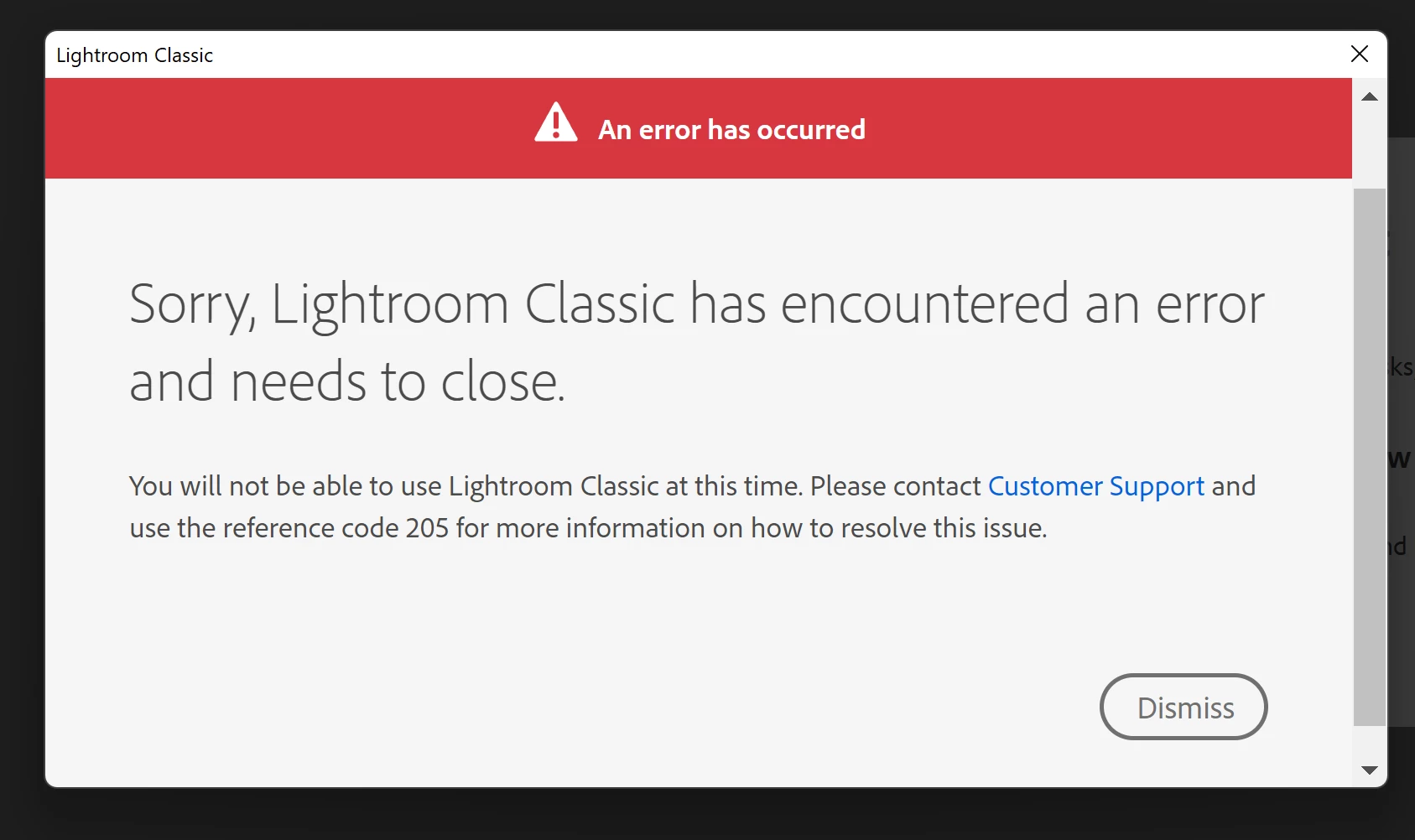
Just purchased the photograph plan and installed the creative clouds in the Windows. I got this error message when trying to open the lightroom: 


"Sorry, Lightroom Classic has encountered an error and needs to close.

You will not be able to use Lightroom Classic at this time. Please contact customer support and use the reference code 205 for more information on how to resolve this issue."
 
I only subscribed Lightroom in the mobile phone before, and I really have no idea how to resolve the issue.


[moved from bugs to discussions according to the community rules - Mod.]


2 replies

Participating Frequently
March 2, 2025

GoldingD answers do not work. However anyone else coming to this issue, the fix is much simpler.


  1.  Open adobe creative cloud and sign out of your account, after this it will ask you to sign in, but dont do that and just close creative cloud.
  2. Open up the program you want to use, eg Lightroom Classic, and wait a couple seconds. It will then ask you to sign in. Dont click on the sign in yet and allow for maybe around 10 seconds for the pop up to load properly.
  3. Now put in your login credentials and the program will start like normal.


Problem gone. No calling support, no uninstalling everything and using CC cleaner, just sign out and sign in.

Participant
April 26, 2025

This doesn't work either

tobiw80549814
Participant
January 29, 2025
Any topics on this?
Sorry, Lightroom Classic has encountered an error and needs to close.
You will not be able to use Lightroom Classic at this time. Please contactd use the reference code 205 for more information on how to resolve this issue.
dj_paige
Legend
January 29, 2025

Not sure what you are asking, @tobiw80549814 , because answers have already been given.