Participant
February 28, 2017
Answered

Stacking issue after having edited

  • February 28, 2017
  • 2 replies
  • 3398 views

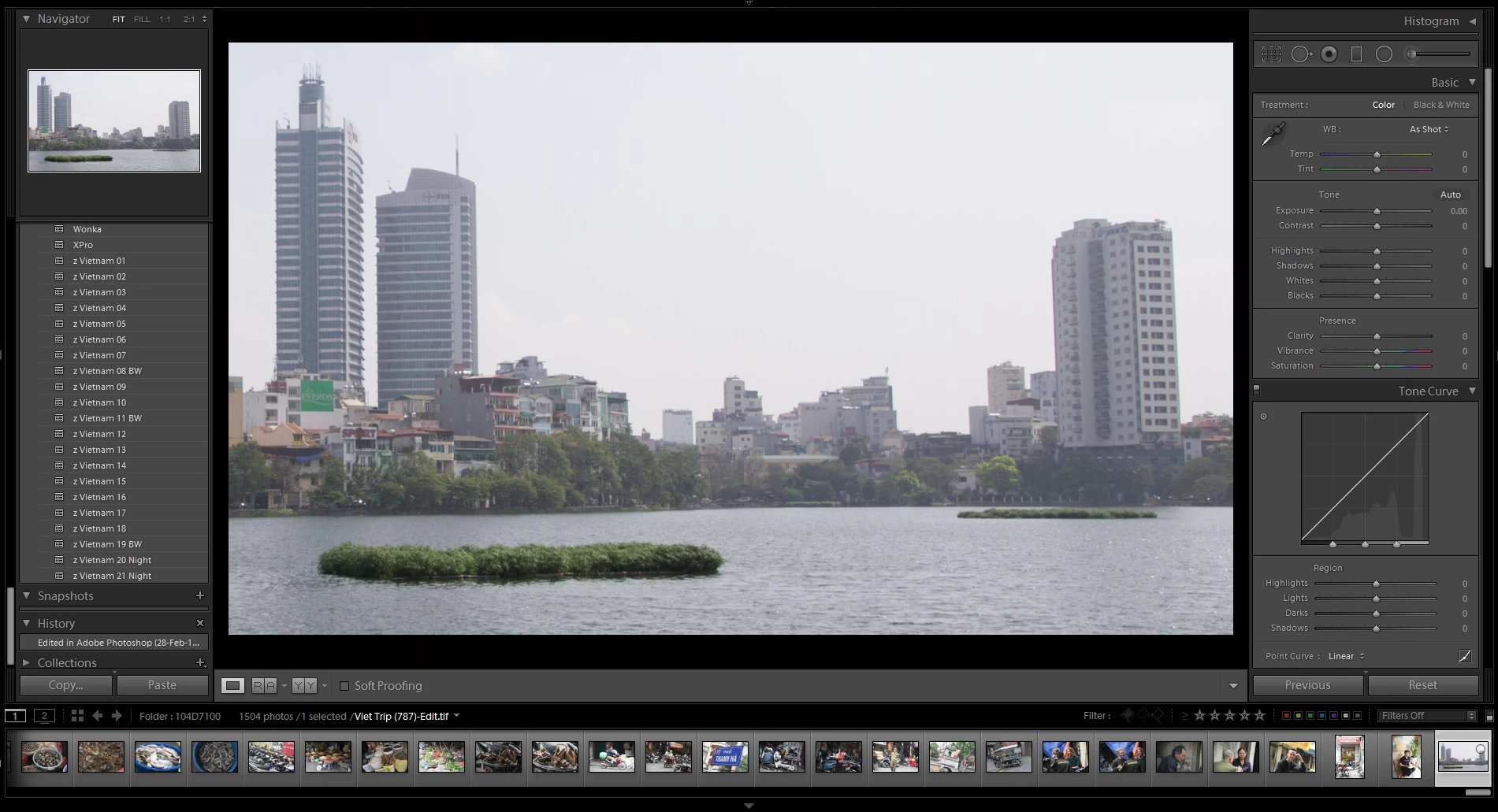
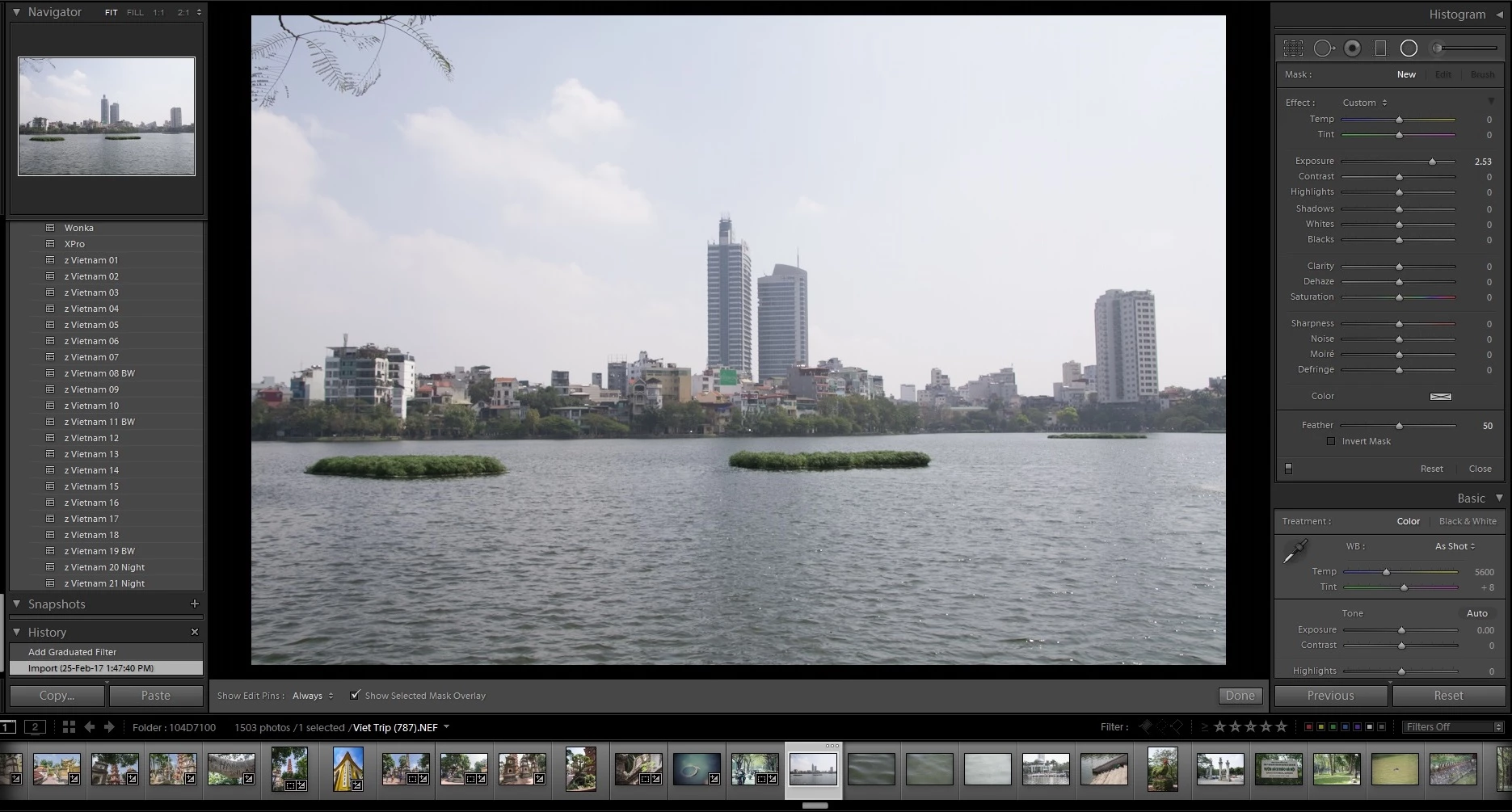
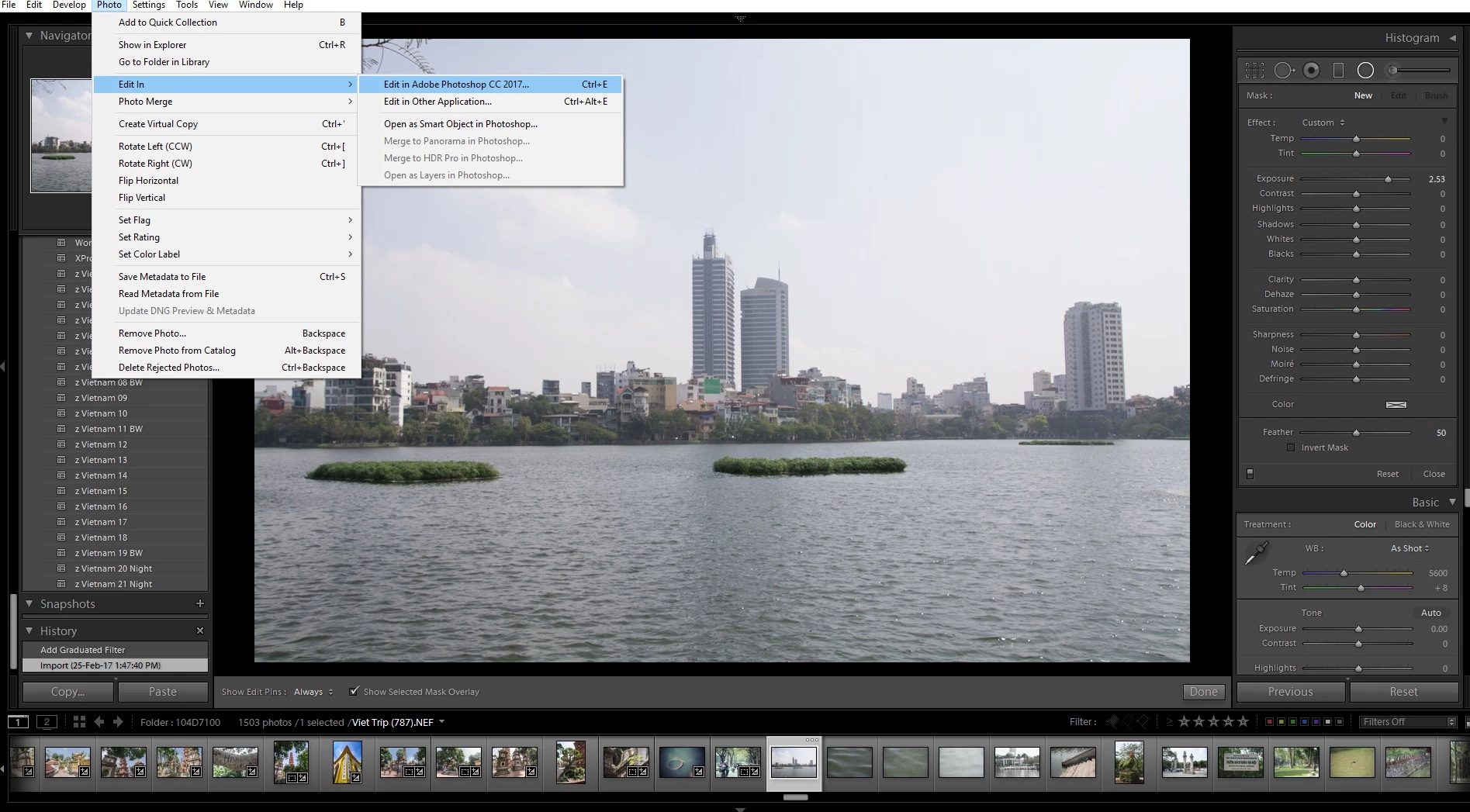
It was working fine then suddenly not. After several hours of processing my photos in Lightroom, there was suddenly a change in where the edited photo was placed in my stream after editing in PS. Initially the edited version was placed next to the original image in the stream, but then for some reason it started to place the edited photo right at the end of the stream. I had online help with me for an hour, even accessing remotely to work on the problem, but nothing worked. They will escalate the issue and hopefully get back to me. If doesn't matter if I check or uncheck to keep the stacking with the original raw file, if checked to keep together, then they both go to the end of the stream. It's very annoying to find where you were up to when you have a lot of photos in the stream. Any ideas anyone?
This topic has been closed for replies.
Correct answer johnrellis

The order of the filmstrip is the same as that set for Library grid view.  You've probably accidentally changed the sort order.

Go to Library and do View > Sort > Capture Time or > Filename.  (You can also set the sort order via the toolbar, but it's easier to explain using menus.)

2 replies

SdeGat
Inspiring
March 5, 2017

It looks like I may be having a similar problem.  It is driving me crazy and would appreciate any help.

I (sometimes) edit photos with external editors which produce PSD files.  When I return to Lightroom, the edited files seem to be in the stack with the original NEF photo.  That's fine.

However, I cannot open the stack and get access to the edited file.  I can see the edited PSD file in the folder (from windows explorer) but Lightroom tells me it is already imported if I try to import it again.  I re-edited the same NEF file, the stack grew accordingly but I still can't get access to the edited file.

How can I access files in the stack?  Clicking on the double bar does not work.  Hitting "S" does not work.  Choosing "unstack" in the menu does not work.

What am I doing wrong?  Help ! !

Bob Somrak
Legend
March 5, 2017

If you have a FILTER set than the stack will appear not to open if the underlying file is a doesn't have the matching criteria.

M4 Pro Mac Mini. 48GB
SdeGat
Inspiring
March 5, 2017

Filters are "off".  If I set filter to "psd", it does not show any files.  Depressing.  :-(

johnrellis
johnrellisCorrect answer
Legend
February 28, 2017

The order of the filmstrip is the same as that set for Library grid view.  You've probably accidentally changed the sort order.

Go to Library and do View > Sort > Capture Time or > Filename.  (You can also set the sort order via the toolbar, but it's easier to explain using menus.)

jedjacobiAuthor
Participant
February 28, 2017

Thank you my friend, that solved the problem. You're better than the tech guys online lol. Thanks again. It was really annoying me.