@GoldingD@JohanElzenga @johnrellis
Thank you for your help so far. I prepared new screenshots in order to prevent you looking throug a "drinking straw" 😉
I created a (hopefully) better documentation about what is going on with my stack issue.
1. I created a stack of 3 images in the library module (see following two screenshots):
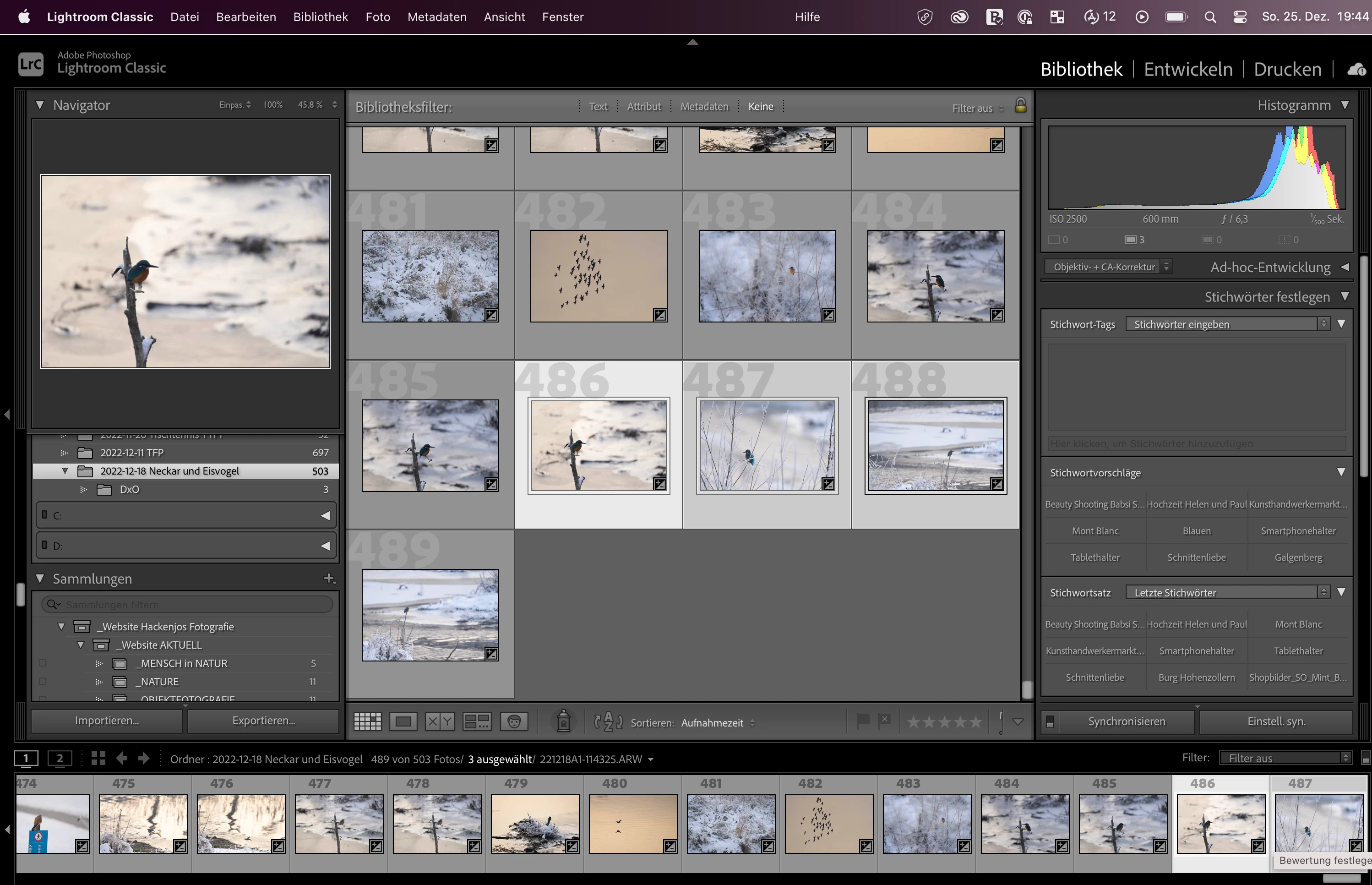
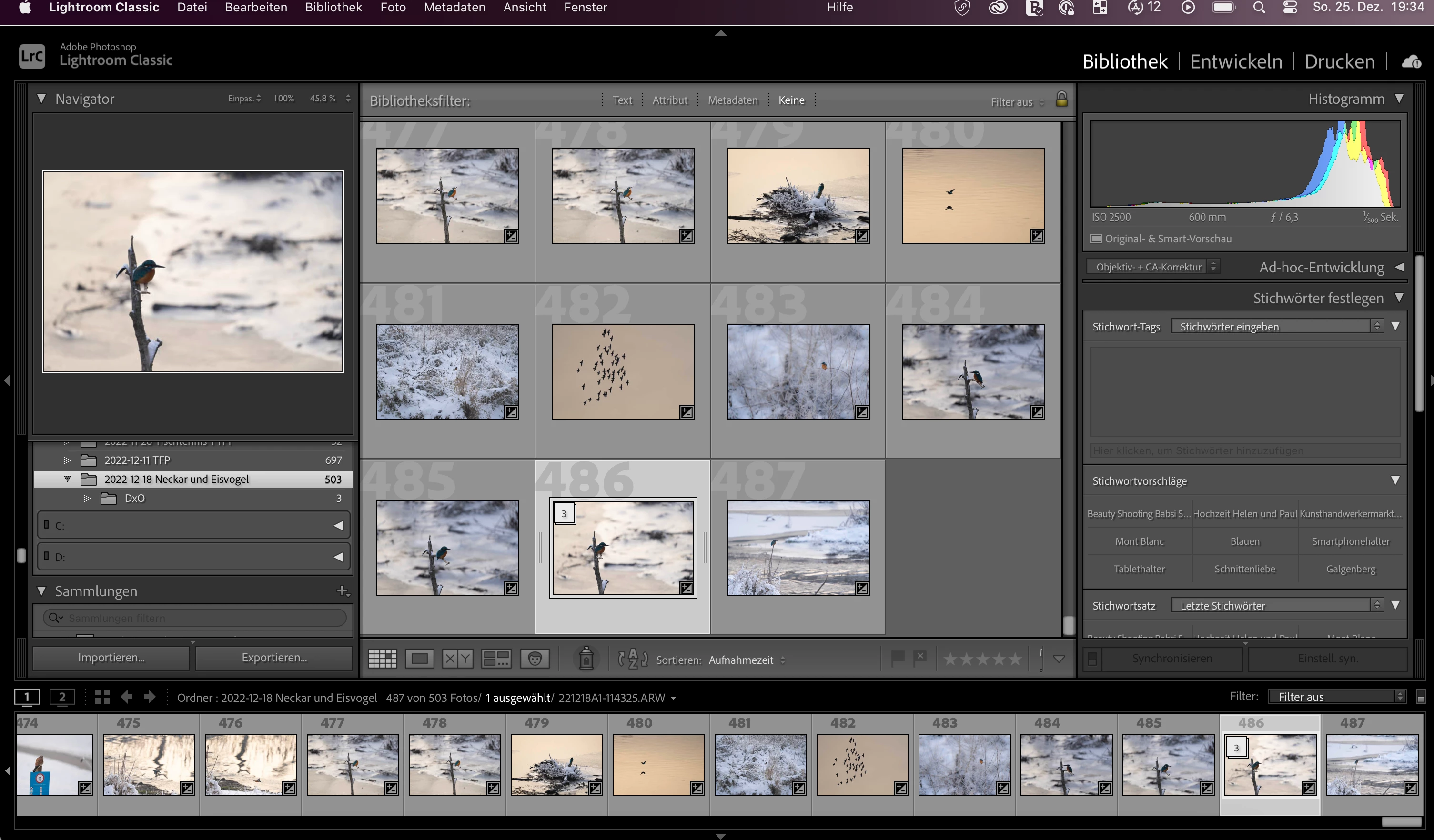
2. In the grid view I can open the stack either by clicking on the little icon "3" (showing that this is a stack of 3 images) in the top left corner of the first image of the stack or by pressing shortcut S:
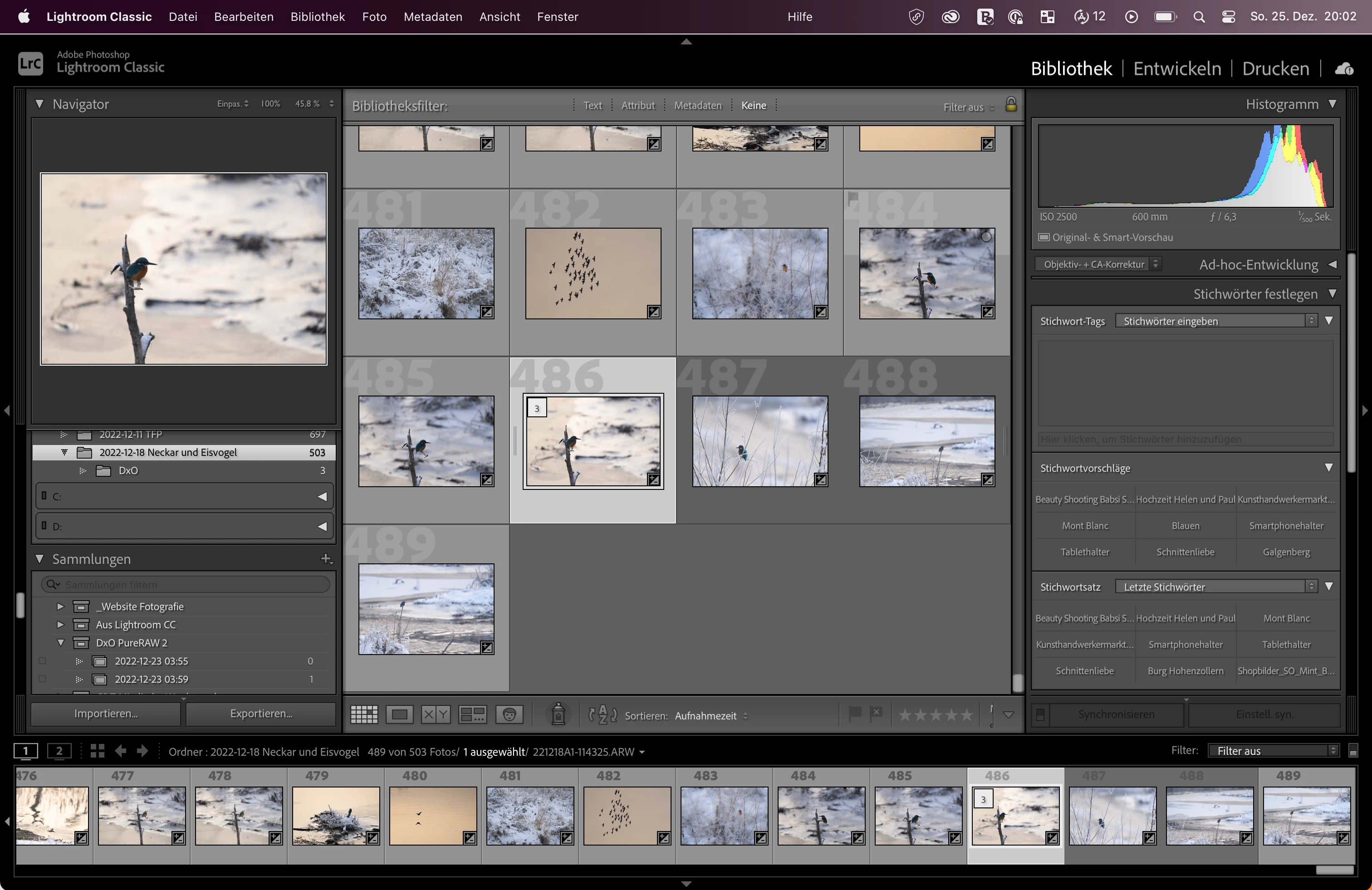
3. If I want to open the stack in the filmstrip it also works by pressing shortcut S but does not work by clicking the icon "3"of the marked image in the filmstrip.
4. In the development module I can open the stack only via the context menu. Again, with the click on the icon "3" in the filmstrip the stack would not open or close.
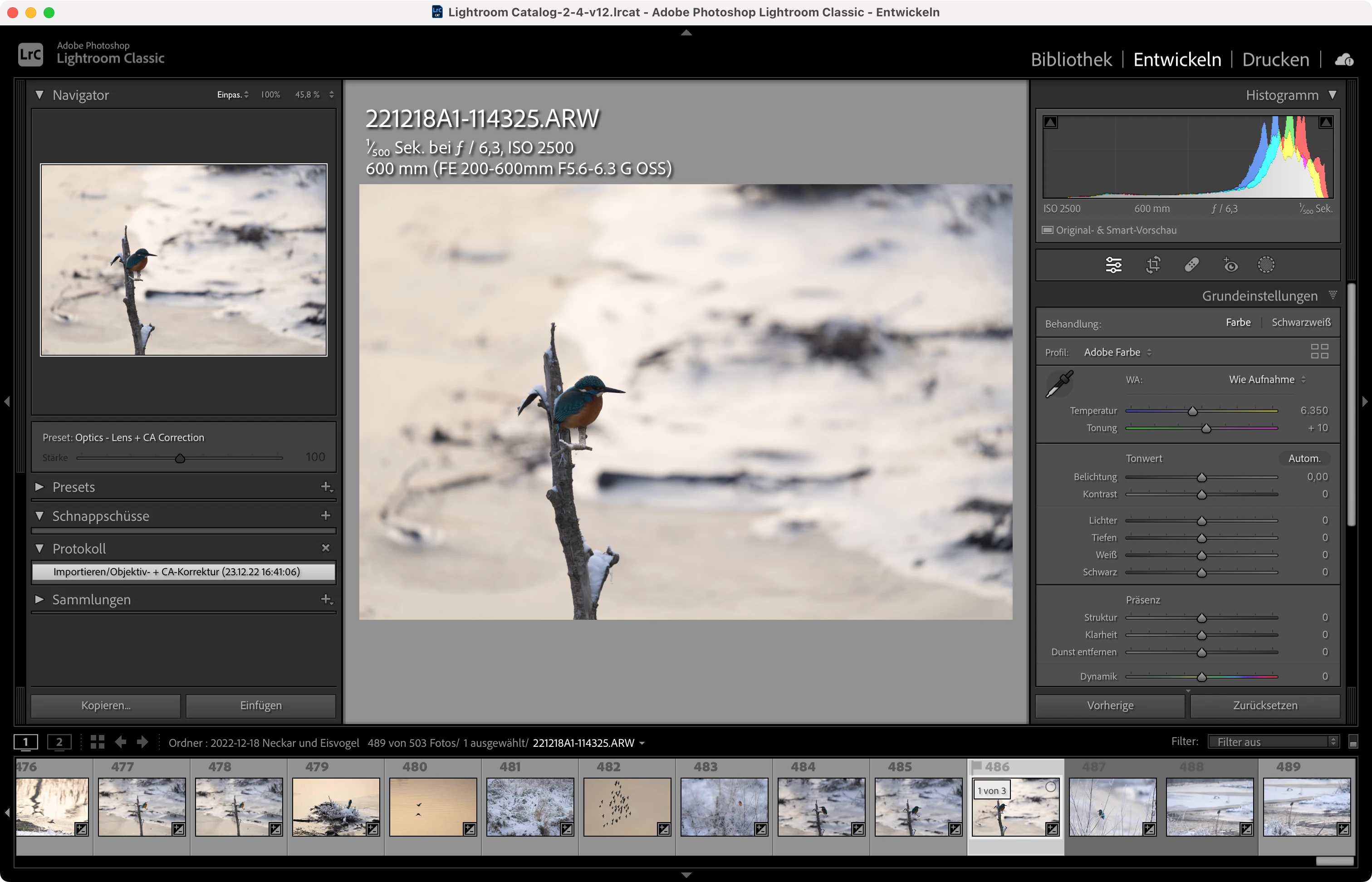
To put it in brief:
I cannot toogle the stack expand or collapse in the filmstrip by clicking on the stack icon number in the upper-left corner of the image thumbnails, although this works in the grid view.
Thanks again for your help.
Merry X-mas
[This post contains formatting and embedded images that don't appear in email. View the post in your Web browser.]
Those screenshots and details clarify your issue, thanks.
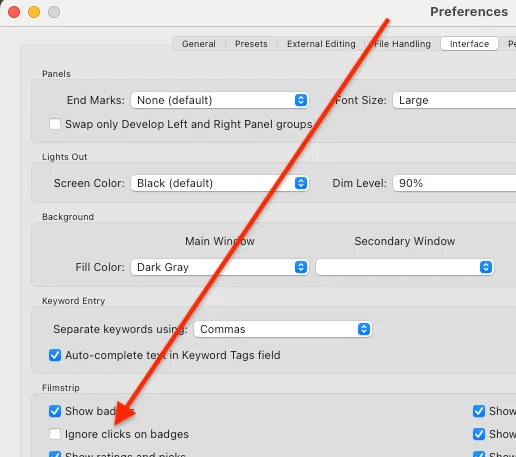
See if the option Preferences > Interface > Filmstrip > Ignore Clicks On Badges is checked -- if it is, uncheck it and restart LR:
If that doesn't help, then definitely try resetting preferences as recommended by Johan. LR sometimes soils its preferences file, and resetting it can fix all sorts of wonky behavior. That article explains how to restore the old preferences if resetting doesn't help.


 AdChoices