

MartinC_Photos
Known Participant
September 17, 2022
Answered

Star ratings disappear if >25 images selected in Survey view

  • September 17, 2022
  • 2 replies
  • 286 views

Issue: 

  • Lightroom Classic Version Number: 11.5
  • OS Version Number:  Monterey 12.6

Steps to reproduce:

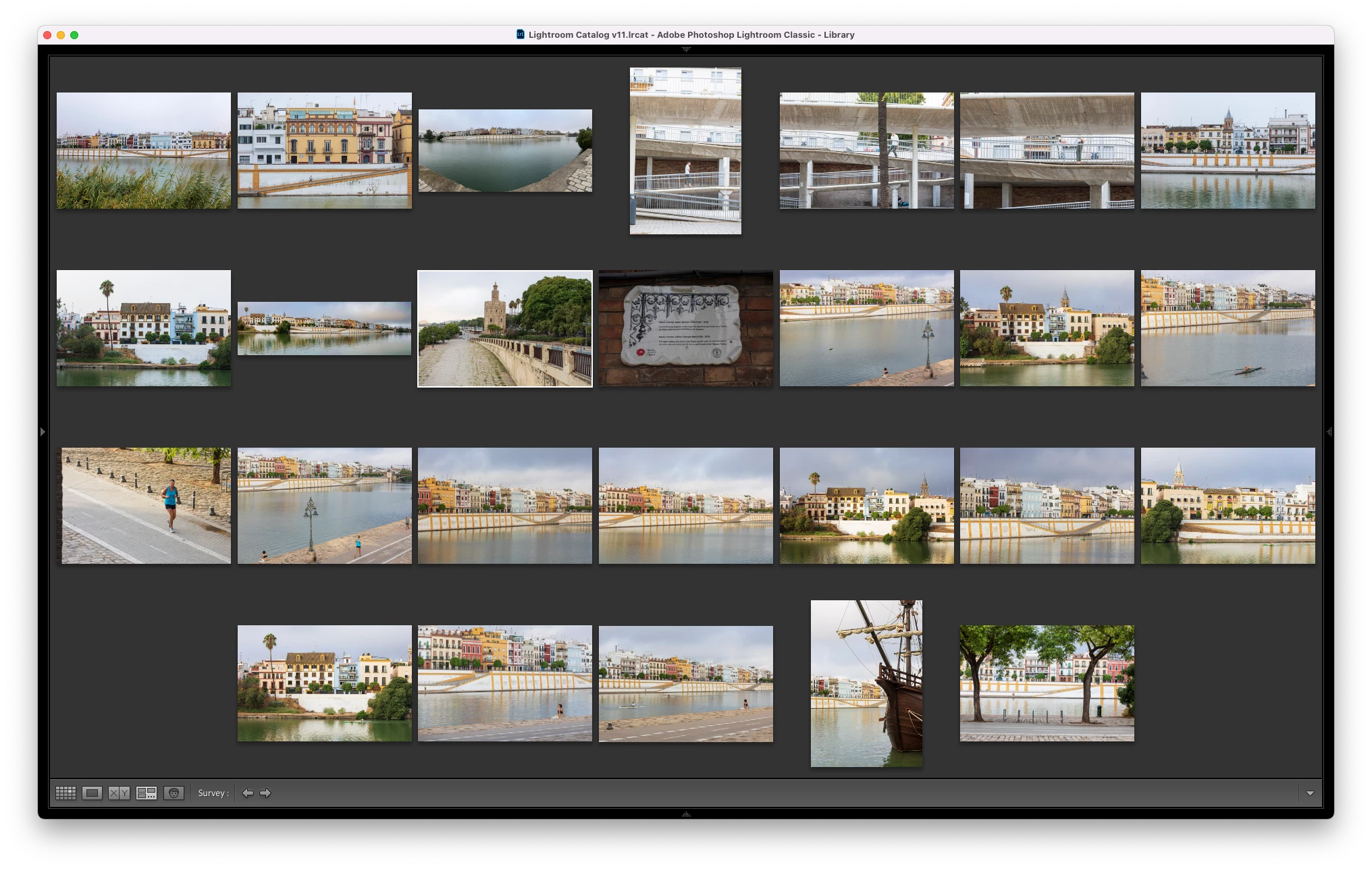
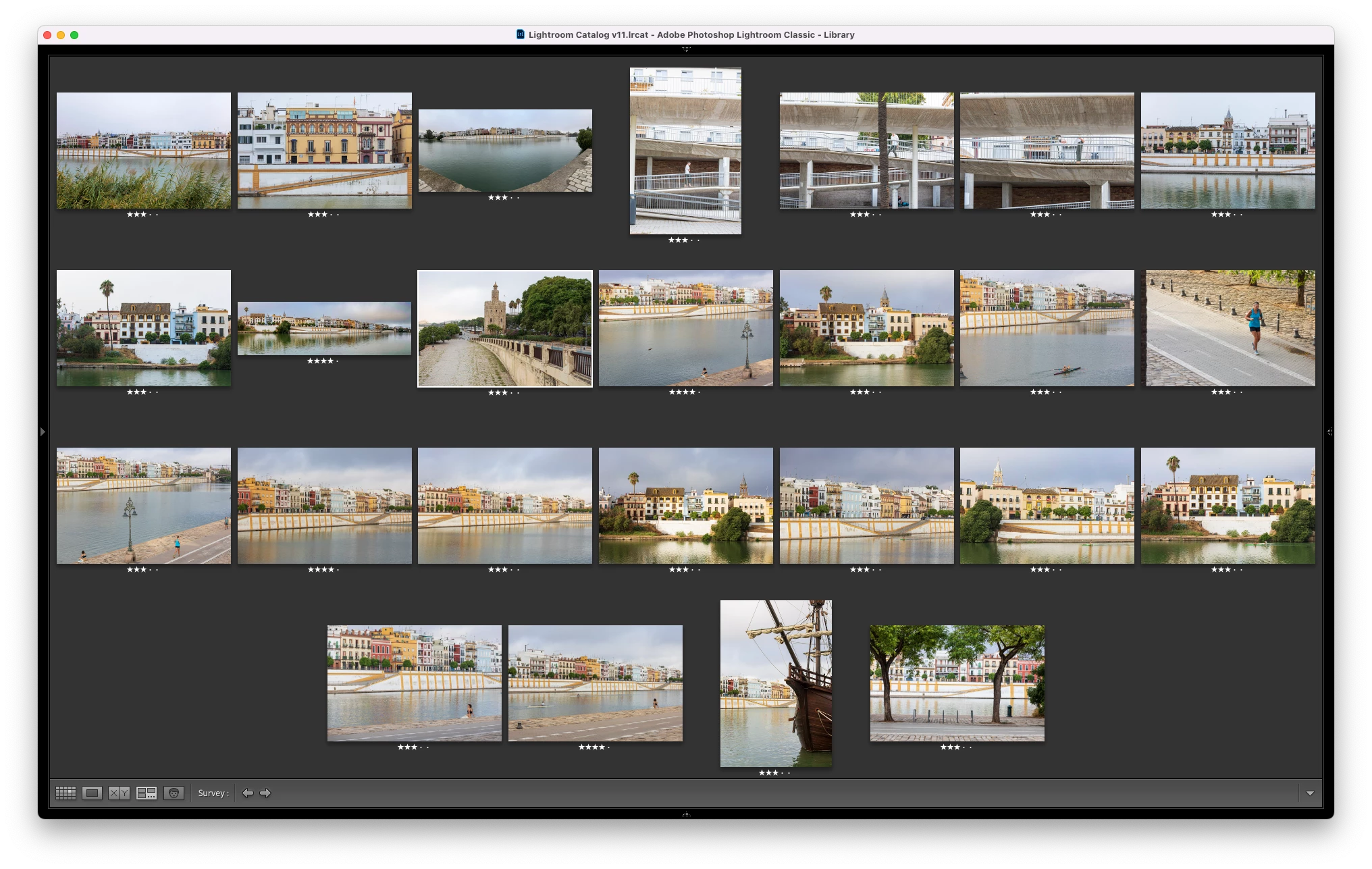
  1. Select 26 images with star ratings in Library grid view
  2. Enter Survey view (N)
  3. Star ratings not showing
  4. Remove one image from Survey and star ratings re-appear

Expected result

Star ratings shown in survey mode (assuming preferences set that way) should not be limited by the number of images.
Actual result

Star ratings not showing if >25 images in survey - see screen shots
This topic has been closed for replies.
Correct answer Rikk Flohr_Photography

This is currently as-designed behavior. There is a limit of 25 images for displaying flags, colors, and star ratings. 


You can make a feature request to have that number raised. 


2 replies

Rikk Flohr_Photography
Community Manager
September 18, 2022

This is currently as-designed behavior. There is a limit of 25 images for displaying flags, colors, and star ratings. 


You can make a feature request to have that number raised. 


Rikk Flohr: Adobe Photography Org
Bob Somrak
Legend
September 17, 2022

I see the same behavior on my Mac and LrC 11.5 and MacOS 12.6


M4 Pro Mac Mini. 48GB