Beantwortet
starrating is missing
I can't get the star rating to appear below the thumbnails in the bottom bar in Lightroom Classic. Please help. This is shown in the screenshot.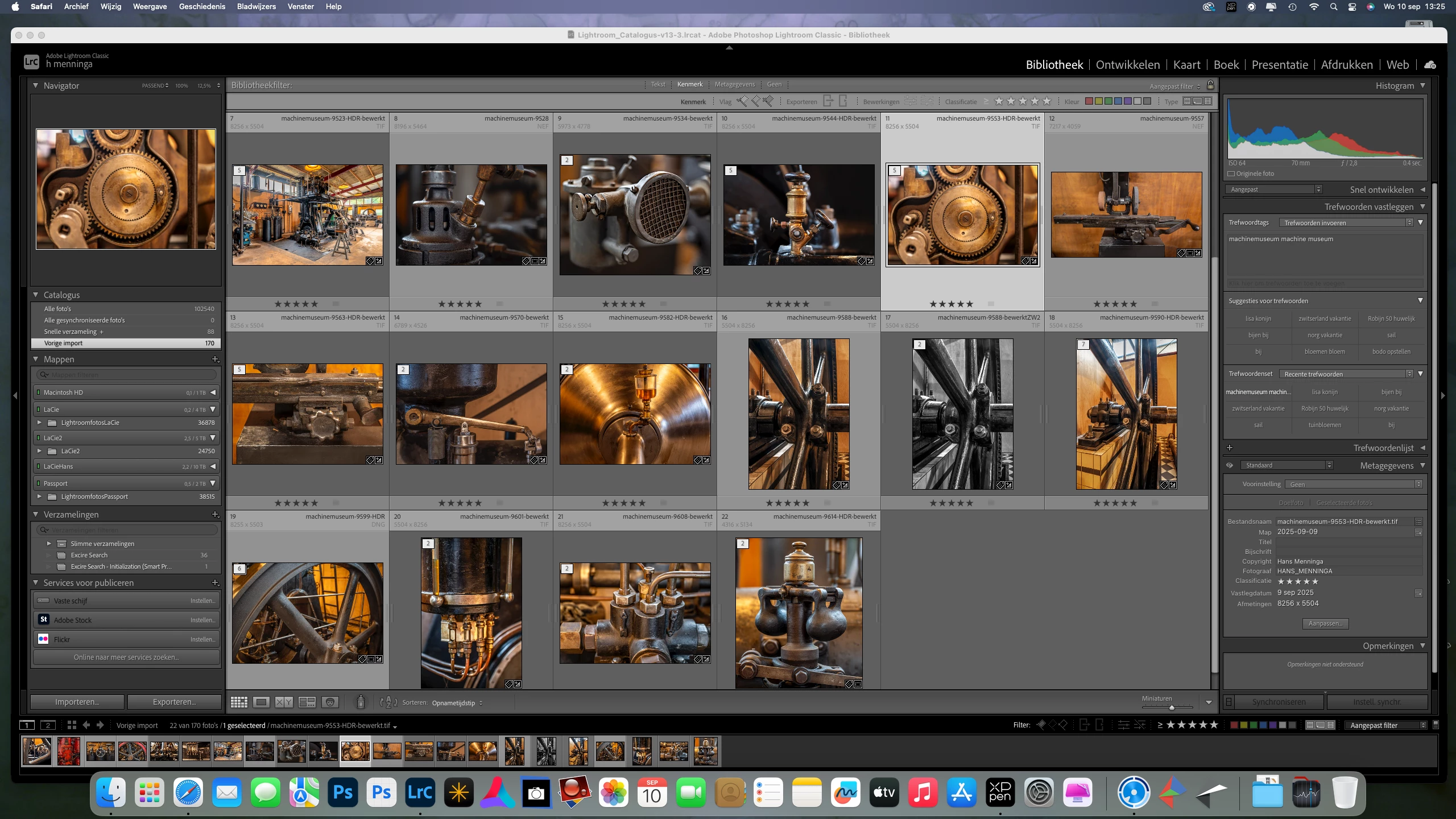

I can't get the star rating to appear below the thumbnails in the bottom bar in Lightroom Classic. Please help. This is shown in the screenshot.
I checked this, but still no starrating in the filmstrip.
The filmstrip needs to be a certain height for the star ratings to appear.
Position your cursor over the division between the toolbar (gray) and the top of the filmstrip (black).
The cursor will change to a double arrow, then click and drag the filmstrip taller.
If you think that the filmstrip now takes up too much space, you can hide the Toolbar by pressing T.
You can also hide the Module picker at the top of the screen by pressing F5.
Enter your E-mail address. We'll send you an e-mail with instructions to reset your password.


 AdChoices