However, I use LRC primairily for organizing my pictures with here and there some corrections, and wonder if I need the previews (I don't believe so, since I always work directly from my EHD).
You do need previews, because that's what the Library module uses to show your images. You can't really organize your images if you can't see them.
Is it safe to delete the file 'Lightroom Catalog Previews.lrdata' in the Lightroom folder?
Safe isn't a relevant consideration here. If you delete the Previews.Lrdata folder, Lightroom CLassic will rebuild it for you, generating new previews for your images as you need to display them in the Library Module. This slows you down, but saves disk space.
In essence you can't use the Library module (which also means you can't use Lightroom Classic) without previews.
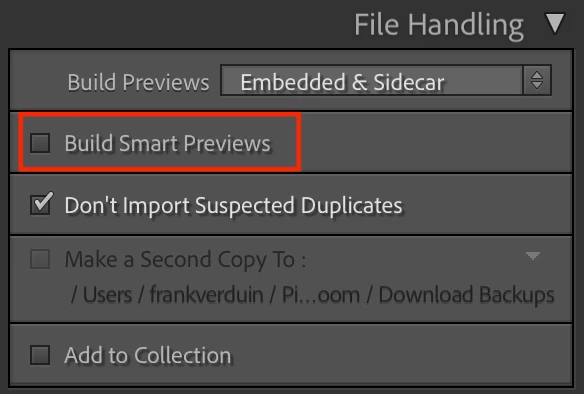
So what to do about your space issues? In the long run, you can instruct LrC to delete previews after one day, or after one week, or after 30 days, or never. Your choice. You can set the preview quality to high, medium or low, with low taking up the least space. Again, your choice. And you can reduce the preview size, from "auto" which is 1920px to a lower number, which takes up less space. All of these options are in Catalog Settings->File Handling.
But they all essentially mean you are trading disk space for LrC speed, and you are trading disk space for image quality.
To me, the best choice is to get a larger hard disk. Or even put the catalog and previews on an external drive, which you can easily obtain and it will have more than enough space for all of your 100,000 images (and even double that). Again, there will be a speed loss with catalog and previews on an external drive, but people do it.

 AdChoices