Participant
May 31, 2026
Question

Super resolution on smart preview leaves artifacts which don't go away when RAW is available

  • May 31, 2026
  • 1 reply
  • 9 views

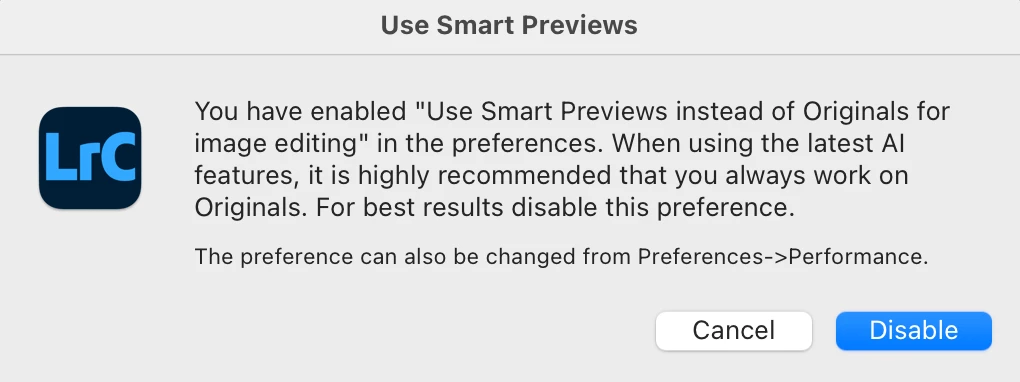
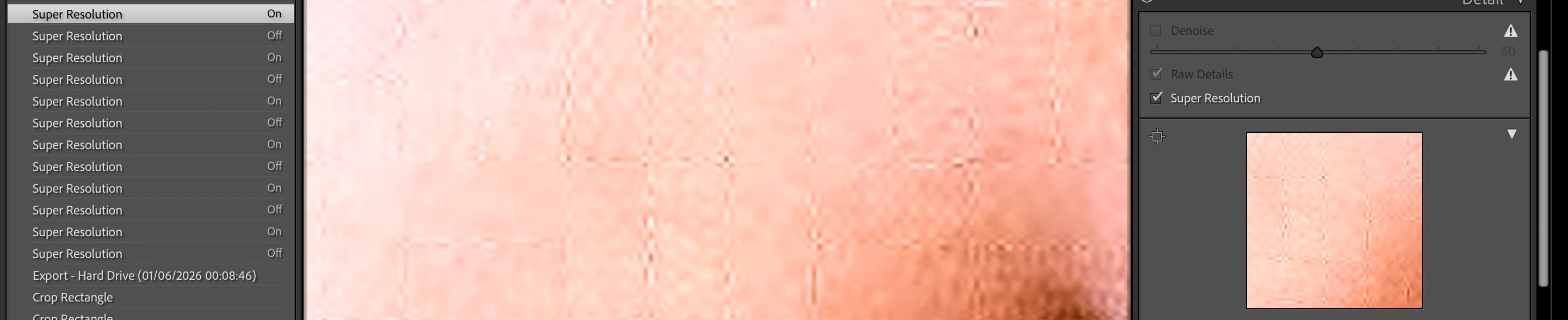
I worked with smart preview and used super resolution. This left obvious artifacts in form of grid.

They do not go away when I have RAW available, I discarded smart preview, and even when I disable and re-enable super resolution for that file. (Without super resolution this grid is gone.)

Artifacts are even visible in exports.

These artifacts do not appear on very similar photo with same edits, but which was never edited as a smart preview.
 

    1 reply

    Community Expert
    June 1, 2026

    Unfortunately you haven't given us any information about your system. Therefore, all proposed solutions are a look into the crystal ball

    Is your system up-to-date? Do you have installed all recent updates and patches for the operating system and the device drivers, especially the graphic driver. Please make also sure that you have installed the Studio version and not the Game Ready version of your NVidia driver.

    Please provide a copy of your 'System Info'. This can be get from the Lightroom menu item Help > System Info. There's a copy button in the System Info dialog. Press this button and paste the info into a text file and attach this file at your next forum post.


    Have you try a reset of the Lightroom’s preferences:  How to reset Lightroom Classic preferences (adobe.com)


    My System: Intel i7-8700K - 64GB RAM - NVidia Geforce RTX 3060 - Windows 11 Pro 25H2 -- LR-Classic 15 - Photoshop 27 - Nik Collection 9 - PureRAW 6 - Topaz Photo AI