Participant
May 1, 2020
Question

Sync Activity

  • May 1, 2020
  • 3 replies
  • 413 views

Lightroom Classic > Preferences > Lightroom Sync
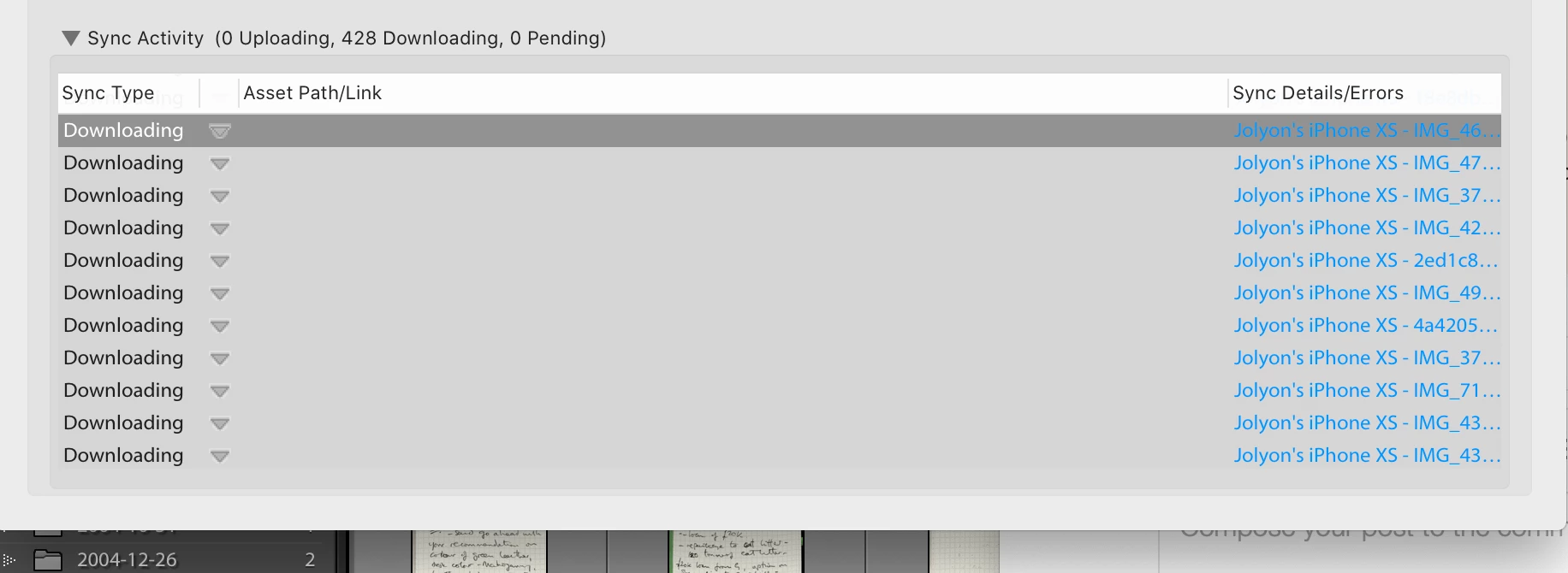
 

How can these files be deleted or removed or get this pane reset? 

This topic has been closed for replies.

3 replies

Inspiring
May 1, 2020
I am afraid that today, there is no possibility. I hope Adobe gurus are working to improve the sync process :
1 ability to select what you want to sync ( date range for instance)
2 cleaning the issue of indefinite syncing as you mention

Best Regards
Eric Pecquerie
Sent from my iPad Pro
Tony_See
Inspiring
May 1, 2020

Not sure if the suggestion below produces the same result as WobertC has posted.

Backup first of course.

Quit Lightroom.

Go to C:\Users\<user>\AppData\Local\Adobe\Lightroom\Caches\Sync Data\ and delete (or rename) the Sync.lrdata folder. Restart Lightroom and it should try to reconcile your local synced data and the cloud synced data.

That usually does the trick.

Rob_Cullen
Community Expert
Community Expert
May 1, 2020

Files are downloading. Do you want to stop the downloads?

Hold down the [ALT] key will give you option [Rebuild Data] in the Lightroom Sync Preferences.

Regards. My System: Windows-11, Lightroom-Classic 15.3, Photoshop 27.5, ACR 18.3, Lightroom 9.3, Lr-iOS 10.4.0, Bridge 16.0.3 .