Participant
December 15, 2017
Answered

Sync adjustments across collections

  • December 15, 2017
  • 2 replies
  • 229 views

Hi guys, so this is something i've not tried to do before but i've got 118 photos of Ties from 4 different angles. I've been colour grading them to make sure that they are as colour accurate as the real life object however I've got 3 more angles to apply the same settings to. Each file name in each collection is identical so that for example tie number 42 is the same tie in the 'Ties Details' folder as it is in the 'Ties Rolled' folder and so on.
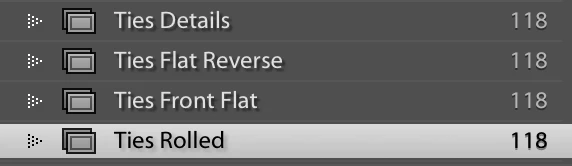
So what i'm after doing now is copying the colour adjustments and applying them to the other 3 collections instead of manually copy and pasting each one 118x3

Is there any way of doing this that you can suggest? Hope you can help, its my first post on here but thanks in advance

Steve | 4130 Photography

This topic has been closed for replies.
Correct answer dj_paige

Do this in the Library Module grid and not in collections. Sort the photos so that all the photos of tie number X are next to one another. Then you only have to do the synchronizing of the settings 118 times.

2 replies

johnrellis
Legend
December 15, 2017

I don't understand the details of your file-naming convention, but you might look into the Syncomatic plugin -- it can copy develop settings between similarly named files.

dj_paige
dj_paigeCorrect answer
Legend
December 15, 2017

Do this in the Library Module grid and not in collections. Sort the photos so that all the photos of tie number X are next to one another. Then you only have to do the synchronizing of the settings 118 times.