
Sync Folder behaving Very strangely
Using Classic V13.0.1 , Camera Raw 16.0
I'm having a strange problem Syncing a folder - a Task I do regularly without issues.
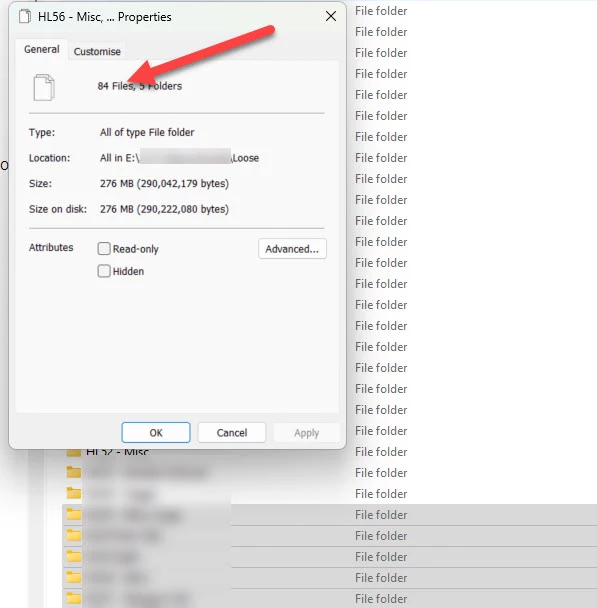
I've scanned in 84 old old photos, into 5 folders, and I go to Synchronise the parent folder (which has 58 sub-folders). These Folders are located on my E: Drive.
LRC correctly identifies 84 images , and at the top you will see it is pointing at my "Loose" folder. Windows (11 Home Pro) also confirms 84 files in that series of 5 folders.
When I OK the Sychronise, LRC proceeds to import a total of 4,287 images. This includes 3,41,4 from my 😧 Drive, the 84 I was expecting, and I have not managed to work out where the others are located.
This has been repeated 6 times, each time with the same result. I have uninstalled Lightroom, Lightroom Classsic and Photoshop and Photoshop Beta, then re-installed with no noticeable difference.
I have also returned to LRC Catalog backups taken today, and on the 29th, with exactly the same results.
I have not knowingly created any Symbolic links (and in any event if there were, the Windows File count would have been different).
Does anyone have any suggestions?


 AdChoices