
Participant
November 1, 2024
Question

Sync issue wihout files stuck of error message

  • November 1, 2024
  • 1 reply
  • 182 views

Hi, I'm using LC vers. 14.0.1 on Mac. I've got a few folders which are synchronized with the cloud, and that usually works pretty well. Recently I added 122 new pictures to a folder but only 7 (!) of them got synchronized. I don't see any error message

and in the sync preferences window it says there is no sync going on or files stuck:
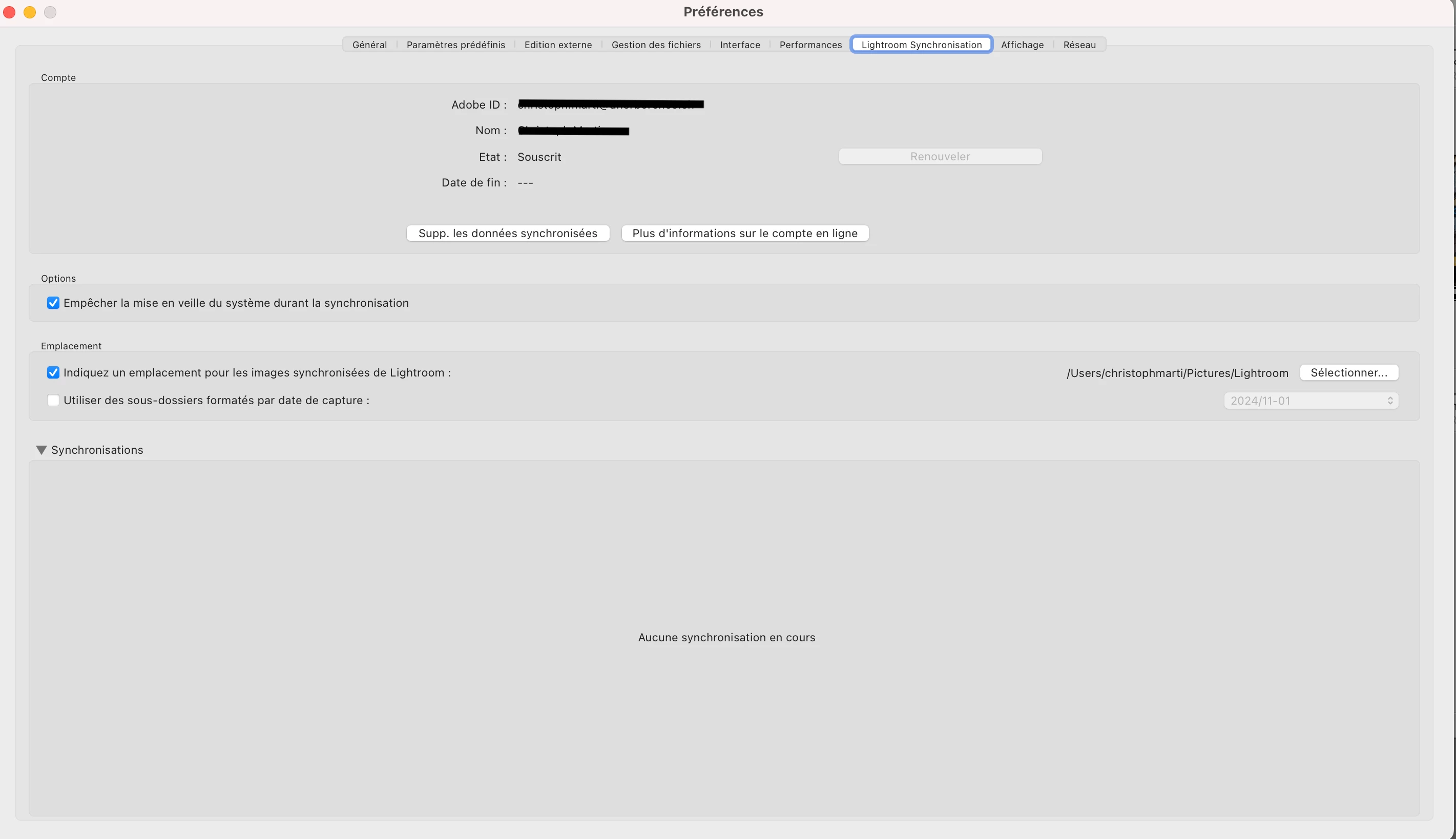
I've tried to figure out if there are any differences between the pictures that sync and those that don't but found no reason (i.e. smart previews or not, files missing, videos or others).

Any ideas how to "force" the upload to the cloud of those pictures? Thanks!

This topic has been closed for replies.

1 reply

MassC
Legend
November 15, 2024

Hi @pharmacied70079275

We're sorry we were not able help sooner. If you're still seeing this error please reach out to our Chat Support team for real-time assistance. You can contact them by clicking the three dots here: https://adobe.ly/48OyY6V They have access to additional tools that can better help troubleshoot this issue.


^CM

Participant
November 21, 2024

Hi CMass, thanks for the information about the chat support. Unfortunately it didn't help: I had to explain twice the whole story to two different persons and the only thing they had me tried is to erase the remote folder in the cloud, which didn't solve my problem. Then they suddenly closed the chat with no reason and no answer...!