
Question
Synchronize Keeps Showing Some Photos as New Every Time
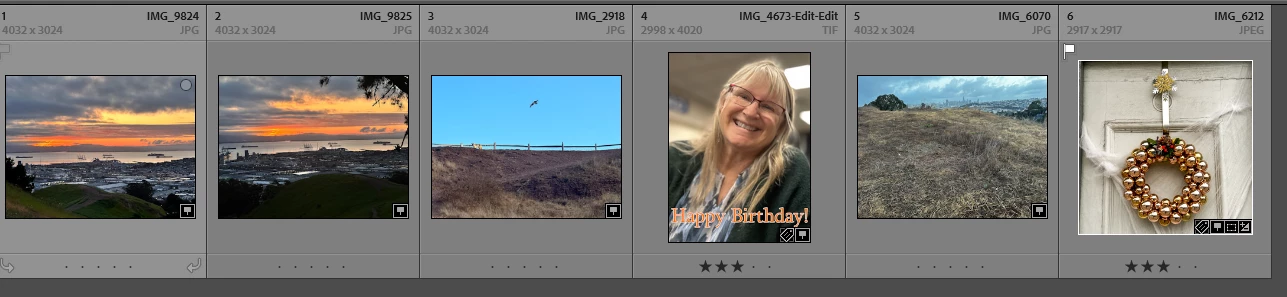
Lightroom keeps showing three photos as being newly synchornized every time I synchronize the folder. I have added keywords, but the next sync the photos show up without any keywords or other work I did. I have manually removed them and sync'ed the folder. They show up new then, as they should, but they keep showing up as new!
The photo shows the three chronic re-syn'ers on the lef t and the three legit new photos on the right.
I have Lightroom Classic V 13-3 and Windows 11 Pro.
[Moved from ‘Bugs’ to ‘Discussions’ by moderator, according to forum rules.]


 AdChoices