Syncing Issue between Lightroom and Photoshop
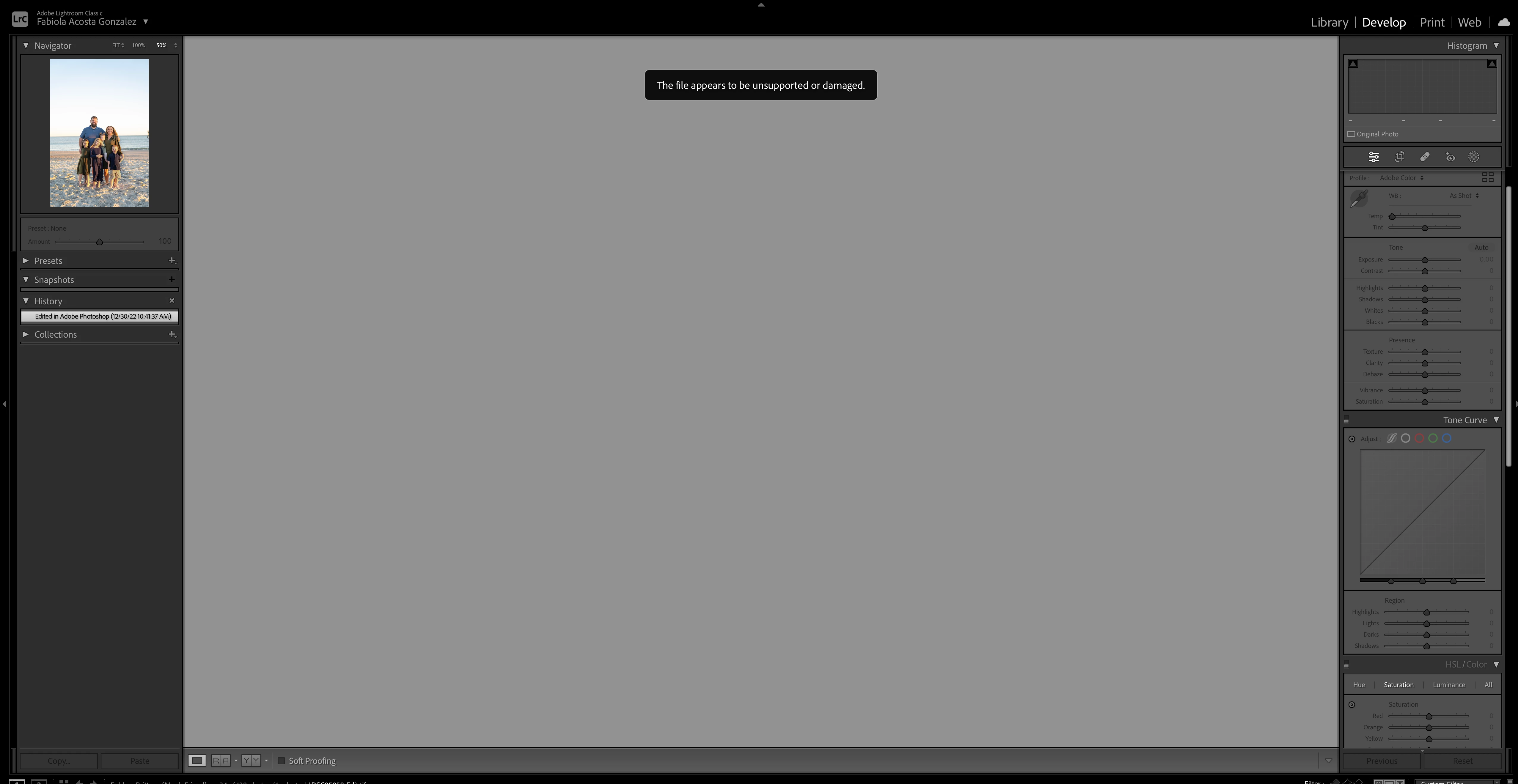
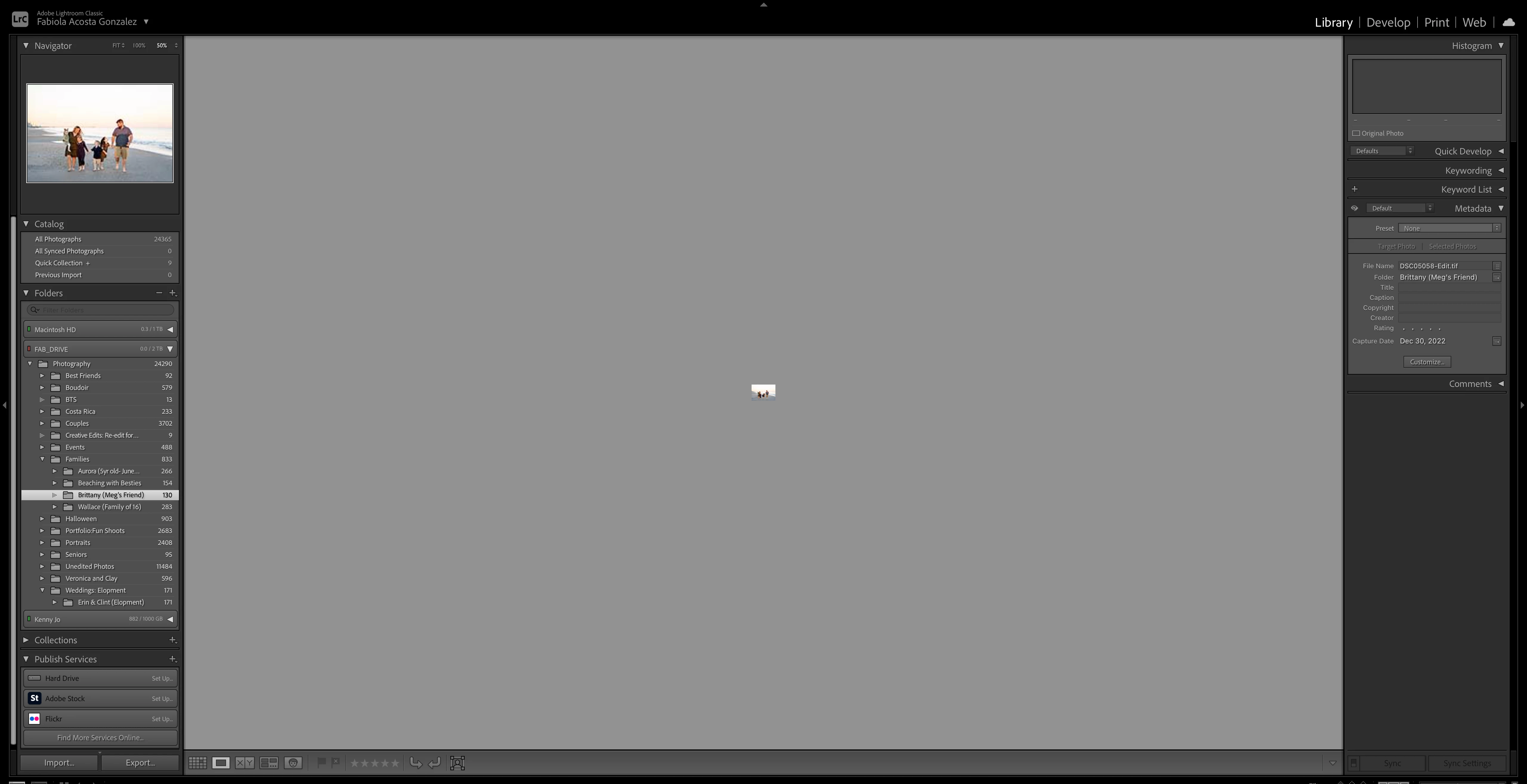
Using Lightroom Classic, I right-click an image and choose Edit in Photoshop. One I finish editing it, I close and click save which should import the image to lightroom. Sometimes it works but it is a hit-or-miss. One it imports to lightroom it will say "File appears to be unsupported" and doesn't work anymore. I also loose all of the changes and work I did while in Photoshop.
Both programs are updated to their latest version. I have also tried simple restating the programs AND the computer and I still get this issue.
I sometimes use a third-party filter like "Topaz" but this most of the time I don't. This happens even when I am simply using content-aware fill, the stamp tool or any other changes so I don't think the problem stems from that.
Has anyone encountered this problem? Is there a solution? or am I doing something wrong?
These Images are what they look like after they import into lightroom, both library and Develop view.
 AdChoices