

Answered
Targeted Adjustment Tool no longer exists? Need best way to adjust selected colors in Lightroom
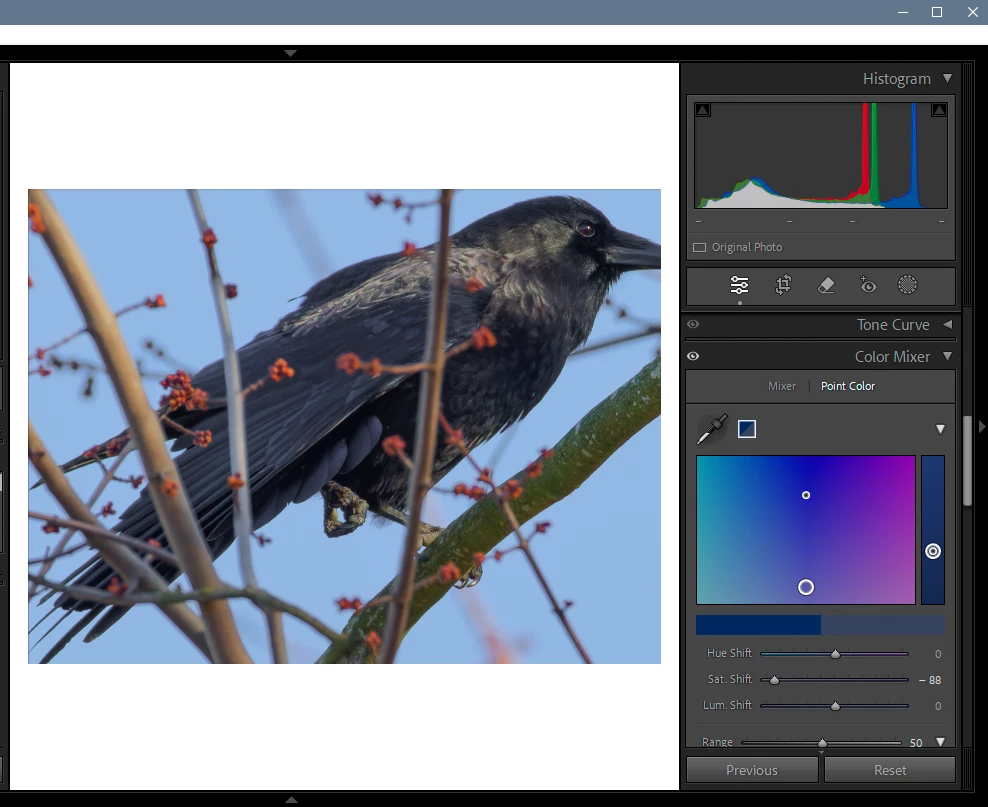
I need to learn how to work with color in selected areas of a photo. I see videos excaiming how good the targeted adjusment tool is but where is it? I'm in develop mode in Lightroom Classic and the panels show color mixing and color grading but nothing that looks like what I think I need. Has this panel and the feature been eliminated? My aim for asking this question: Example photo shows blackbird with excessive blue in one area only after I tried to lighten the shadows. How would the experts here tackle correcting for the blue to make this look like a more natural blackbird pic?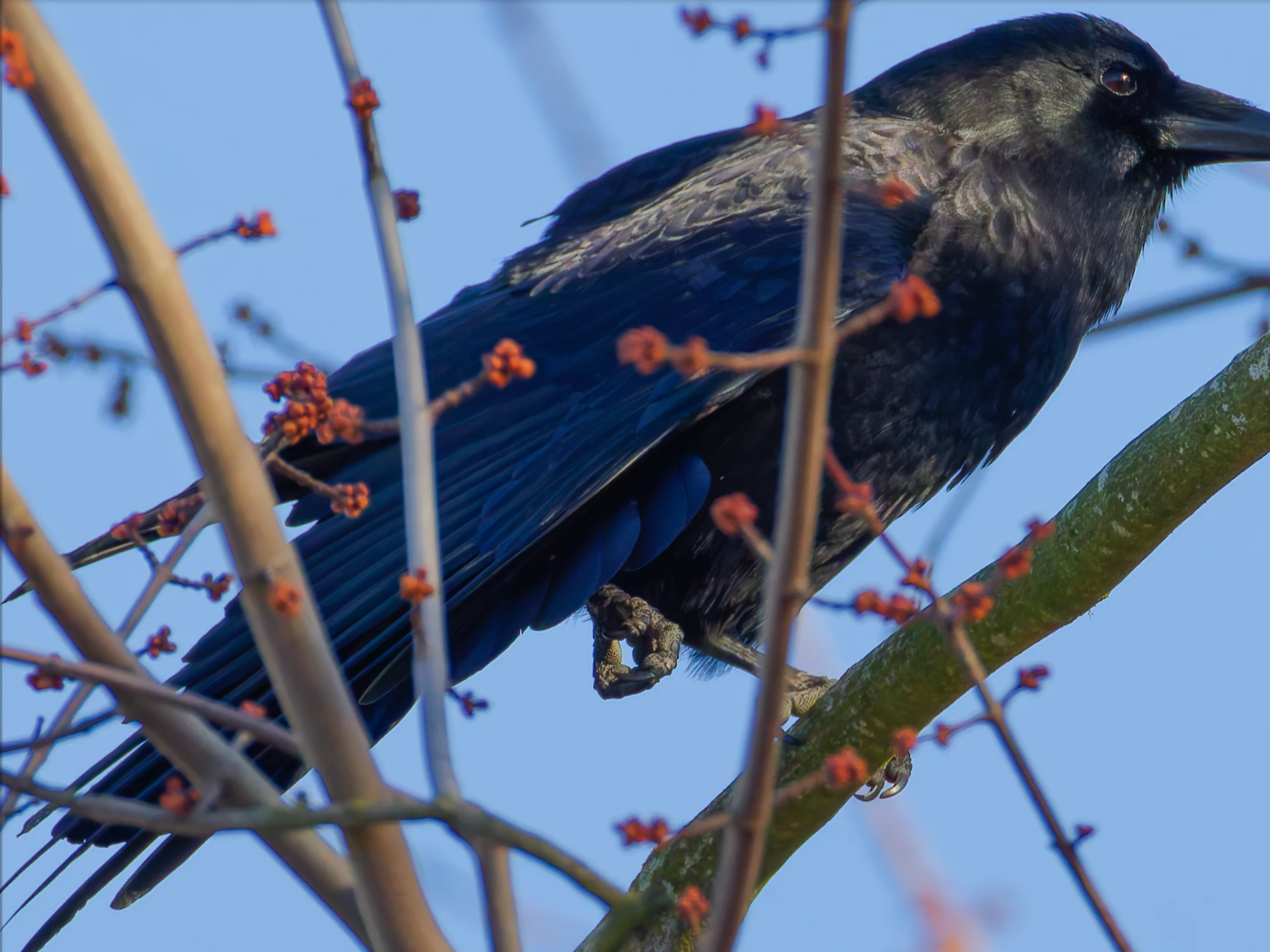


 AdChoices