
Terrible contrast and shadow banding on Sony A7iii ARW files in Lightroom CC Classic 9.3
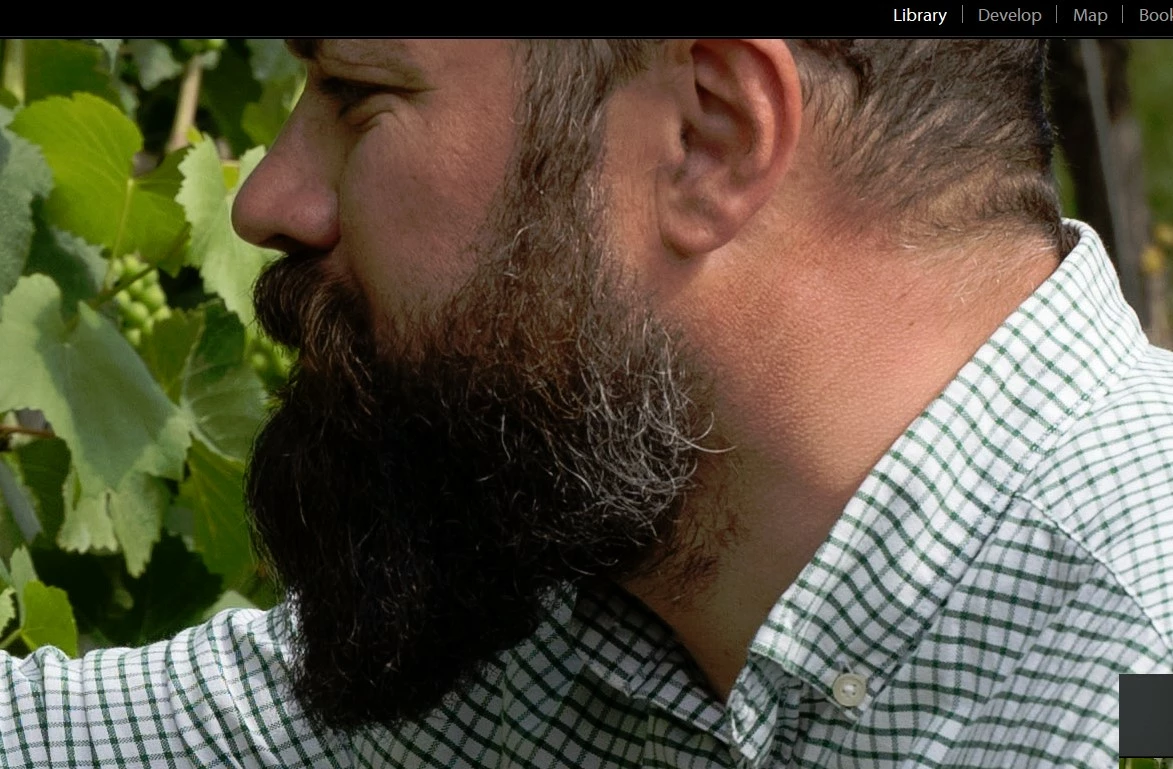
I updated to lightroom CC Classic 9.3 on Windows 10 PC a few months ago but haven't taken many pics due to Covid. So now I'm starting to import photos and use it again heavily. I'm noticing some horrible look to the photos in the develop module with really bad shadows and yellow banding in the transitions, some of which is not so apparent on the final exported jpgs - only when really tweaked - a straight jpg creation shows the same banding.
Here's what I've tried (looking at shadows around my friends nose, cheek and especially under the beard)
My PC:
I've viewed the ARW file using RAW image extension and it looks fine.
Straight import into Lightroom CC classic looks terrible
Straight import into Lightroom CC 3.1 also looks terrible
My windows 10 Laptop:
Straight import into Lightroom CC 3.1 looks great
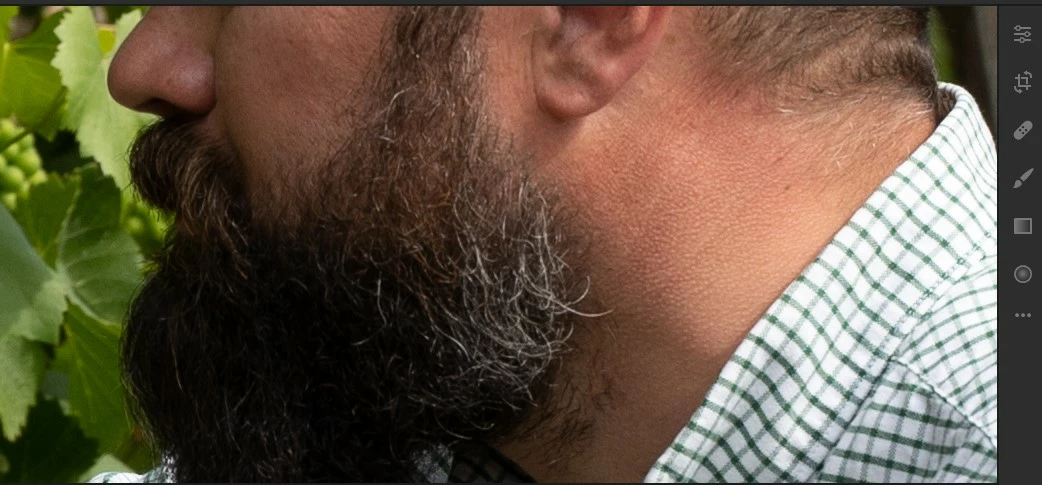
Viewing my laptop image via my desktop monitor again looks ok so it's not the monitor.
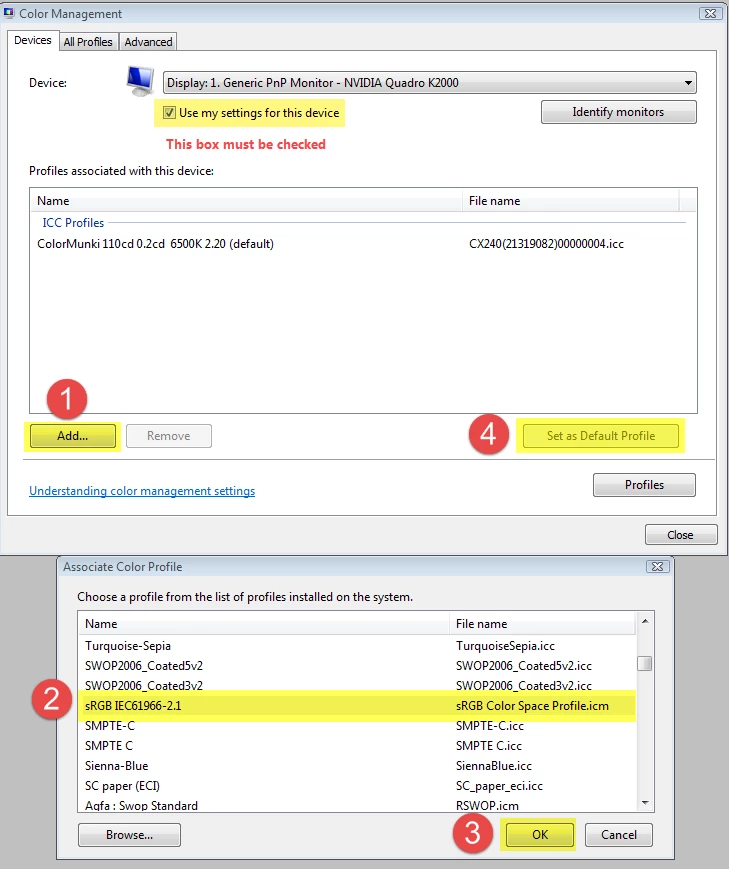
Is there some sort of hidden depths color profile that Lightroom is using in error (as RAW image extension looks fine on the PC).
Anyone got any ideas? I really need to edit in Classic
Thanks
 AdChoices