
Question
Tethered Capture error "Could not be used because the original file could not be found"
Hello Adobe Community,
Can someone please help me fix my tethered capture process? It seems like the new update to lightroom classic messed with my catalog and now when I take photos on tethered capture mode, the photo comes up blank and lightroom says that the original file could not be found.
When I hit "locate missing file", it easily pops right up with the picture I just took, I select it, and then it goes back to normal.
The issue is I have to keep doing this over and over again for each photo I take so I cant take a series of photos in a row.
I did not change my end file destination.
Any help is greatly appreciated!!
Thank you!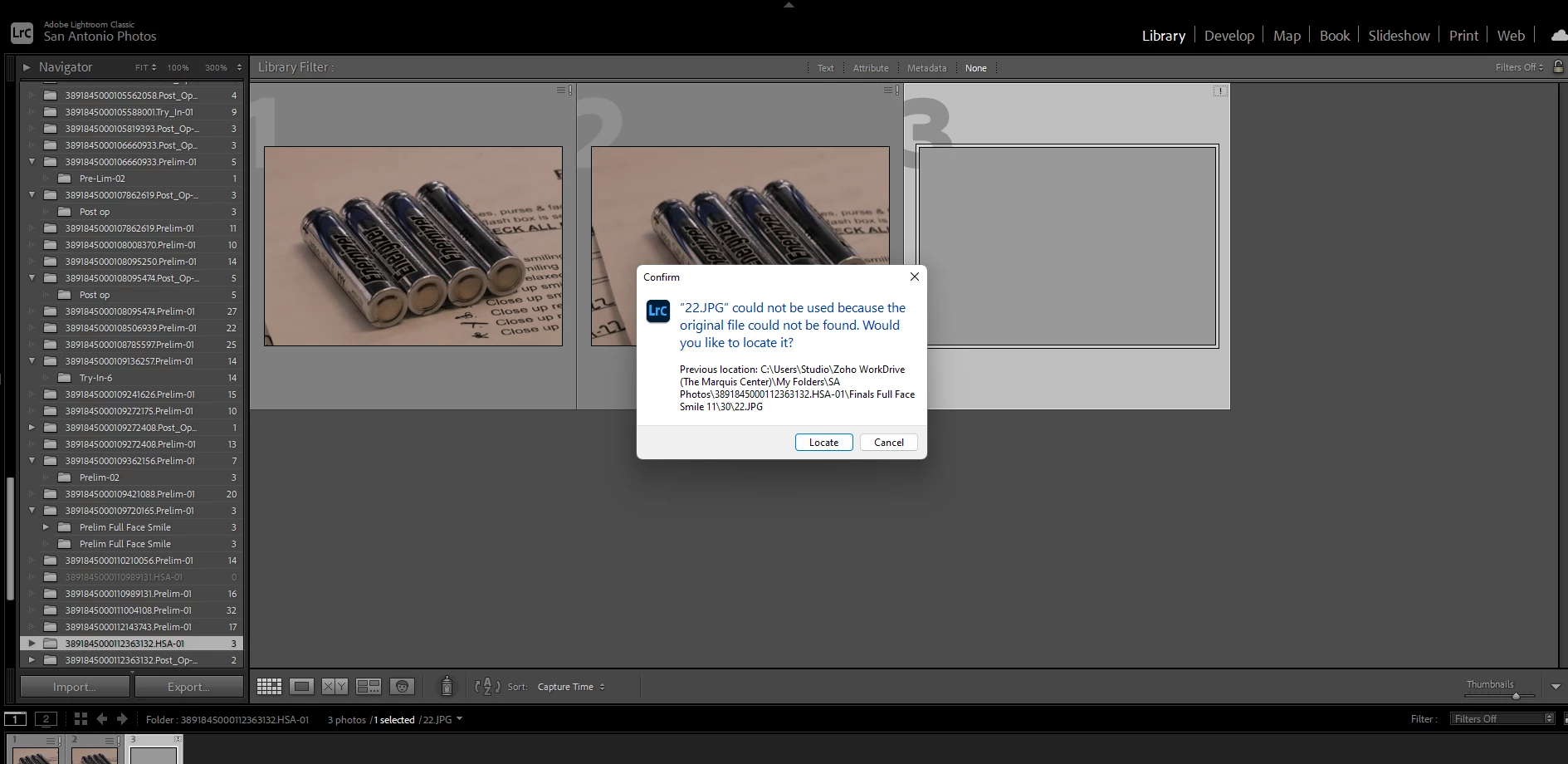


 AdChoices