
Question
Tethering does not work: the camera is connected but photos do not appear in Lightroom
Hi!
I'm trying to use my Canon 60 D through tethering on Windows 10 but I'm not able to.
The camera appears as connected although when I shot, photos do not appear on my screen. Find a screenshot of my screen.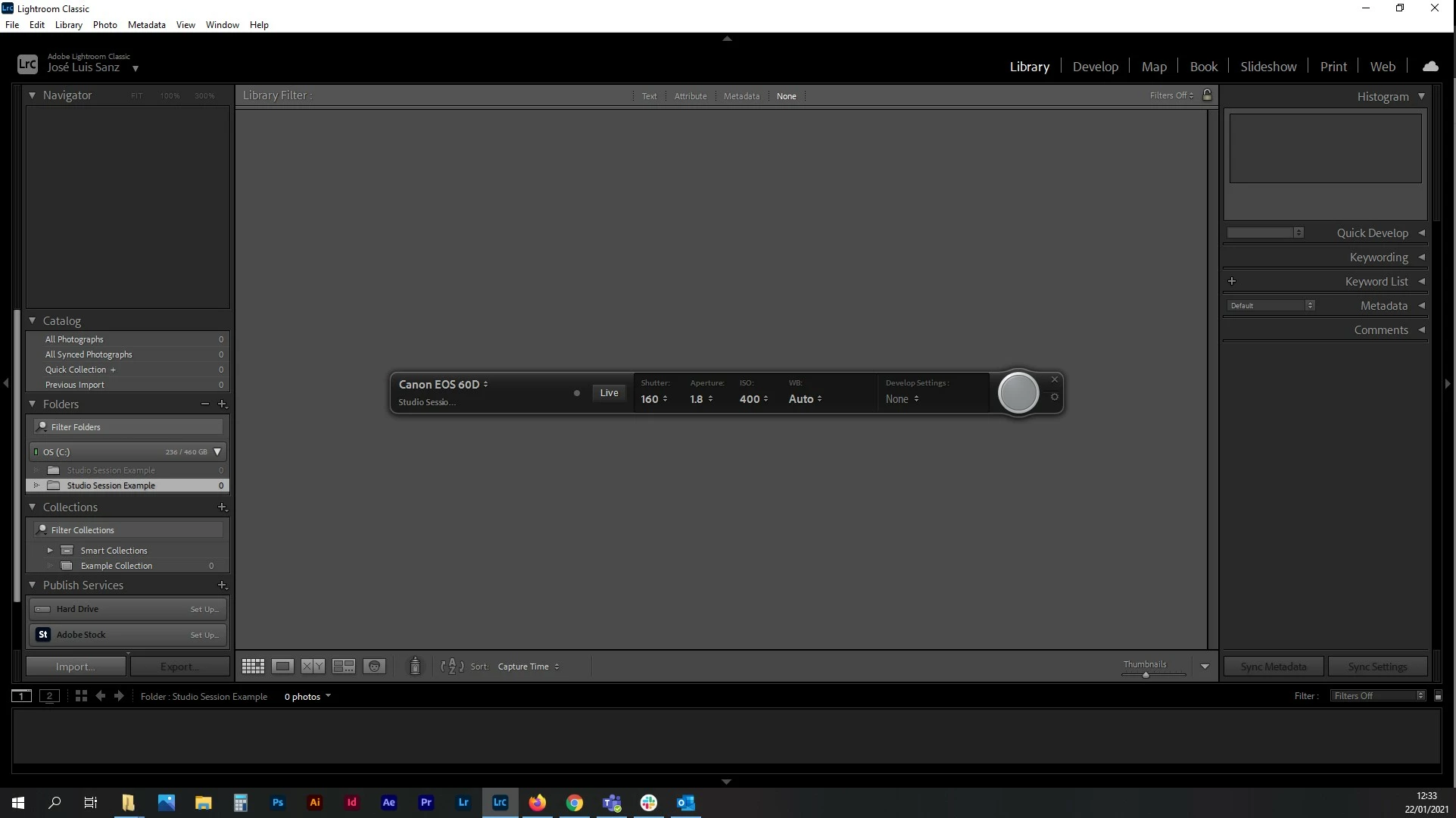
I have checked the software version, the camera version (tethering works perfectly with this camera in a Mac computer with Capture One), the AutoPlay settings... I have no idea where the problem is!
Any idea to fix this?
Thanks in advance.


 AdChoices