
Tethering not working with Lightroom Classic on Canon 6D Mark II
Hi! I am unable to shoot tethered on my MacBook Pro (Apple M1 ; macOS Big Sur Version 11.5.2) with my Canon 6D Mark II. I have tried CC Cleaner/Uninstalling and reinstalling LRC and launching it with Rosetta. This is what happens- each time I tether, turn on the camera and launch LRC, it gives me a prompt to relaunch in Rosetta which I do but that's it! The software hangs from there on and my camera LCD shows a little laptop icon and the camera becomes unrepsonsive. My LRC is version 10.4 so I am guessing the error has nothing to do with the MacOS or the chip?
I have also contacted my local Canon support and they are unable to help.
As you can imagine it is really effecting my workflow and extremely frustrating to say the least.
Has anyone else encountered the same and knows how to resolve this? Thanks so much in advance!!!!
PS: A video below to show the error as it occurs:
https://www.dropbox.com/s/jo9ct24ymklu0fk/IMG_8089%202.MOV?dl=0 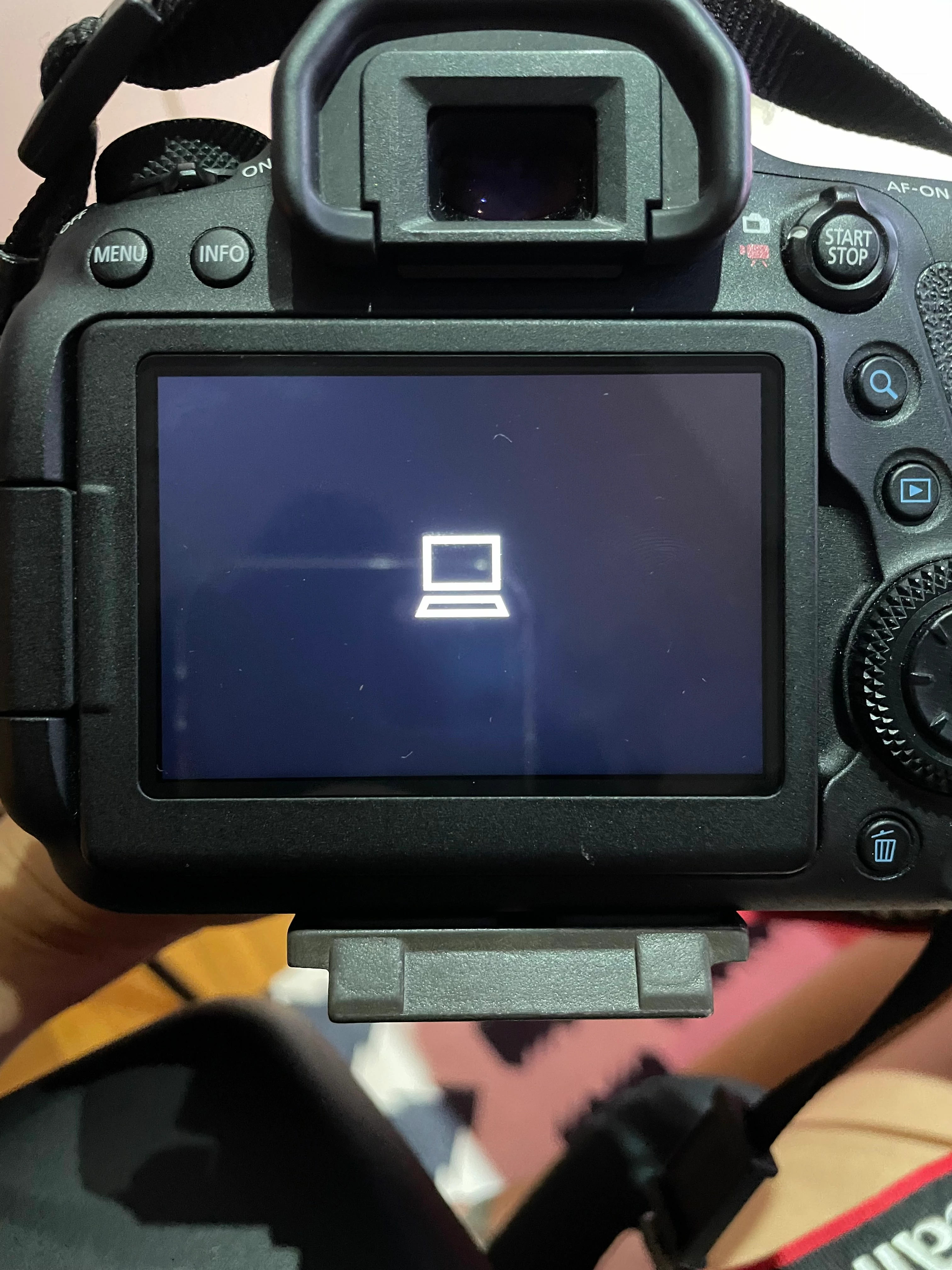
 AdChoices