This topic has been closed for replies.
Correct answer Jao vdL

Looks like you have auto masking turned on

3 replies

Community Expert
November 11, 2017

Mascara automatica in your screenshot. Turn it off

Participant
November 11, 2017

I thank everyone who has responded to my problem, especially Jao vdL, who has been of great help

Jao vdLCommunity ExpertCorrect answer
Community Expert
November 11, 2017

Looks like you have auto masking turned on

KR Seals
Community Expert
Community Expert
November 11, 2017

Can you post a screen shot of the adjustment brush controls you have set for these examples. At first glance it looks like your exposure sliders are too extreme.

Ken Seals - Nikon Z 9, Z 8, 14mm-800mm. Computer Win 11 Pro, I7-14700K, 64GB, RTX3070TI. Travel machine: 2021 MacBook Pro M1 MAX 64GB. All Adobe apps.
Participant
November 11, 2017

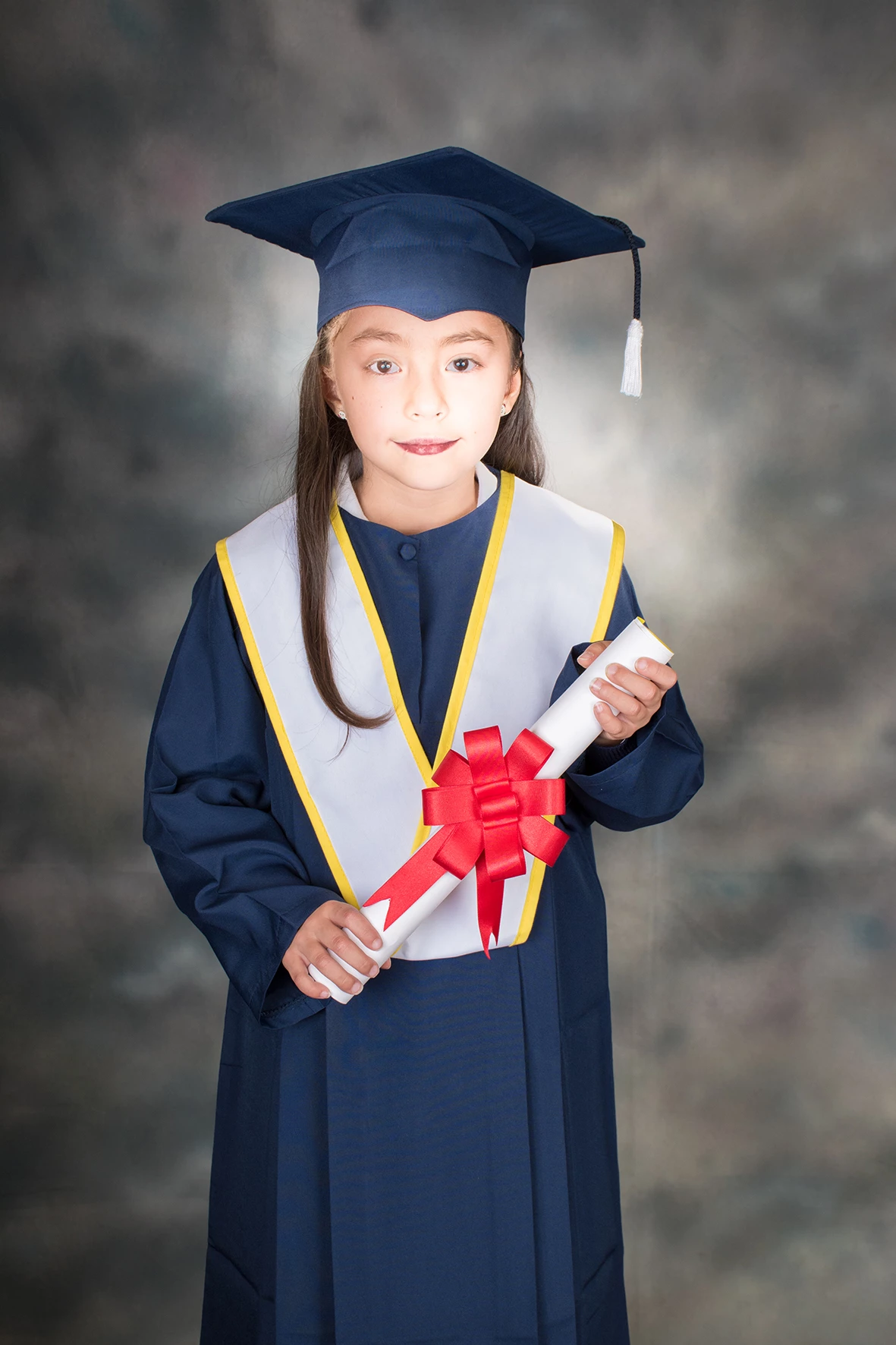
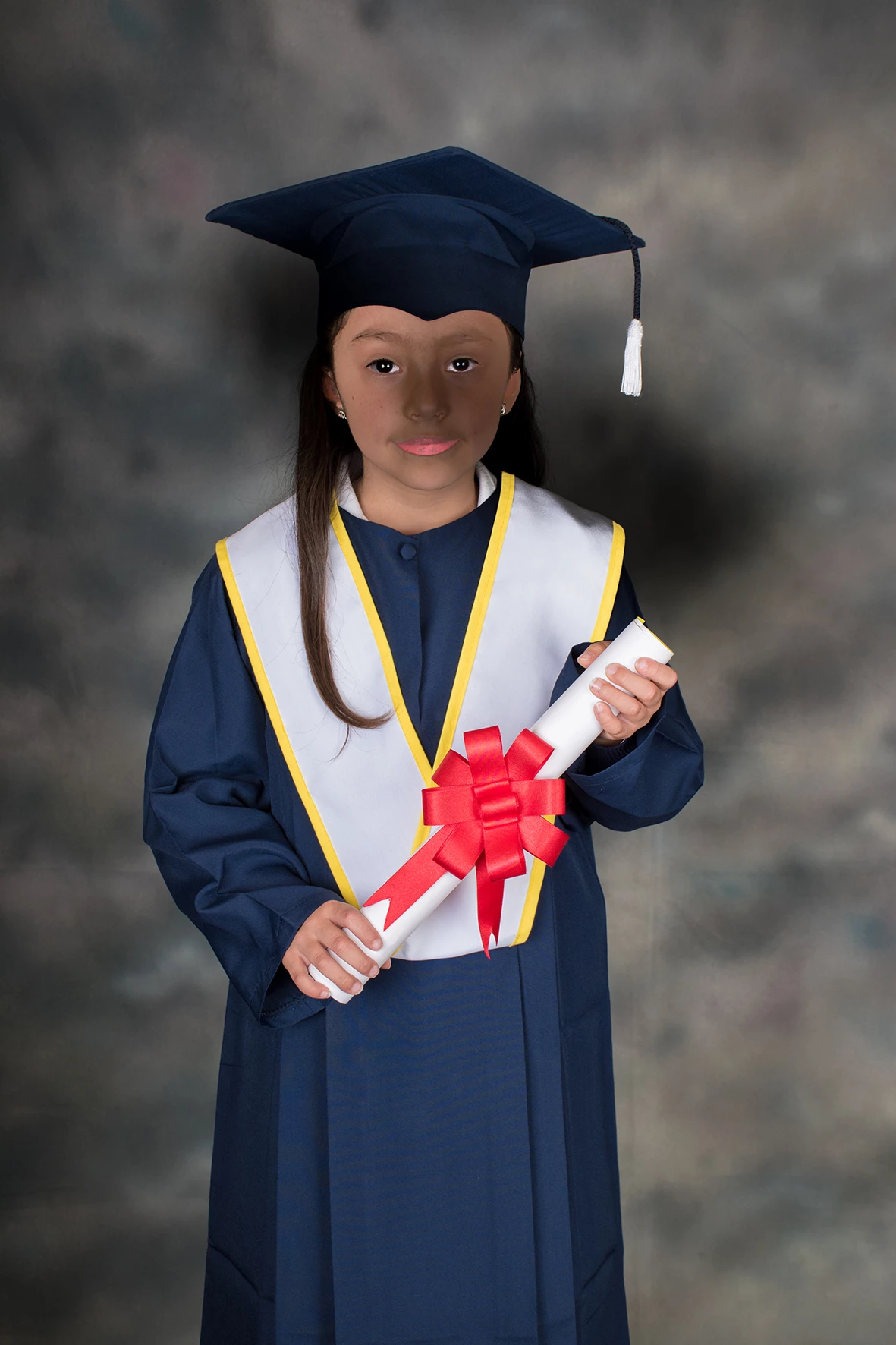
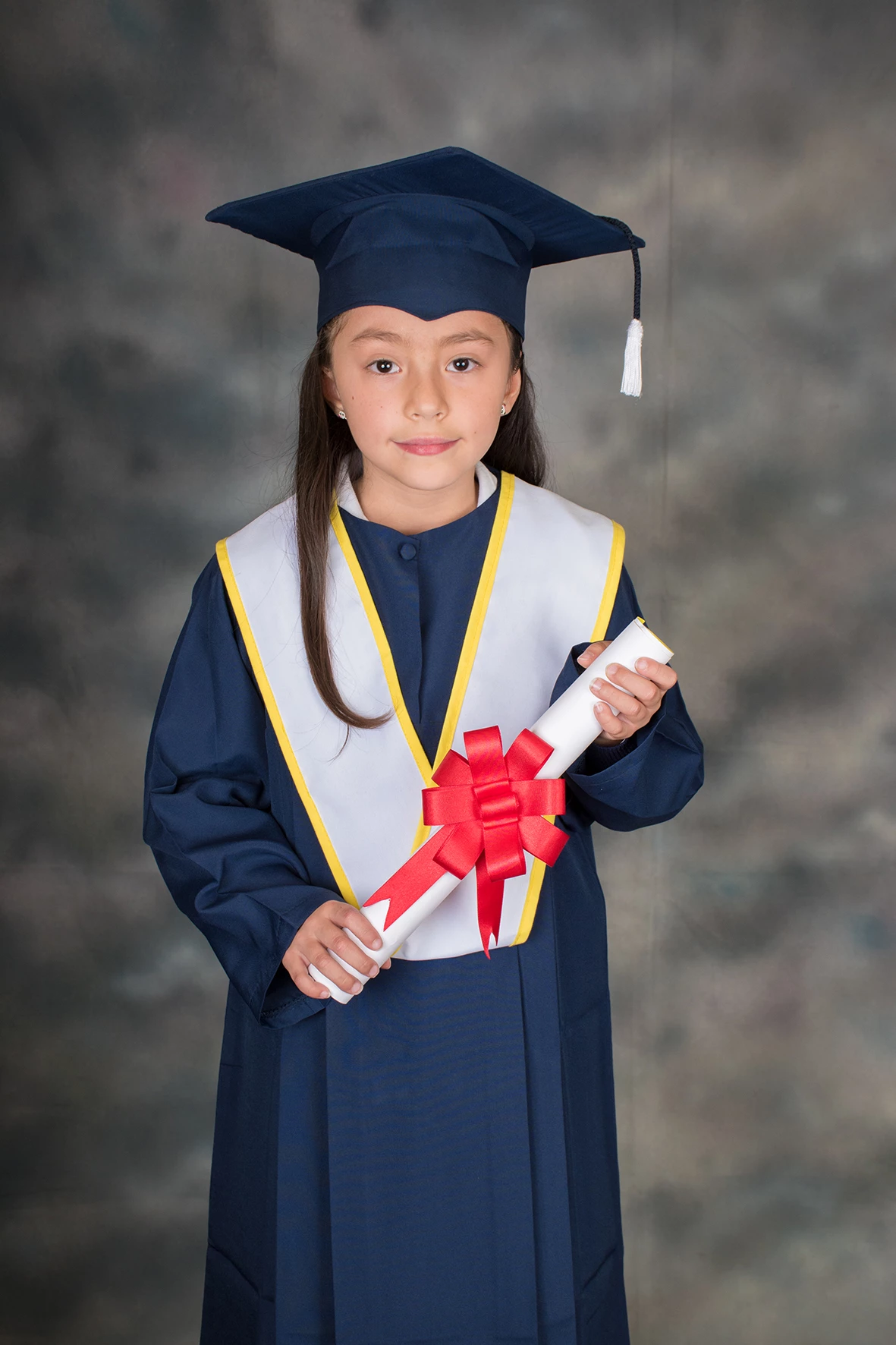
this is the screenshot: what I see is that when I slide the adjustment brush through the image it is solarized

when I clear the image (eyes) the whites become gray and when I do the opposite and they turn white and do not darken them

when dark the image does not uniformly:

and that does not happen in Camera raw 10 in Photoshop

JoeKostoss
Community Expert
Community Expert
November 11, 2017

Jao vdL is correct. Turn off Auto Mask.