Participant
October 13, 2025
Question

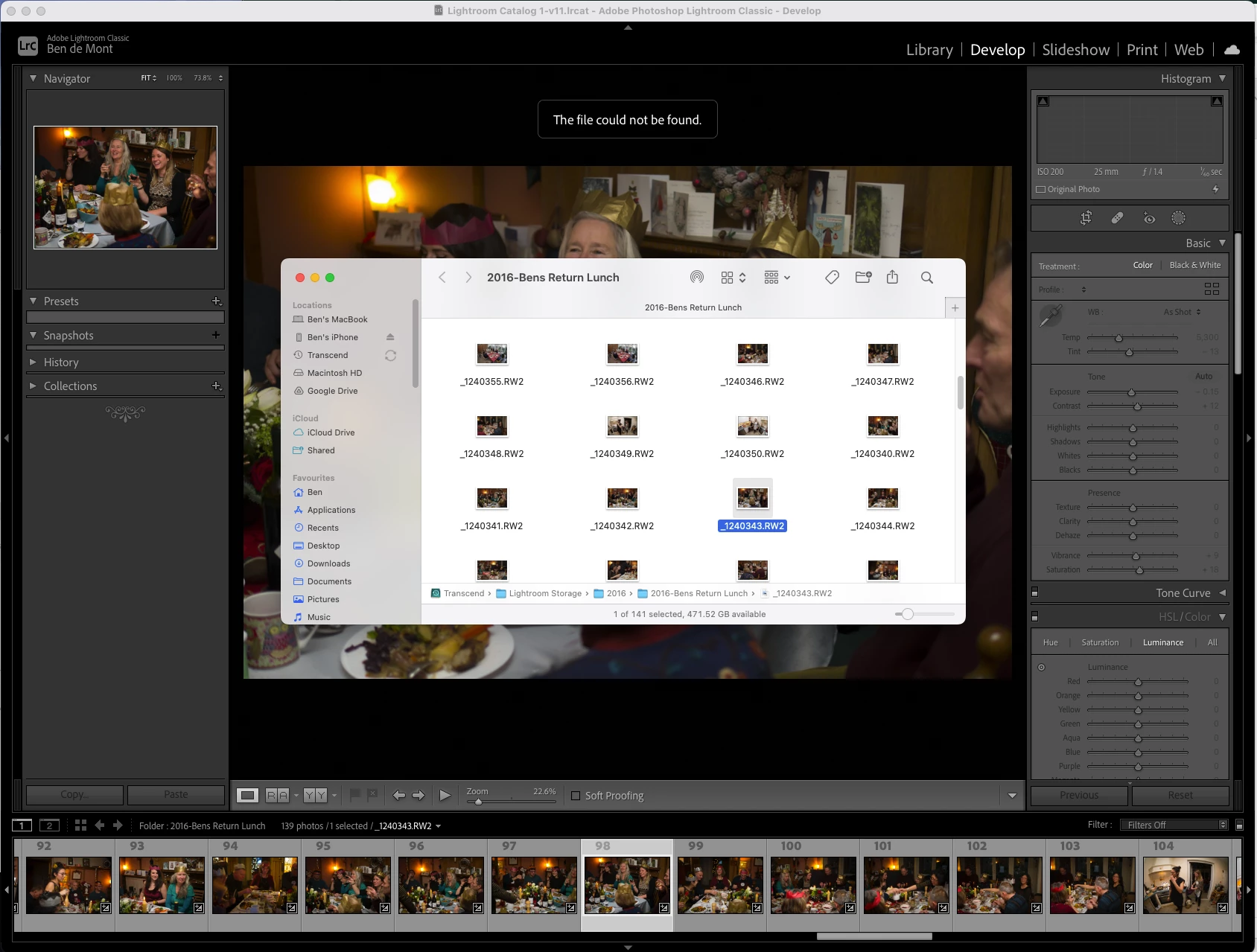
'The file could not be found' But Lightroom can find the file using 'Show in Finder'

  • October 13, 2025
  • 2 replies
  • 269 views

Hello community.


I'm using Lightroom Classic 11.3.1 on an M1 Mac running Sequoia 15.6.1


Lightroom has been fine for approxximately 14 years but today I noticed I cannot edit photos in Develop mode for photos that are on an external HD.

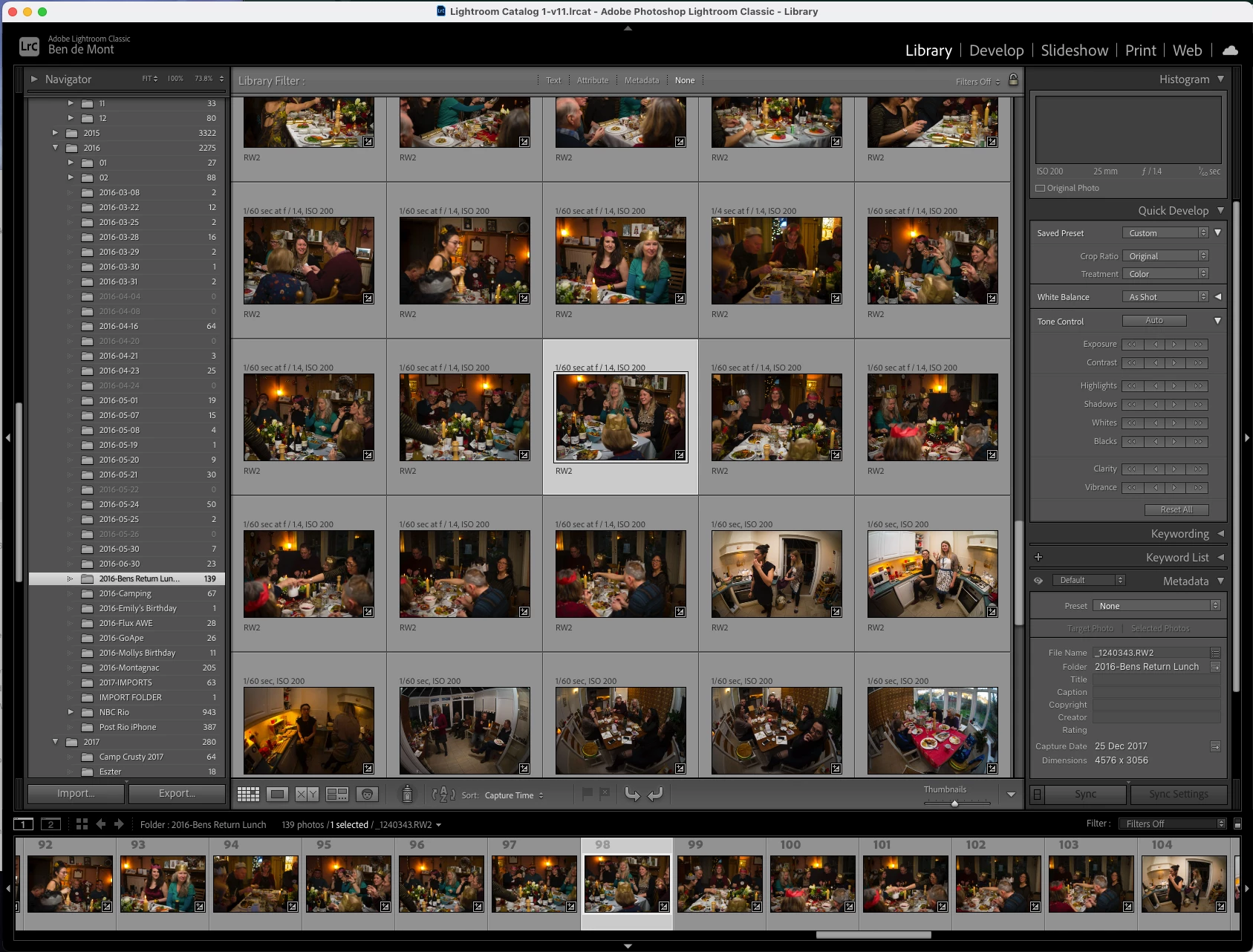
No 'Unlink Exclamation Marks' are visible.

You can navigate to the photos using 'Show in Finder' so it definitely knows where they are

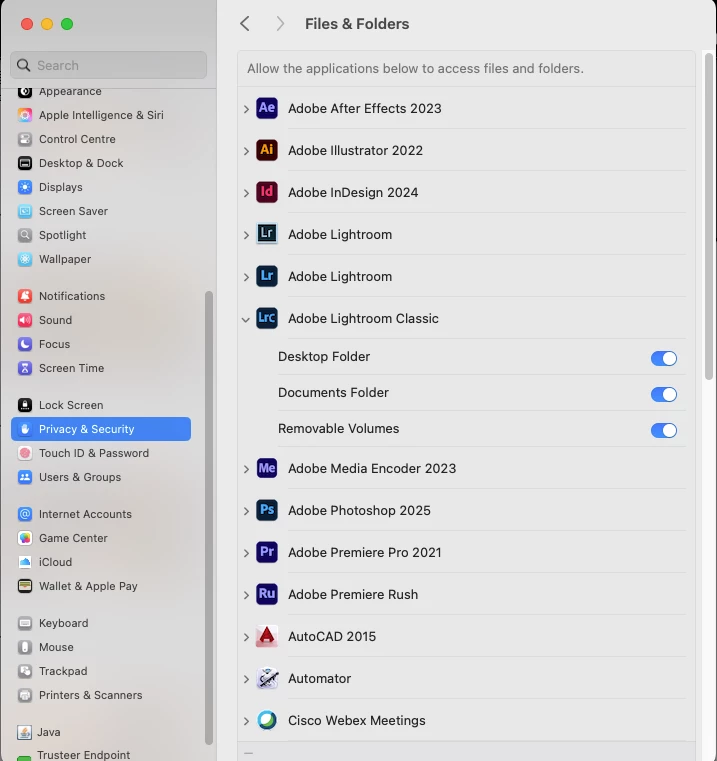
Security permissions are open.
 

2 replies

Conrad_C
Community Expert
Community Expert
October 16, 2025

This is a weird one, and I'm not going to say any of these will solve it, but they are things to try...


Check the entire file path of any image that causes this error, and look for any odd characters in the names of the containing volume, containing folders, and the image file itself. This is in case Lightroom Classic is stricter about legal characters in the file path than macOS is.


In case it has to do with corruption in the database of that specific catalog, run File > Optimize Catalog.


There is a small chance that it may be a problem with the file system on the storage volume. To rule out this possibility, open Apple Disk Utility and run First Aid on the volume where the images are stored.

Inspiring
October 15, 2025

Have you checked your energy settings in MacOS(Put harddisks to sleep when possible)? Perhaps the drive is permitted to sleep when not in use. I've had this exact thing happen to me.. It made it so that LrC said it couldn't find the file, but as soon as i went to find it in finder (even through LrC) the drive booted up and the files where there.
Some time ago i had to dig through an old catalog where all images are on an older external harddrive and this had me puzzled for a few days before i figured it out.

Participant
October 15, 2025

Hello DenmarkOne,


  I'm afraid it isn't this.  I've tried the HD in multiple ports

dj_paige
Legend
October 16, 2025
quote

Hello DenmarkOne,


  I'm afraid it isn't this.  I've tried the HD in multiple ports


By @Ben de Mont


He was talking about settings inthe MacOS, not the port.