
Inspiring
October 30, 2022
Answered

The healing brush (content-aware/heal/clone) has inconsistent size

  • October 30, 2022
  • 2 replies
  • 333 views

I have Lightroom Classic v12.0 on an M1 chip MacBook air (12.6)


When the mouse is in the healing panel, the brush size seen in the image is the same as the width of its stoke (seen here with a clone selection).
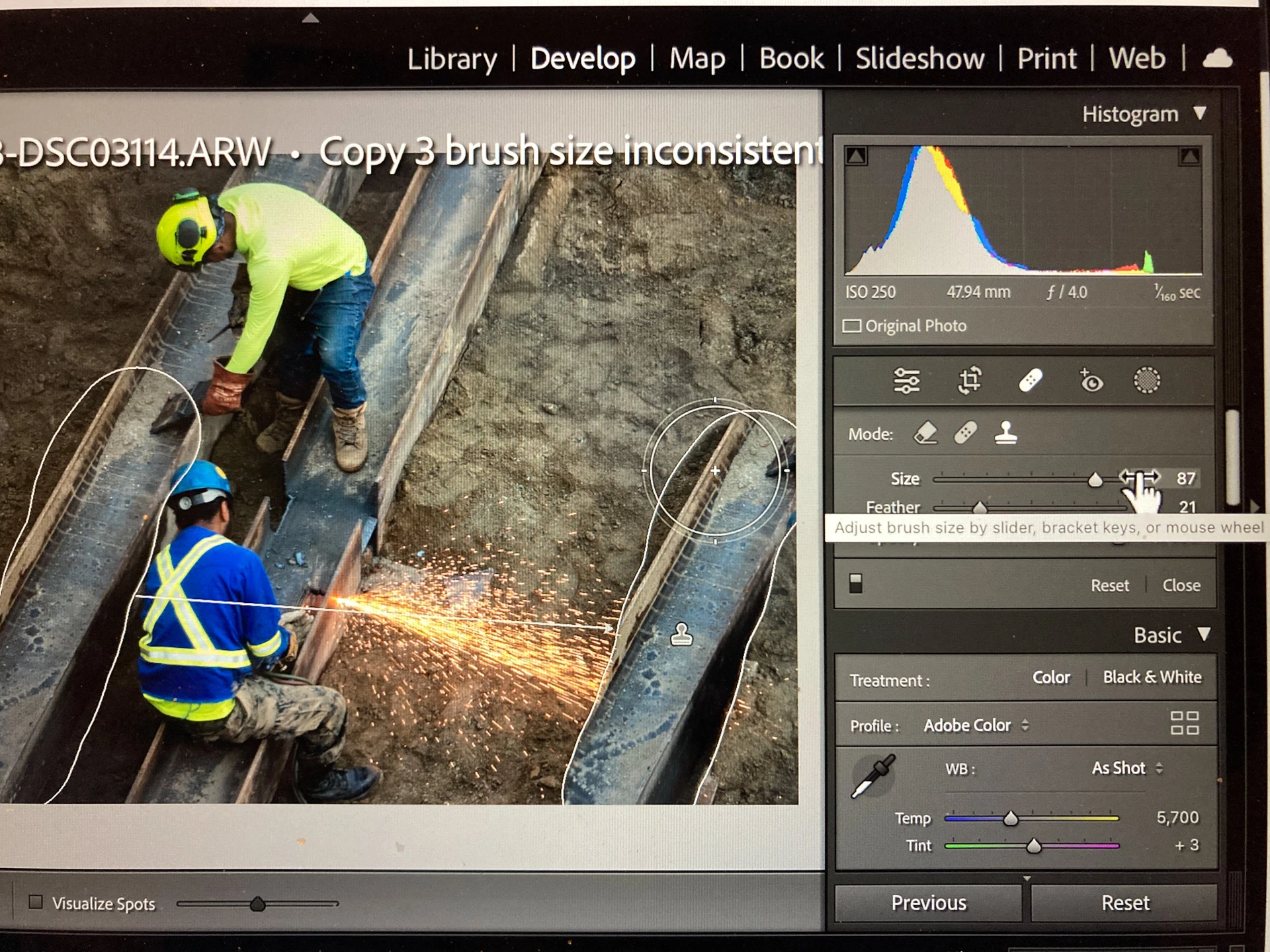
 

When the mouse is over the image, the brush size becomes much larger. It is confusing because as you brush, the brush stroke comes out smaller than the brush head. I think that the brush size has been rendered wrong.
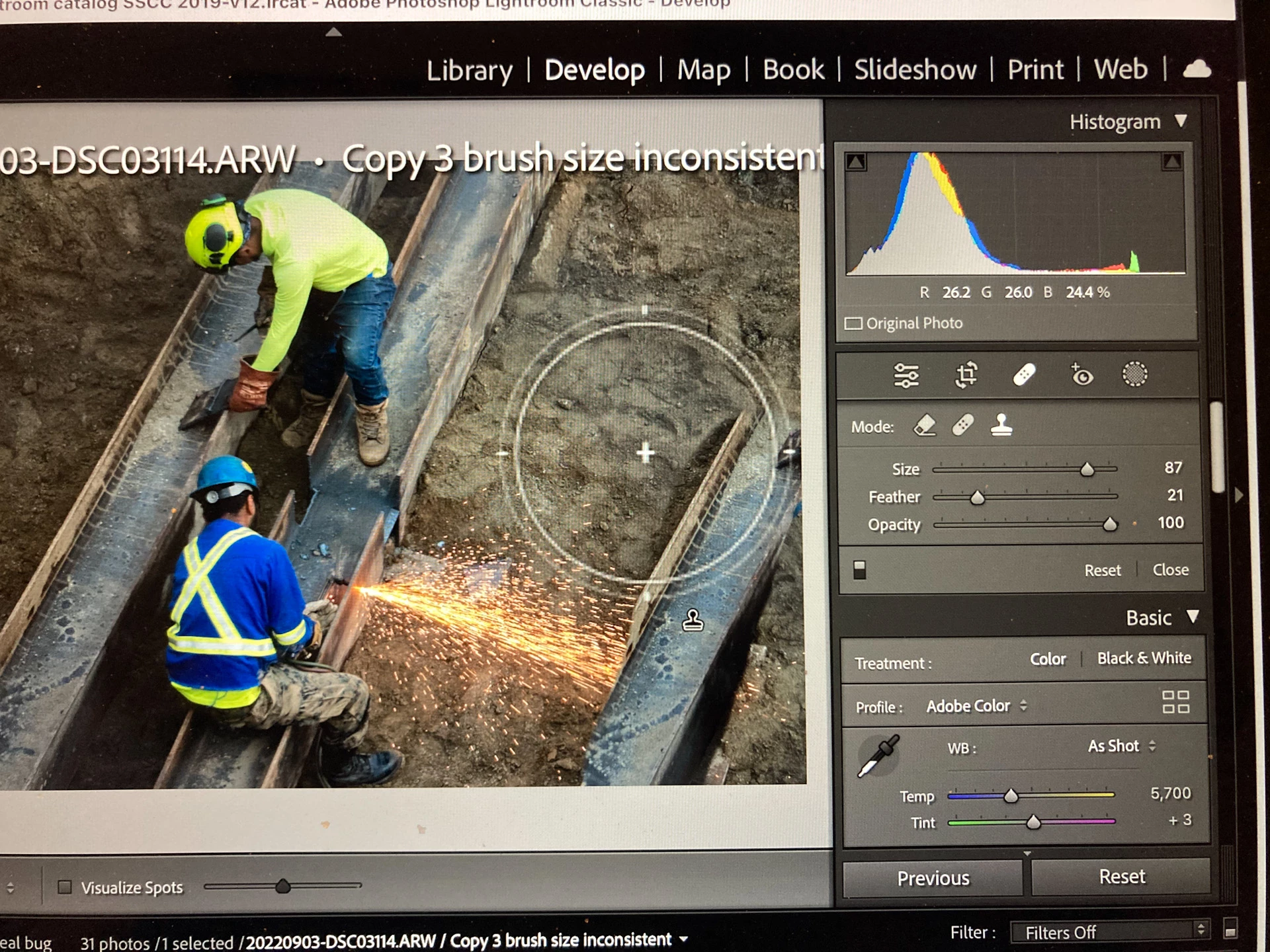
 

The brush size should be consistent regardless of where the mouse is.

This topic has been closed for replies.
Correct answer JohanElzenga

Check your MacOS System preferences. There is an option to increase the size of cursors. Sounds like you turned that on.


2 replies

Inspiring
October 30, 2022

The brush in Masking also has the same behavior. But it is less obvious when using "Auto Masking", as long as the crosshair is kept close to the edge of the area to be masked.

JohanElzenga
Community Expert
JohanElzengaCommunity ExpertCorrect answer
Community Expert
October 30, 2022

Check your MacOS System preferences. There is an option to increase the size of cursors. Sounds like you turned that on.


-- Johan W. Elzenga
Inspiring
October 30, 2022

Yes, that's it. I like my cursor big so I can find it. I didn't have this problem in v11.

JohanElzenga
Community Expert
Community Expert
October 30, 2022

@TanyaThree wrote:

Yes, that's it. I like my cursor big so I can find it. I didn't have this problem in v11.


That means that Lightroom is finally doing what it was supposed to do in version 11 as well...  🙂


-- Johan W. Elzenga