Inspiring
February 24, 2018
Answered

the new edit tabs seem to be off

  • February 24, 2018
  • 2 replies
  • 510 views

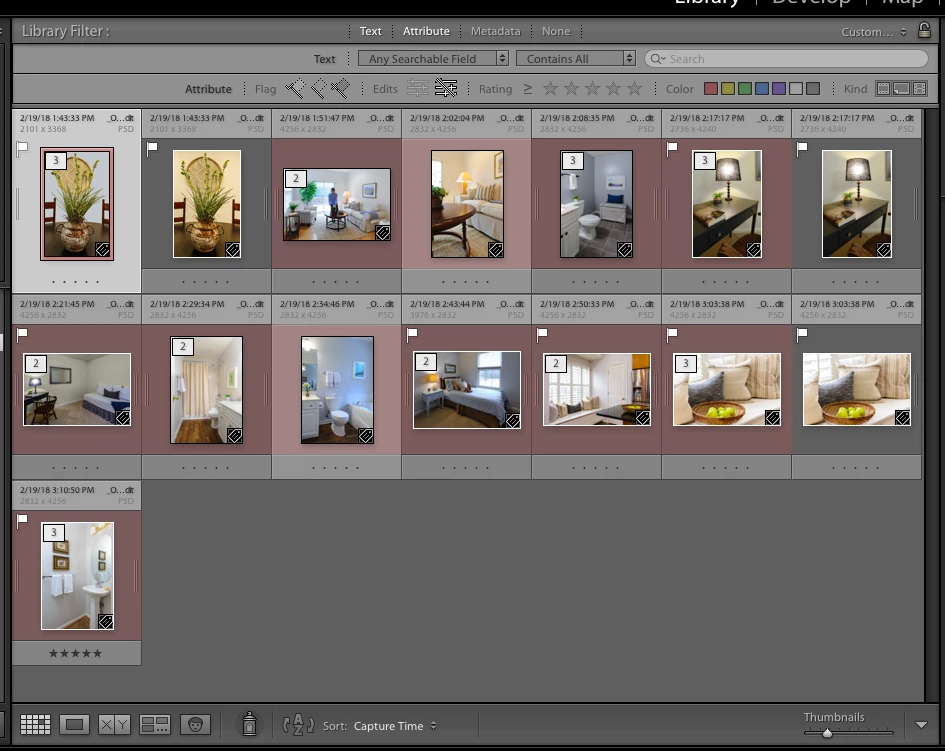
If i have both tabs at the top of the screen in grey mode (off) and i click on the left tab which should show my edits nothing seems to happen in the library, however if i click on the right icon (unedite mode) i see my edits? Is this backwards or am i missing something.
    This topic has been closed for replies.
    Correct answer Just Shoot Me

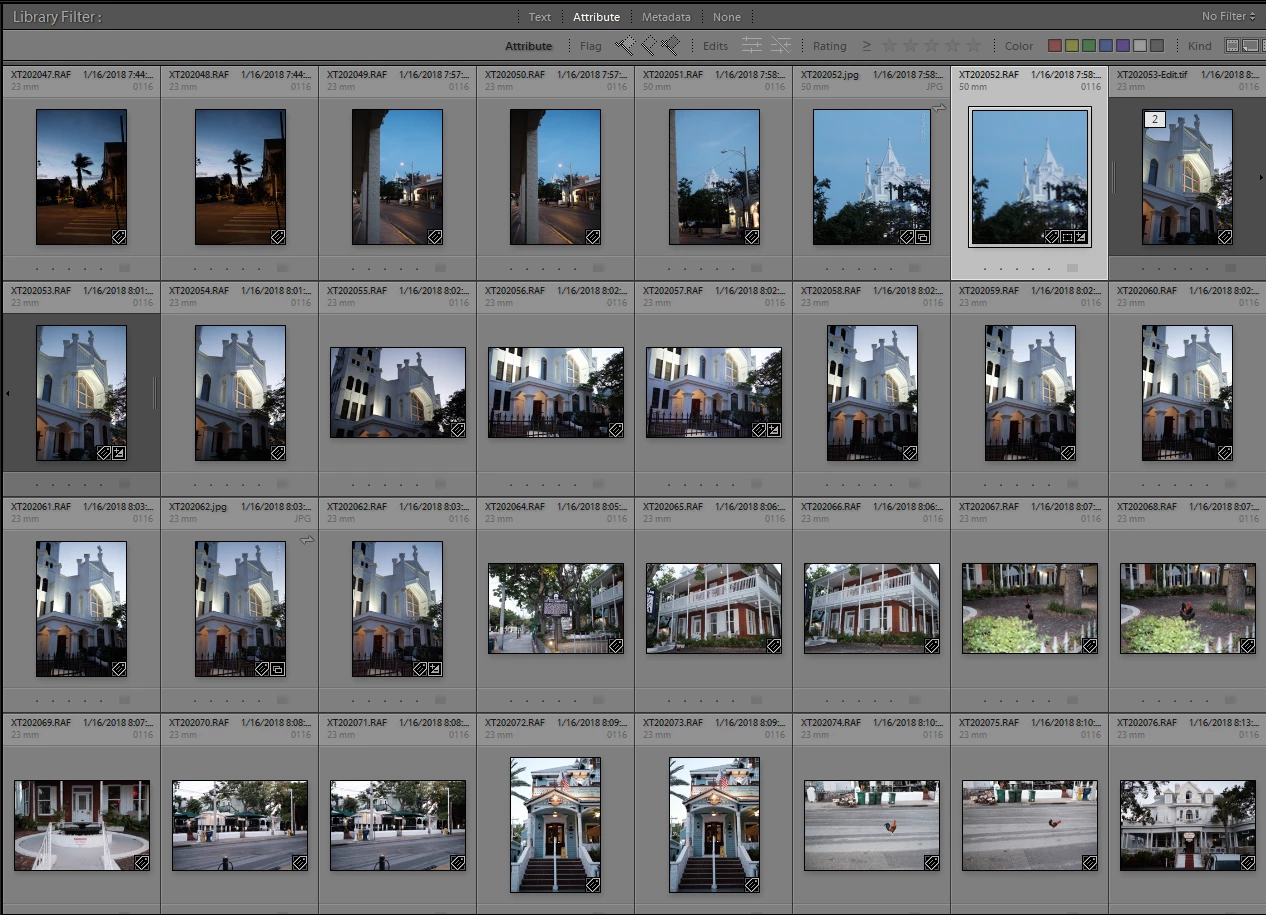
    Filter bar with neither icon selected.

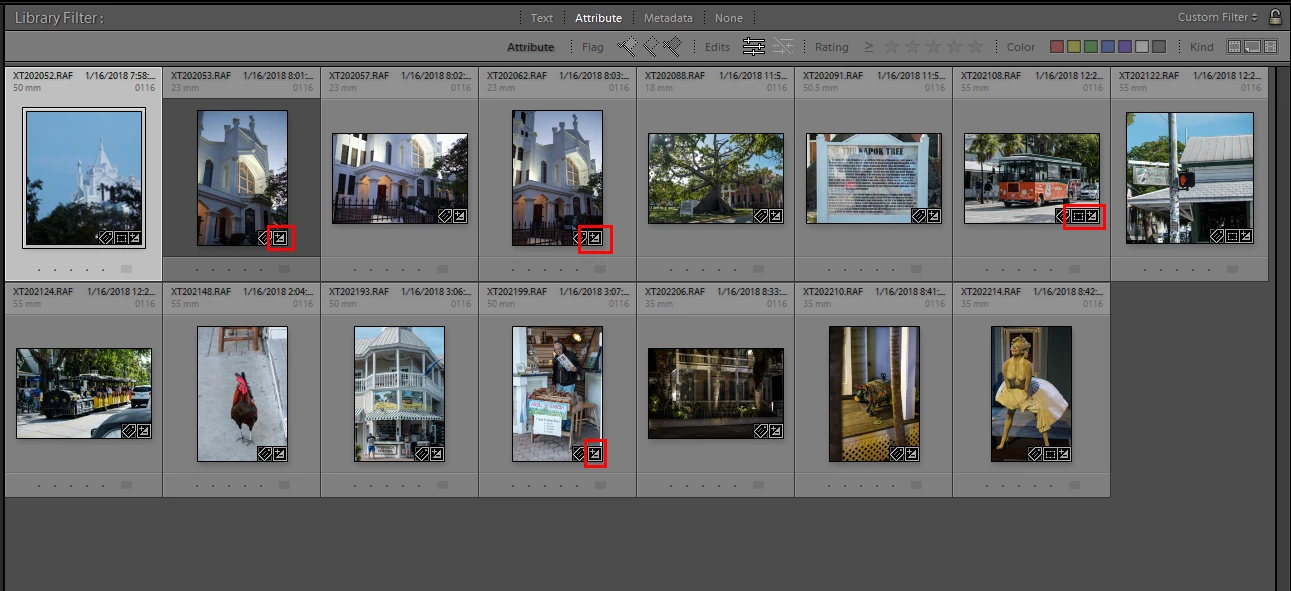
    Filter Bar with Edits icon selected. Note the Red outlined box for the Edits icon in the images bottom right hand corner.

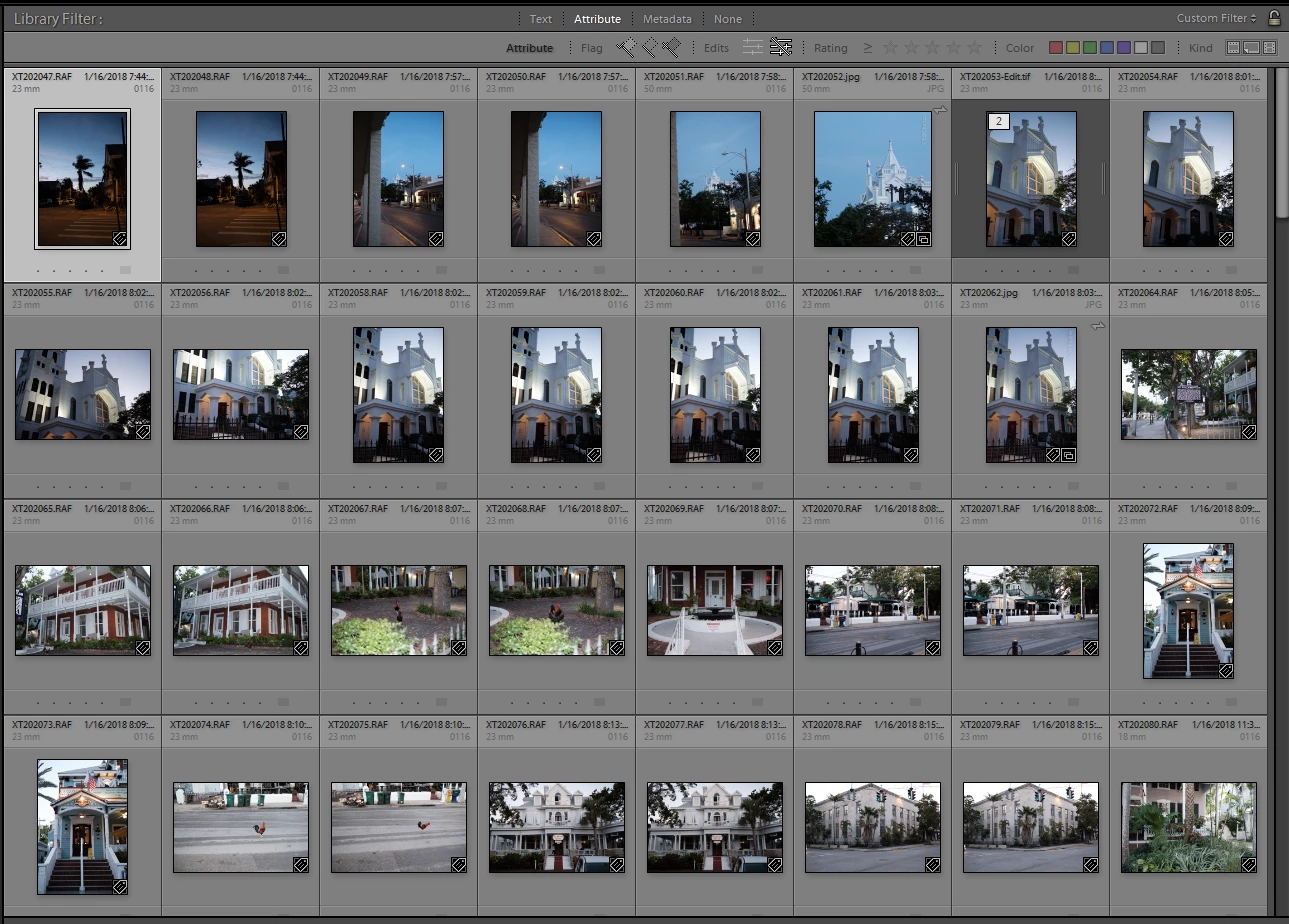
    Filter bar with No Edits icon selected but yet there are keyword and collection icons in the bottom right hand corner of the images.

    Also these icons are either On or Off and if On then selected the other does not turn the one that is in On position to the Off position.

    Click once to turn on, click a second time to turn off.

    2 replies

    Just Shoot Me
    Just Shoot MeCorrect answer
    Legend
    February 24, 2018

    Filter bar with neither icon selected.

    Filter Bar with Edits icon selected. Note the Red outlined box for the Edits icon in the images bottom right hand corner.

    Filter bar with No Edits icon selected but yet there are keyword and collection icons in the bottom right hand corner of the images.

    Also these icons are either On or Off and if On then selected the other does not turn the one that is in On position to the Off position.

    Click once to turn on, click a second time to turn off.

    owenpga2Author
    Inspiring
    February 24, 2018

    I was looking in terms of the reimports from pscc back to LRCC and looking at the psd files as the edits files.

    I get it now.

    thank you

    Just Shoot Me
    Legend
    February 24, 2018

    If no edits are done in LR to the Returned PSD, TIFF or JPG files then No LR Edit icon will show.

    Those are NEW files as far as LR is concerned.

    So that option in that part of the Filter bar won't show them.

    Use the Metadata part and have one column show File Type. You can then select PSD in that column.

    Just Shoot Me
    Legend
    February 24, 2018

    Your screen shot shows images in the Grid view that do not have any EDITS. They do have a Keyword applied but IIRC that isn't considered an Edit.

    If none of the images in the Folder you have selected in the Folders section of the left hand panel or you have Previous Import selected and you have not done any edits to those images then clicking the left icon, "Edited", will show nothing in the Grid view area.