
Question
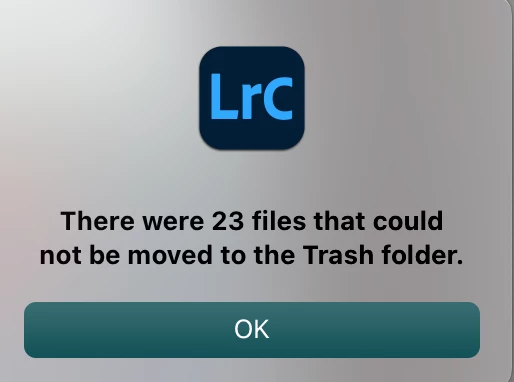
There were [X] files that could not be moved to the Trash folder.
Hello, fam.
I cannot delete images after creating a new master catalog from multiple other catalogs, which I have since deleted. The new master catalog itself is located on my iMac 24-inch M1 SSD, but the images are located on an external 6TB G-Drive Thunderbolt drive.
Anytime I attempt to CMD-Delete images I've rejected, I get this error:
I'm running the latest version of Monterrey 12.3.1 and Lightroom Classic is up to date at 11.3.1.
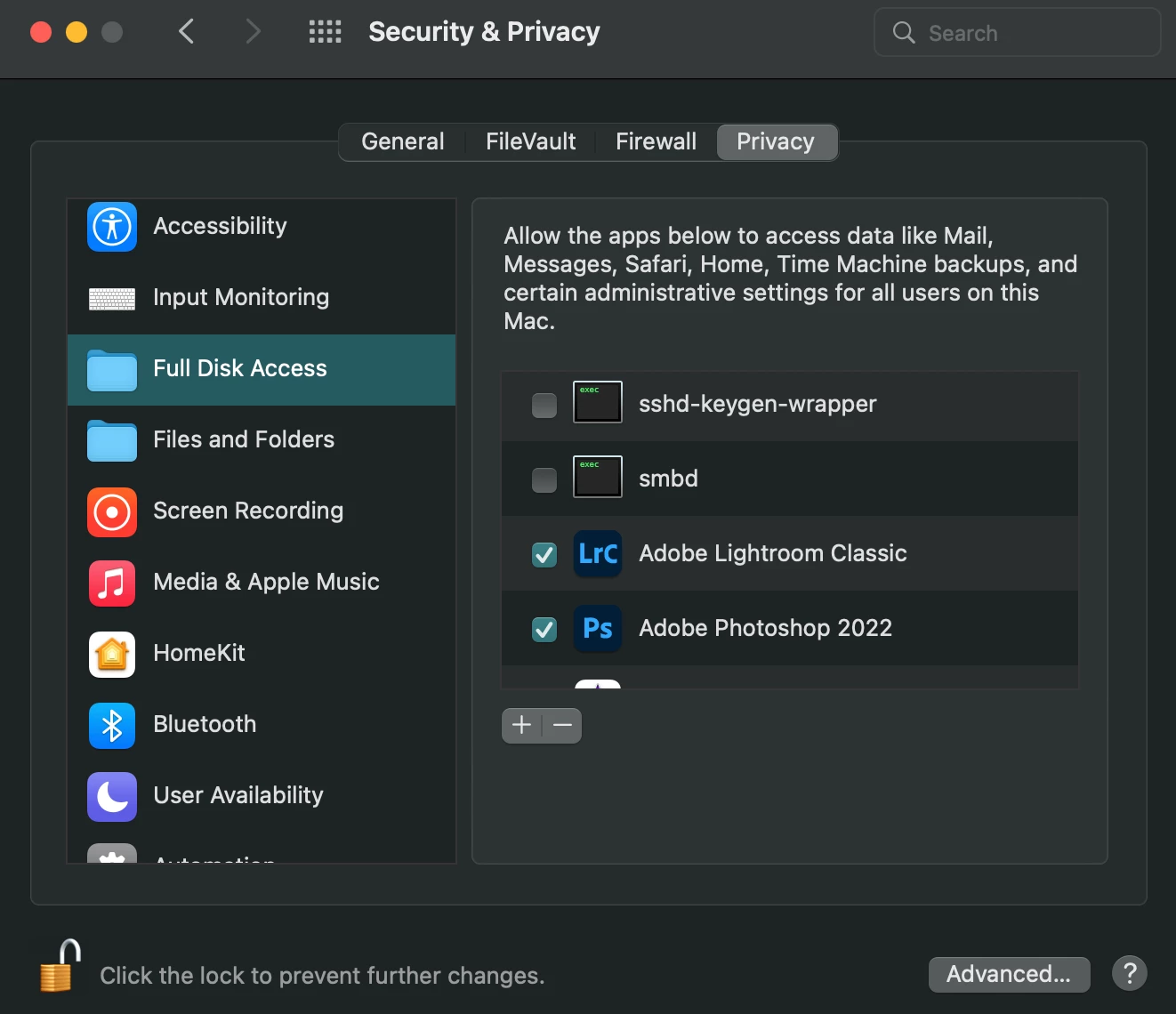
Lightroom has Full Disk Access in System Preferences:
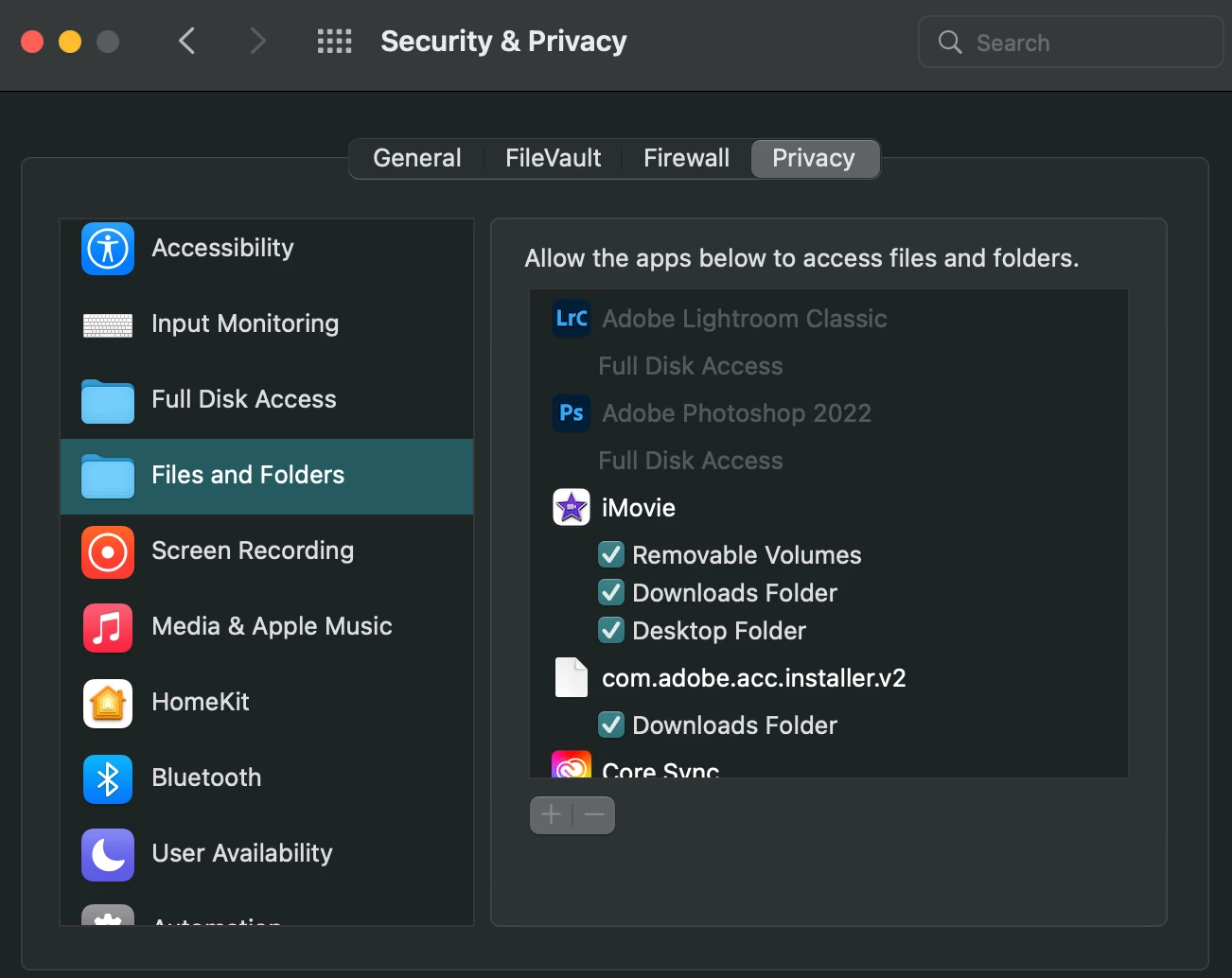
I've rebooted, uninstalled and reinstalled Lightroom Classic, reset preferences, created a new catalog and reimported the images.
Is this some other kind of permissions thing with the drive? Any ideas?
Thanks in advance.


 AdChoices