
Participant
October 15, 2024
Question

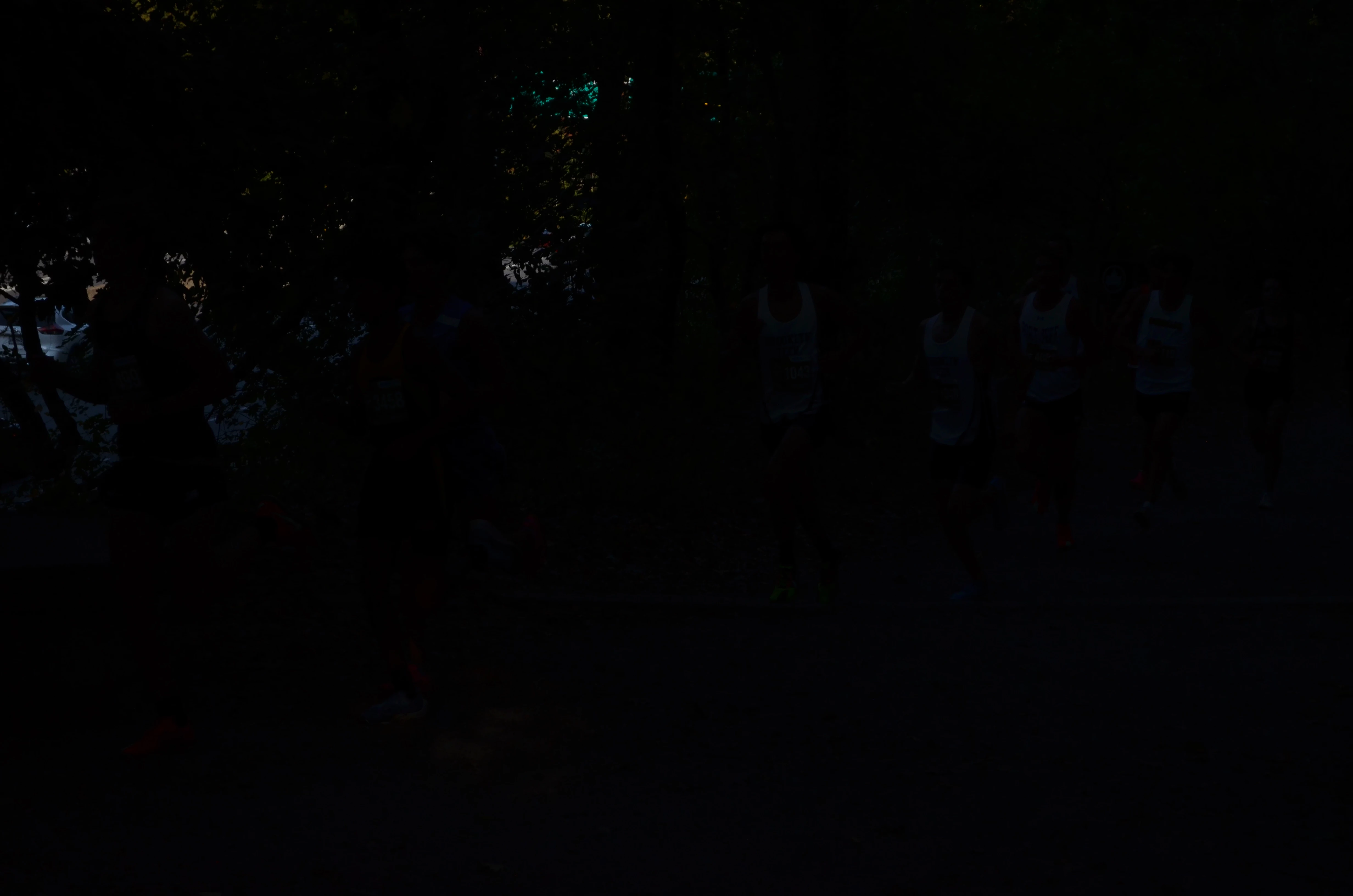
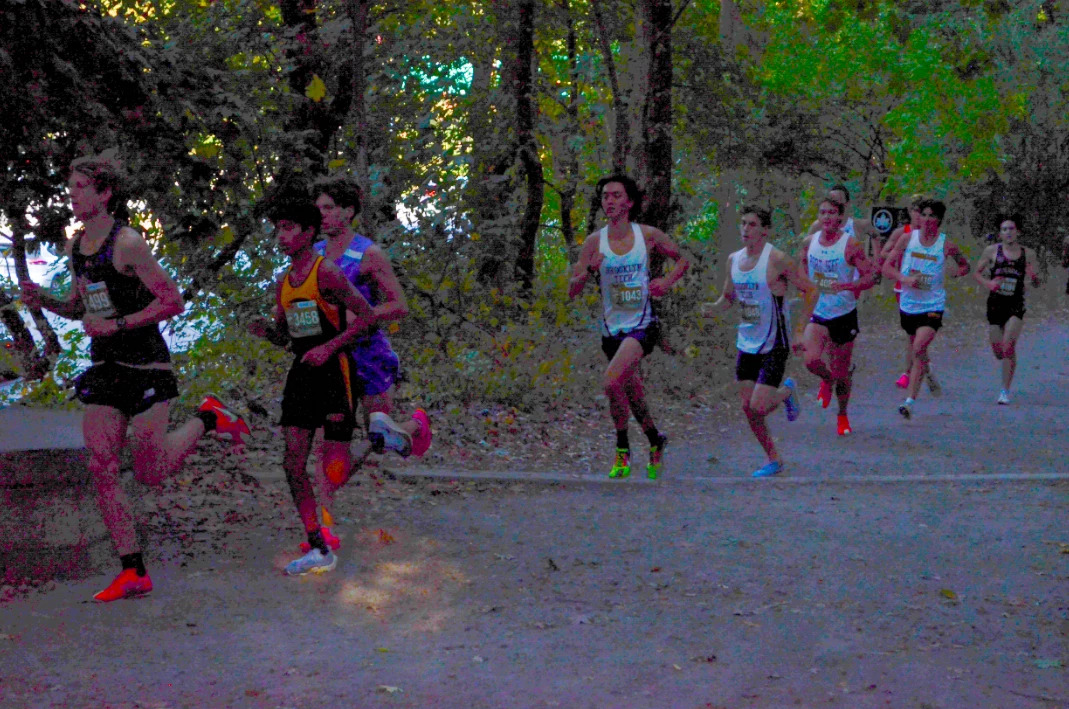
took some photos in a dark setting, turned out extremely dark. how can i fix? (images provided)

  • October 15, 2024
  • 1 reply
  • 176 views

The black photo is the original. I turned up exposure, shadows, and blacks all the way up, and it just looks really weird... any way to save these photos? 😞
This topic has been closed for replies.

1 reply

Conrad_C
Community Expert
Community Expert
October 15, 2024

Was the original shot in raw or JPEG?


Either way, the main problem is the way digital images are recorded by a camera sensor. Due to physics, the sensor devotes the most bits to store highlight data and the fewest bits for shadow detail, so in this original, practically all of the image information is down in the lowest quality bits in the shadows. This is why underexposure is so damaging to digital images.


Looking at the exposure data in the image, for a shaded scene like this, 1/2000 sec seems like too high a shutter speed for f/5.6 at ISO 400, so that’s probably why it got so underexposed. If the goal was to use 1/2000 sec to freeze the runners, a good strategy would be using shutter priority and Auto ISO together, to let ISO go as high as it (well beyond 400) after the aperture is maxed out.


For this image, you can try increasing Color Noise Reduction to see if that reduces the color artifacts, but it will be difficult to repair this.

Participant
October 16, 2024

Original shot was in raw.

I did use shutter priority, just this specific area of the course covers a lot of the light because of the amount of trees. In my other photos where there aren't any other trees they all turn out fine. I will turn on Auto ISO and see how that works out fo thank you. 


Turning up Noise Reduction helped a little, but the images are still really blurry. Just don't think there's really any way to save these photos.