Participating Frequently
July 29, 2026
Answered

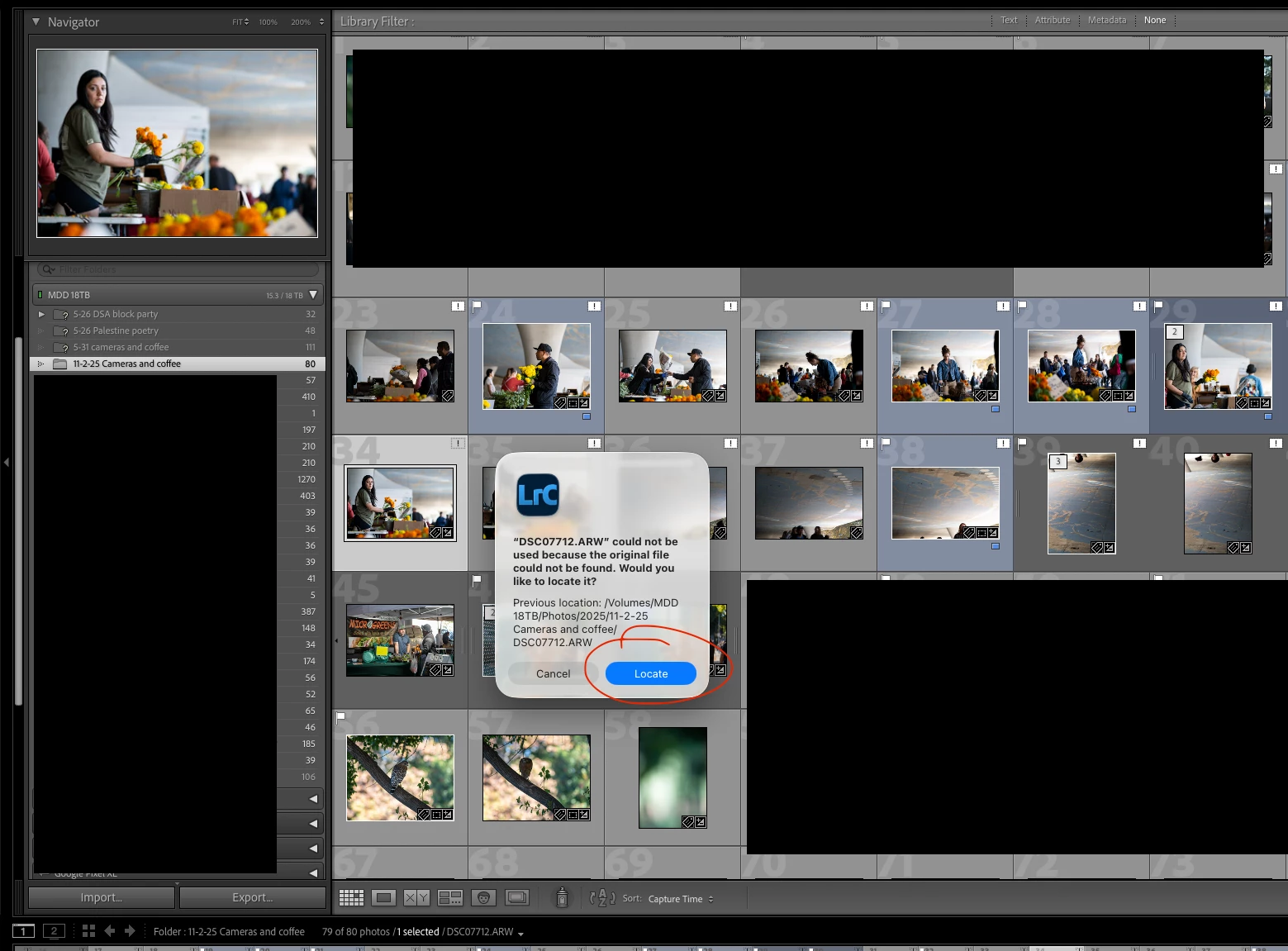
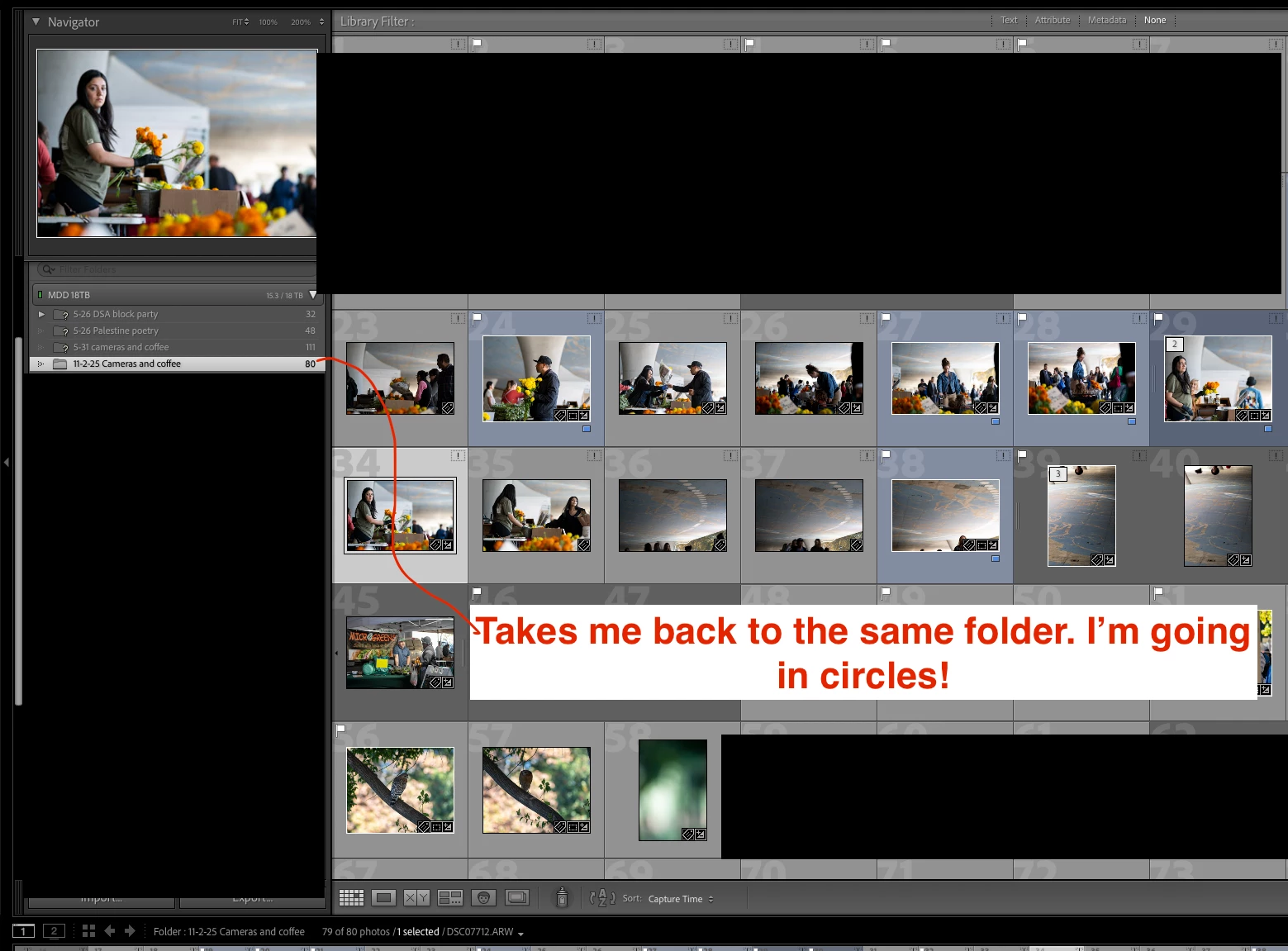
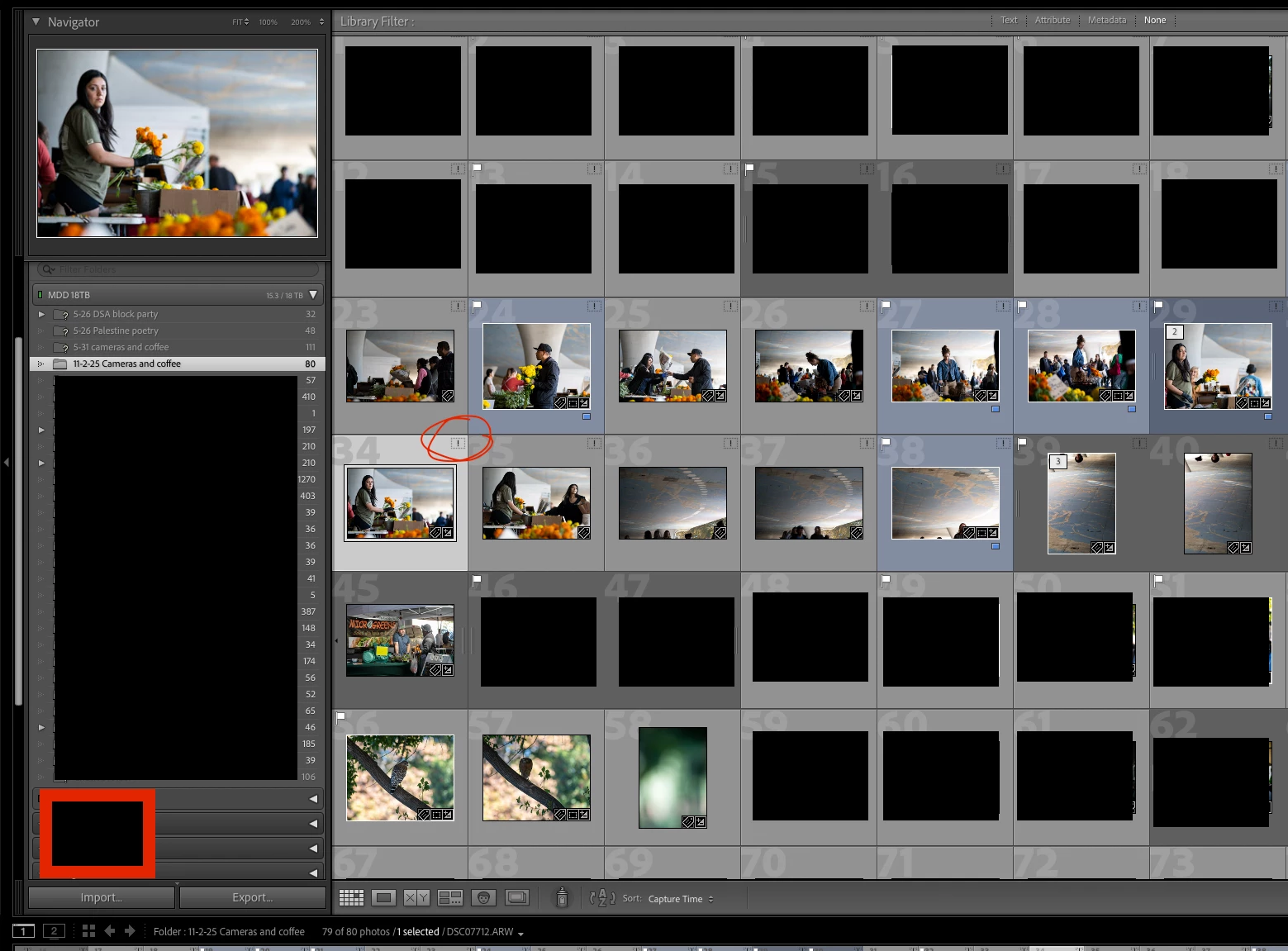
Trouble with missing photos. I am beyond confused by this and I could really use some help!

  • July 29, 2026
  • 2 replies
  • 40 views

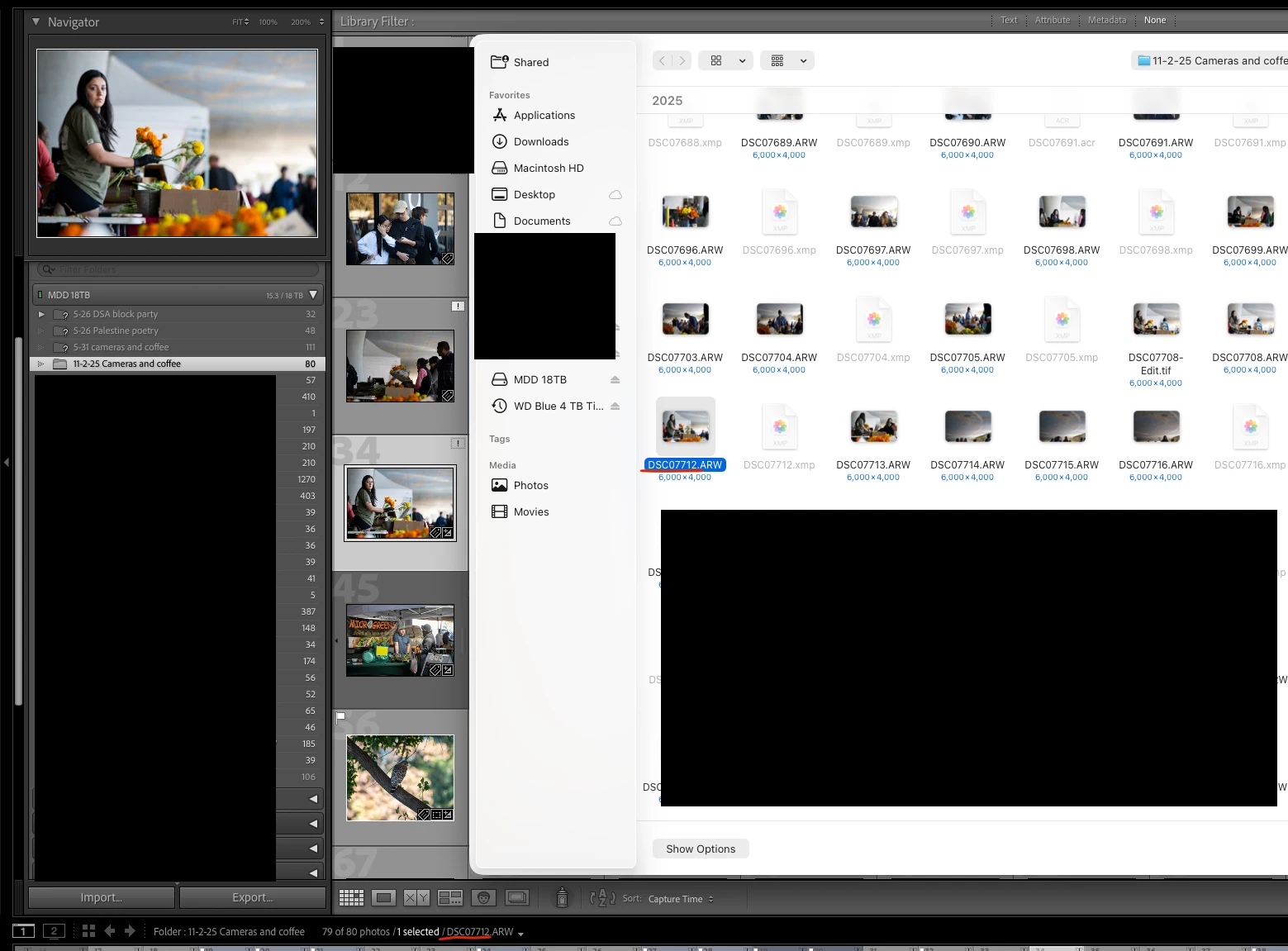
I moved a folder from one hard drive to another and Lightroom is throwing me in a loop. I’m at a loss, I don’t know what to do here! This makes zero sense I’m going in circles.


    Correct answer dj_paige

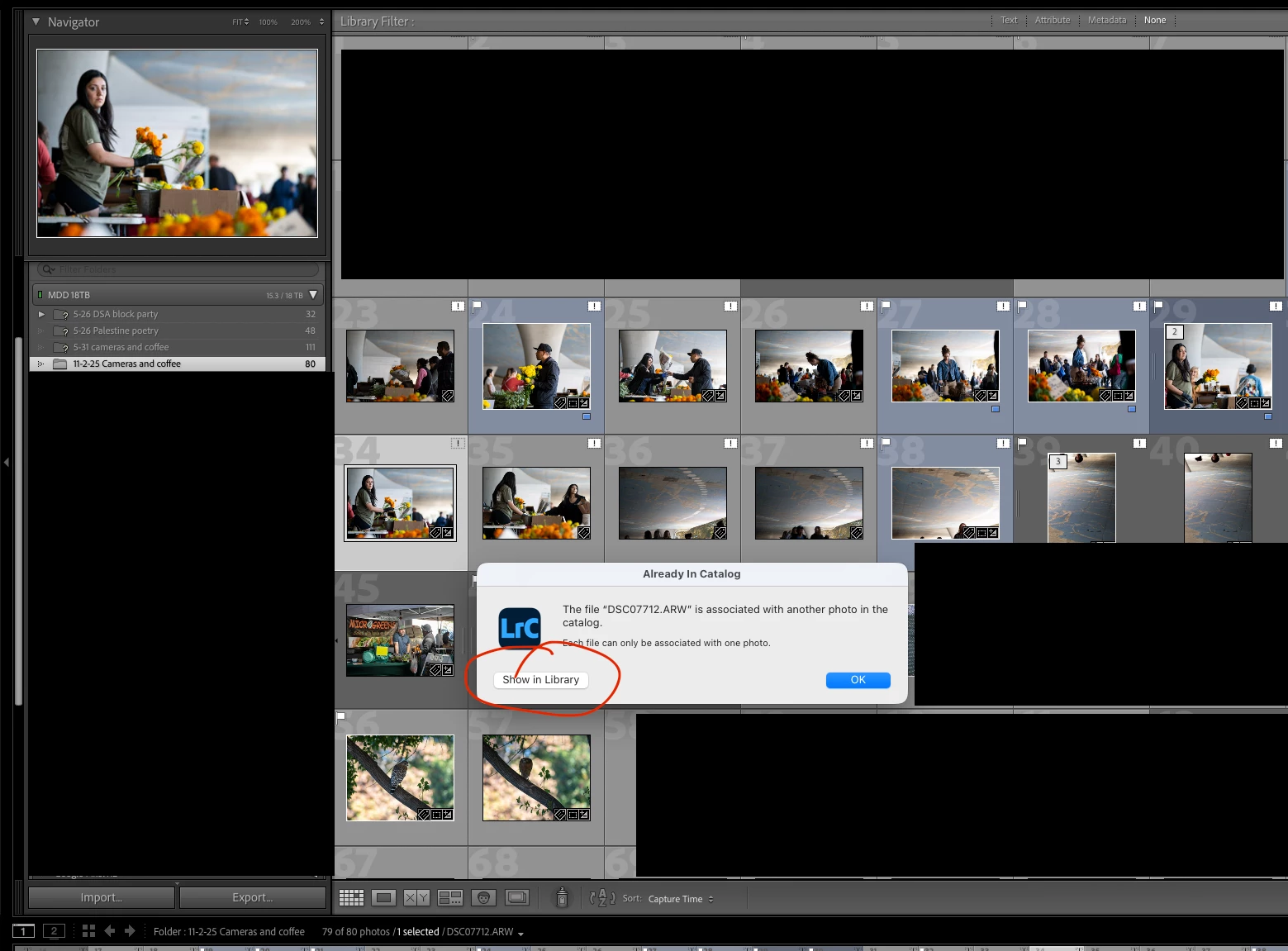
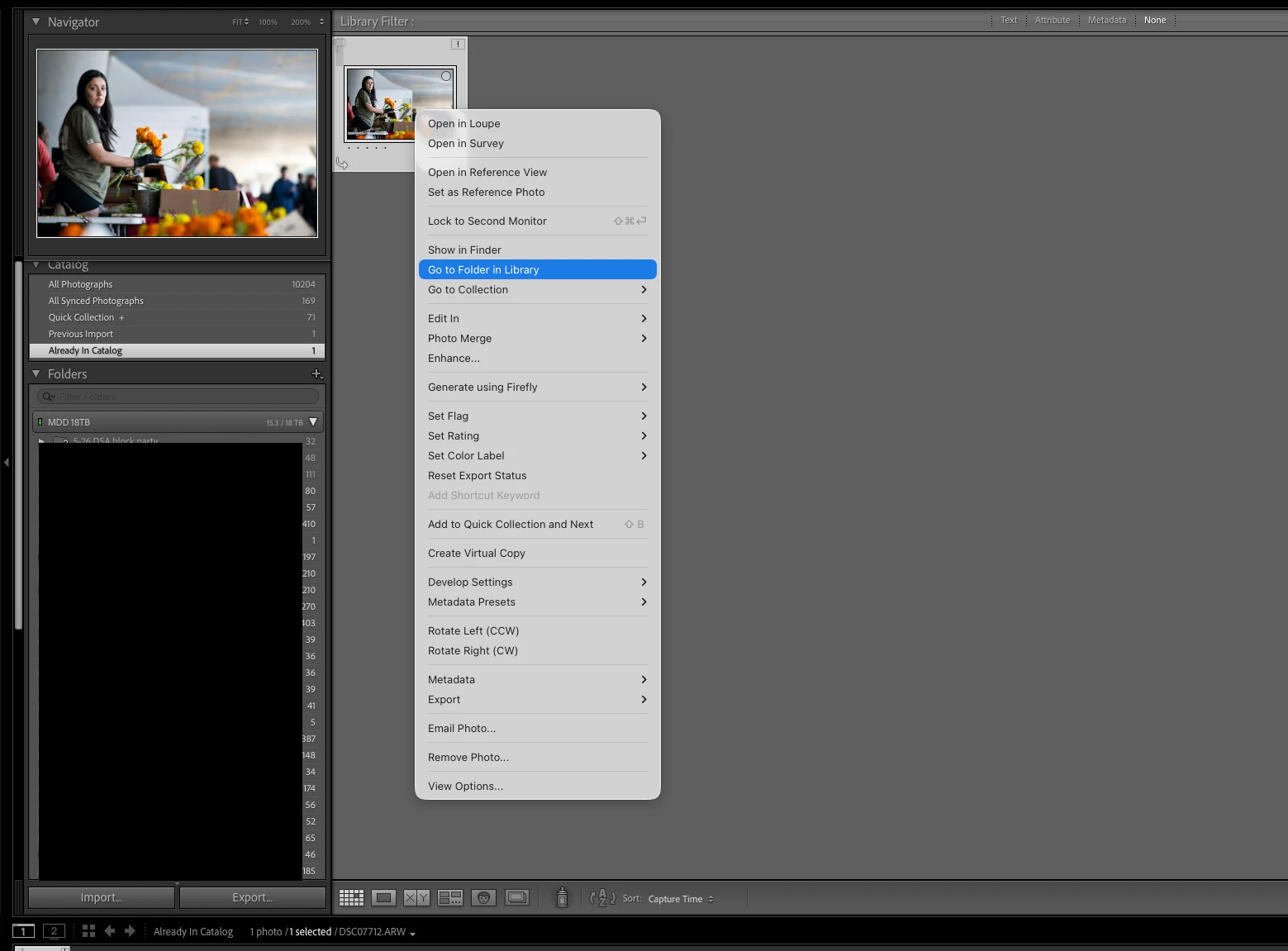
    You get the message “Already in Library” because you have accidentally imported the photo DSC07712 twice, and they are in two different folders. You need to find this in the Lightroom Library Module using the Filter Bar. Please follow all four of these steps, in order.

    1. Click on All Photographs (its on the left under Catalog)
    2. Expand all stacks (Photo->Stacking->Expand All stacks)
    3. Turn off filters (Ctrl-L once or twice)
    4. Using the Filter Bar, search by file name for DSC07712

    If you find two files this way, let us know and we can help you correct the problem.

    2 replies

    dj_paige
    dj_paigeCorrect answer
    Legend
    July 29, 2026

    You get the message “Already in Library” because you have accidentally imported the photo DSC07712 twice, and they are in two different folders. You need to find this in the Lightroom Library Module using the Filter Bar. Please follow all four of these steps, in order.

    1. Click on All Photographs (its on the left under Catalog)
    2. Expand all stacks (Photo->Stacking->Expand All stacks)
    3. Turn off filters (Ctrl-L once or twice)
    4. Using the Filter Bar, search by file name for DSC07712

    If you find two files this way, let us know and we can help you correct the problem.
    JohanElzenga
    Community Expert
    Community Expert
    July 29, 2026

    Don’t try to import the photos again. That’s the wrong method. You need to ‘reconnect’ Lightroom to the new location of the folder(s). Read this: 

    https://www.lightroomqueen.com/lightroom-photos-missing-fix/

    -- Johan W. Elzenga