Question
Troubleshooting a weird texture once the image loads in LrC (repost due to a multitude of typos)
Hey friends, I want to apologize in advance, I don't know what this issue is called so I'm lost when I'm trying to look it up and troubleshoot. So, any advice that can help solve this or even just educating me on the proper terminology would be so greatly appreciated.
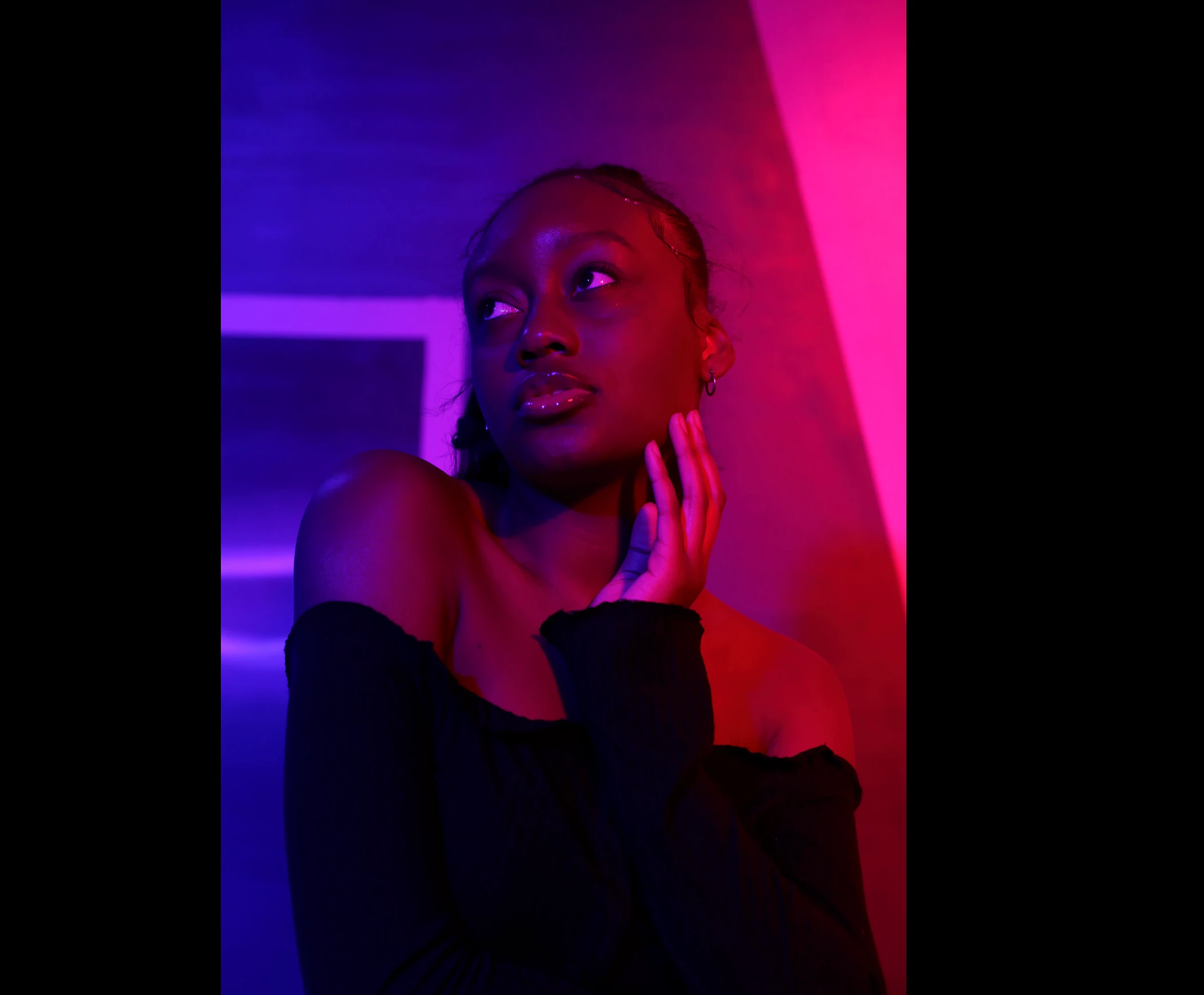
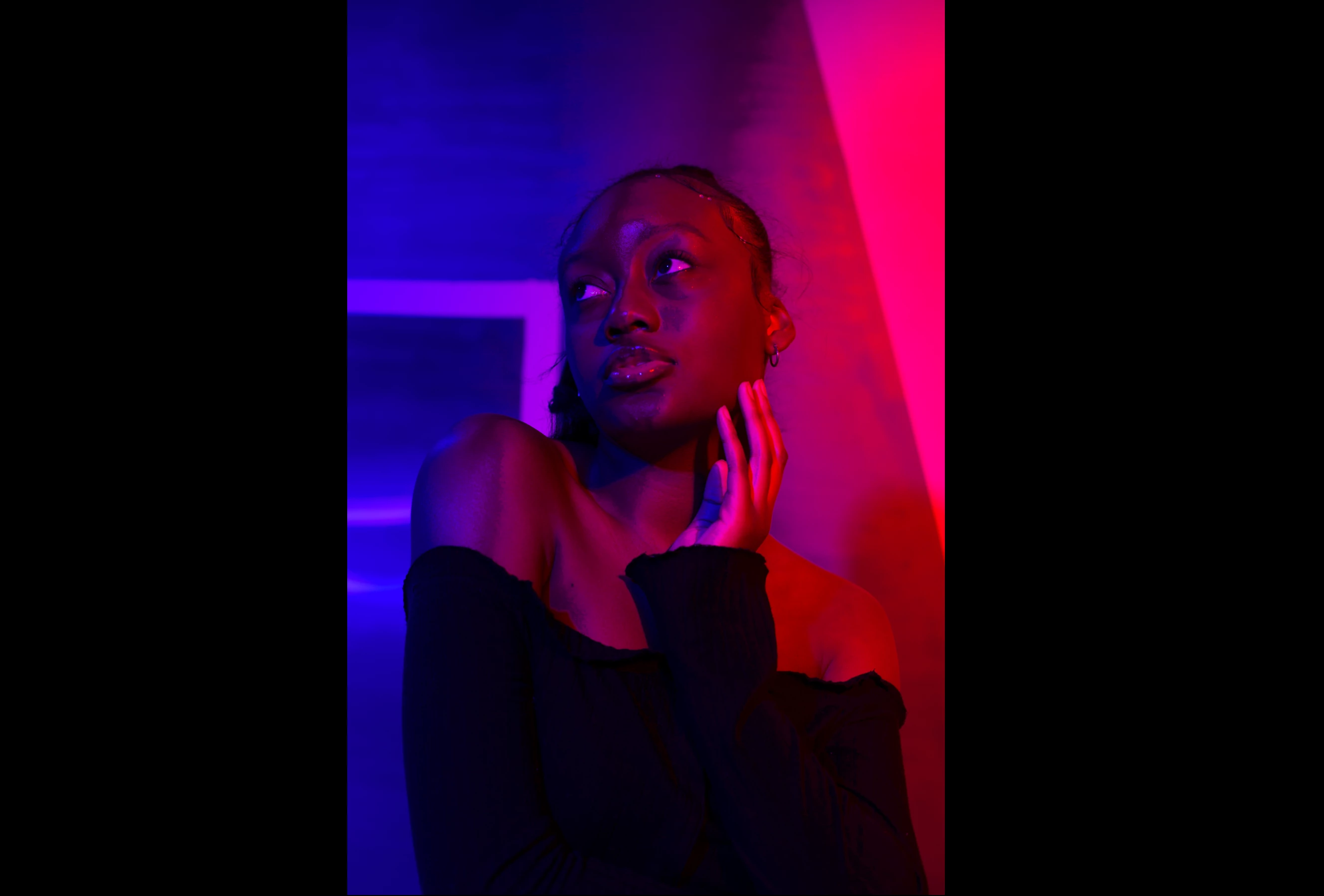
I have this set I shot with colored lights, when I first click on the image, the lighting looks pretty good/how it looked IRL but suddenly LR finishes loading and suddenly there is some horrible "crunchy" texture appears in the blues on her face. (I'm attaching images, the second one is the one that illustrates the problem). The entire set looks like this. Please help 🥲
I am using Lightroom Classic 11.1 on MacOS Monterey 12.2
 AdChoices