Participant
April 15, 2020
Question

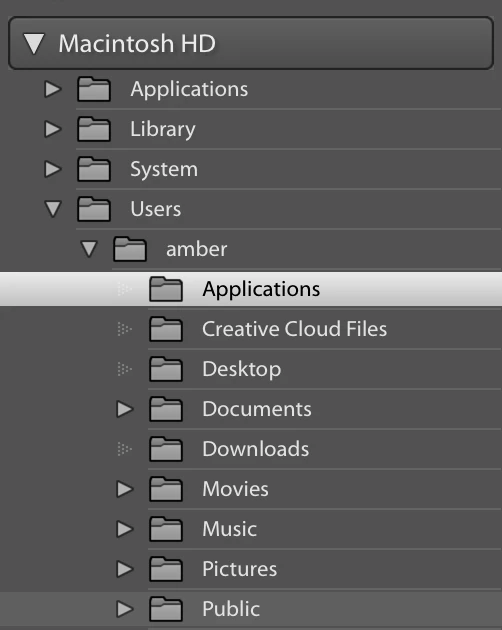
trying to import but desktop is grayed out

  • April 15, 2020
  • 2 replies
  • 148 views

I saved photos onto my desktop into a folder, when I try to import them into lightroom the desktop folder is grayed out and I cant import from my desktop 
 

{Moved from Lightroom Cloud to Lightroom Classic Forum by Moderator} 

This topic has been closed for replies.

2 replies

GoldingD
Legend
April 16, 2020

What MACOS?


JP Hess
Inspiring
April 15, 2020

Consider moving that folder to Documents or Pictures and then importing the images from there. Lightroom seems to be a little finicky about dealing with the Desktop directly.