Participating Frequently
February 8, 2025
Answered

Un-installed because thumbnails dont show and now can't re-install (MacOS)

  • February 8, 2025
  • 1 reply
  • 339 views

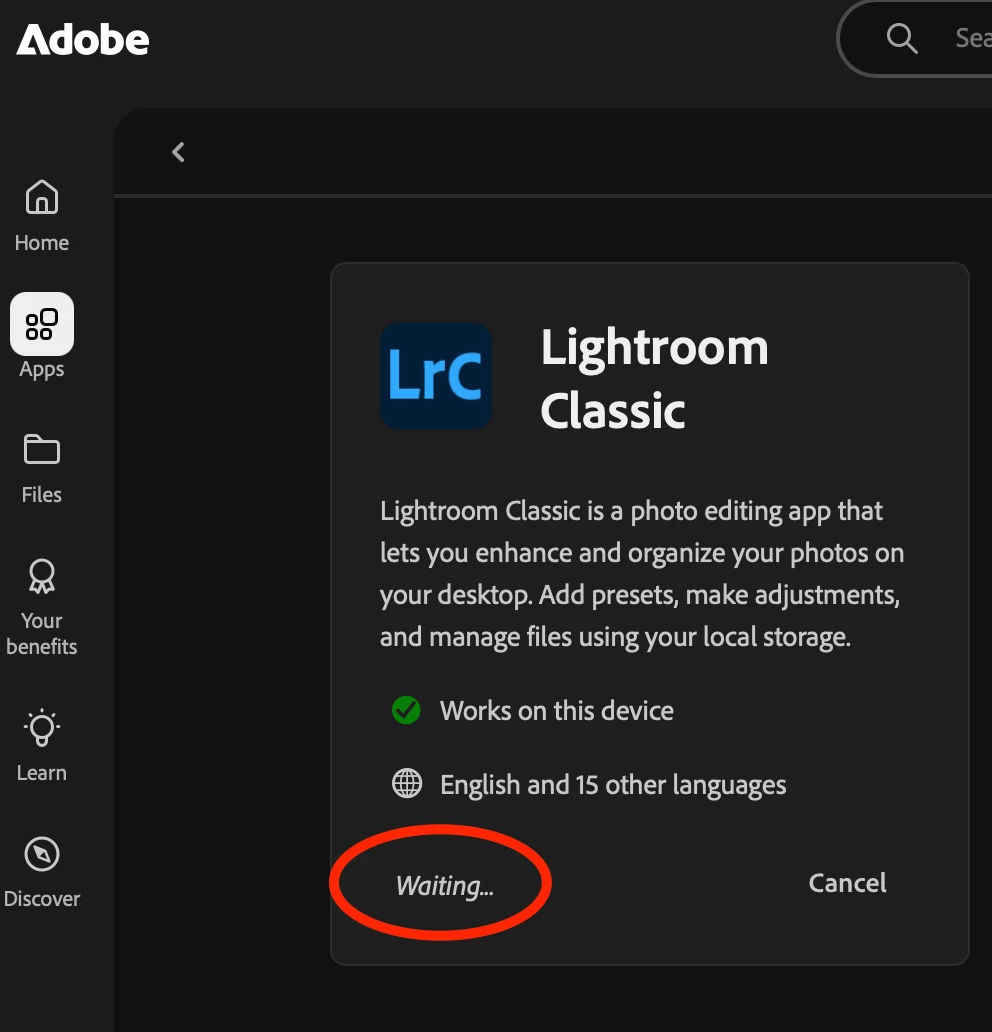
I un-installed LRC but now I can not get it to install. The web interface just shows "waiting"

What can I do ?
 

Correct answer dj_paige

Usually thumbnails don't appear because of a corrupt monitor profile

https://www.lightroomqueen.com/how-do-i-change-my-monitor-profile-to-check-whether-its-corrupted/


Re-installing has no effect on this.


1 reply

Sameer K
Community Manager
Community Manager
February 10, 2025

Hey, @Hiortintexas. Welcome to the Lightroom Community. I'll help you with this. 

Instead of using the browser, or web page, try installing the Creative Cloud desktop app directly: https://adobe.ly/3Z4RhBs


Follow the steps here if you need help with setting up the Creative Cloud desktop app: https://adobe.ly/4fKfwdA


Let me know how it goes. Thanks! 

Sameer K

(Type '@' and type my name to mention me when you reply)

Participating Frequently
February 10, 2025

Yes that works, but the thumbnails still does not show.

even when importing from a camera card the thumbnails are not visible.

dj_paige
dj_paigeCorrect answer
Legend
February 10, 2025

Usually thumbnails don't appear because of a corrupt monitor profile

https://www.lightroomqueen.com/how-do-i-change-my-monitor-profile-to-check-whether-its-corrupted/


Re-installing has no effect on this.
