Winston5190
Participating Frequently
May 21, 2017
Answered

Unable to Edit Watermark - Lightroom 2.7

  • May 21, 2017
  • 1 reply
  • 1045 views

Hi,

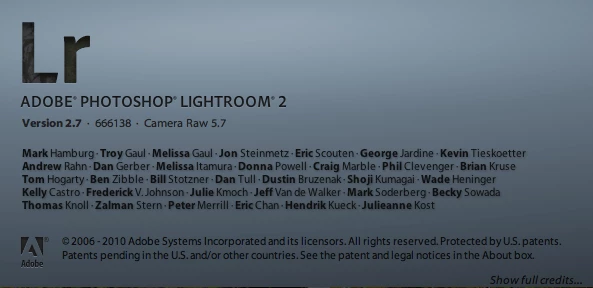
I'm using an old version of Lightroom (2.7), and cannot seem to find anywhere to edit the watermark that I want placed on my images. Anyone have experience with this version that can help? I'd like to change the size of the text of the watermark and the opacity.

I'm using mac operating system, a lot of the google searches I've done have told me to click on lightroom in the top left corner, and then go to 'edit watermark', however no such option exists for me.

Thanks!
This topic has been closed for replies.
Correct answer dj_paige


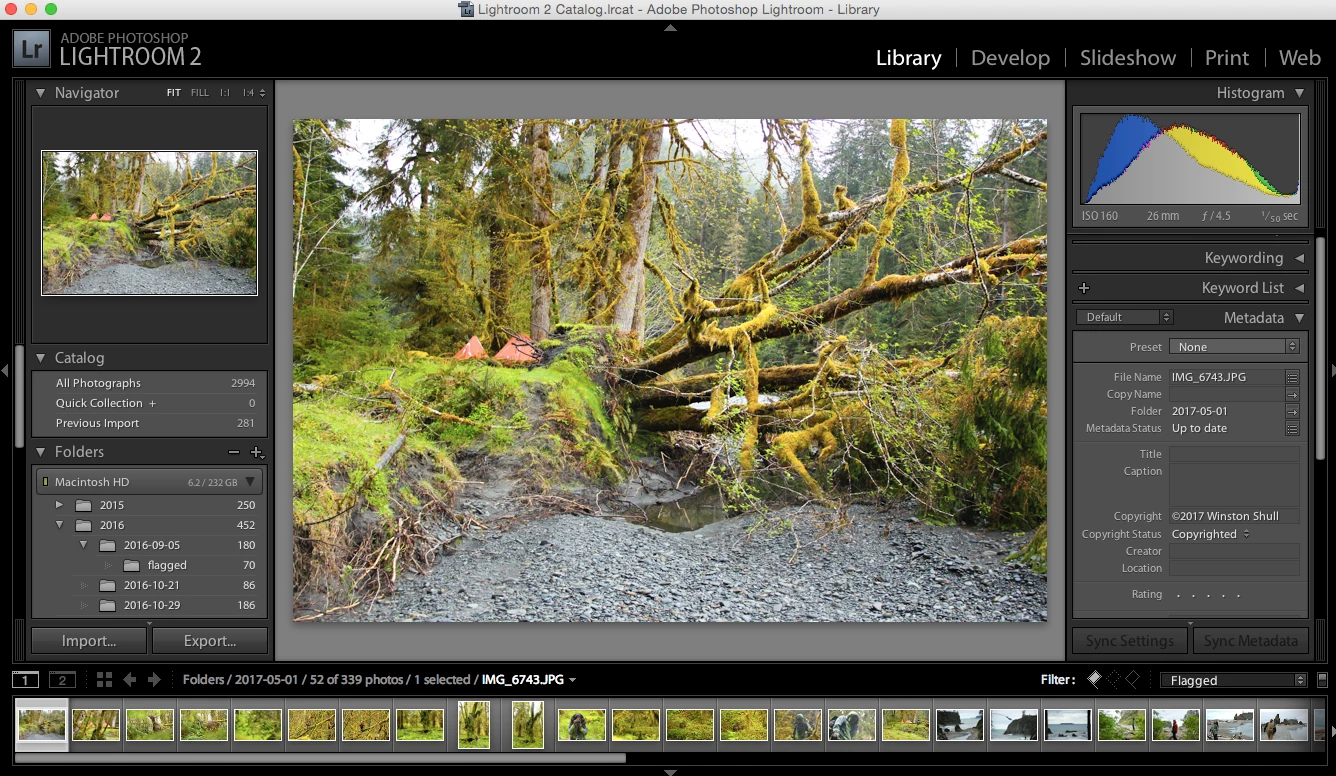
Meta data info on the right


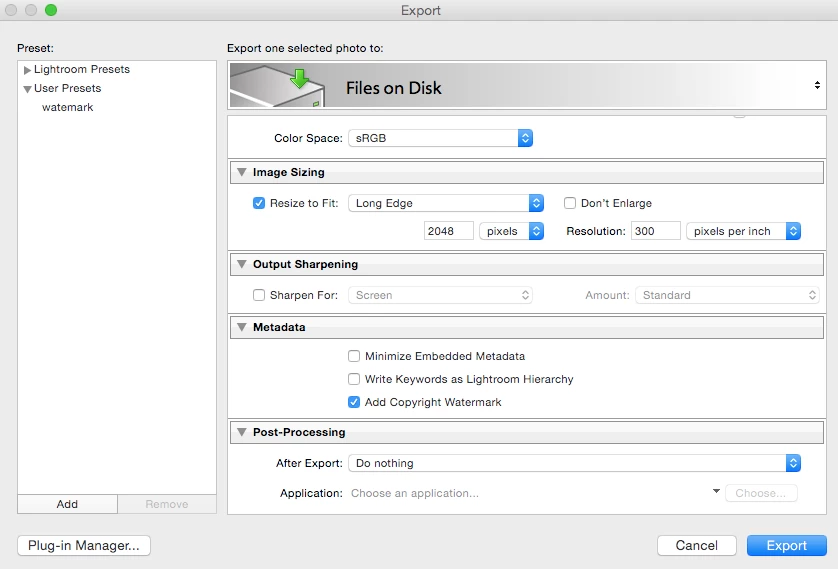
Export options

Lightroom version


When in doubt, consult the documentation http://help.adobe.com/en_US/Lightroom/2.0/lightroom_2_help.pdf

Specifically see page 127.

1 reply

dj_paige
Legend
May 21, 2017

I'm trying to remember, I'm pretty sure that version 2 of Lightroom did not have watermarking capabilities (as confirmed by Wikipedia, if you believe they are correct)

Winston5190
Participating Frequently
May 21, 2017

Well, I am able to add a watermark, I just can't edit the settings of it - if that makes sense. It shows up, it's just tiny and super transparent.

dj_paige
Legend
May 21, 2017

How do you add a watermark?