
Question
Unable to export photos in my external hard drive + AI reduction noise
Version of the app : Lighroom Classic 12.5
OS Version : Windows 11
Good evening everyone,
I am here because I am strugguling since a few weeks to export my photos and use AI noise reduction if they've been imported from my external drive. I don't have this problem if I directly import them from my computer. It really annoys me...
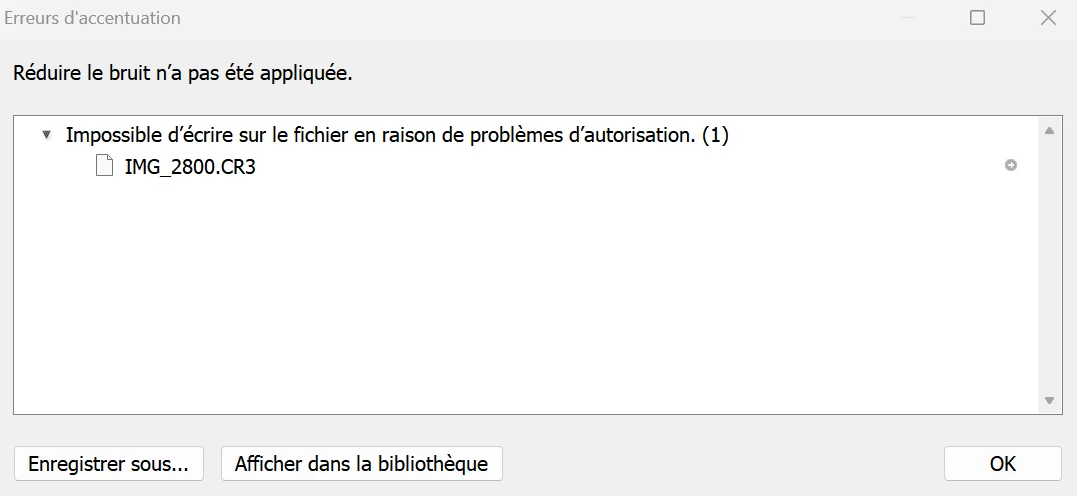
This is what happens when I try to use AI noise reduction on photos that were imported directly from my external hard drive :
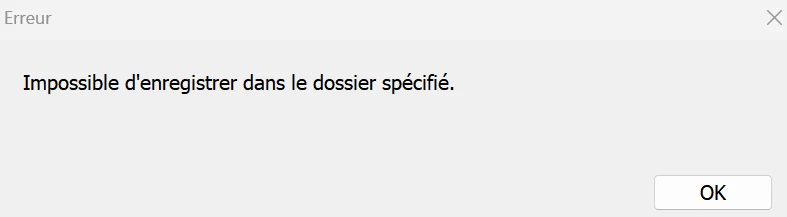
And this is what happens when I try to export these photos as well on a specific folder (located in my external drive as well) :
I searched a lot to find solutions... I've tried many things but it never worked...
Does someone has the answer ?...
Many thanks in advance,
Méryl
 AdChoices