fsoliday
Known Participant
October 19, 2019
Question

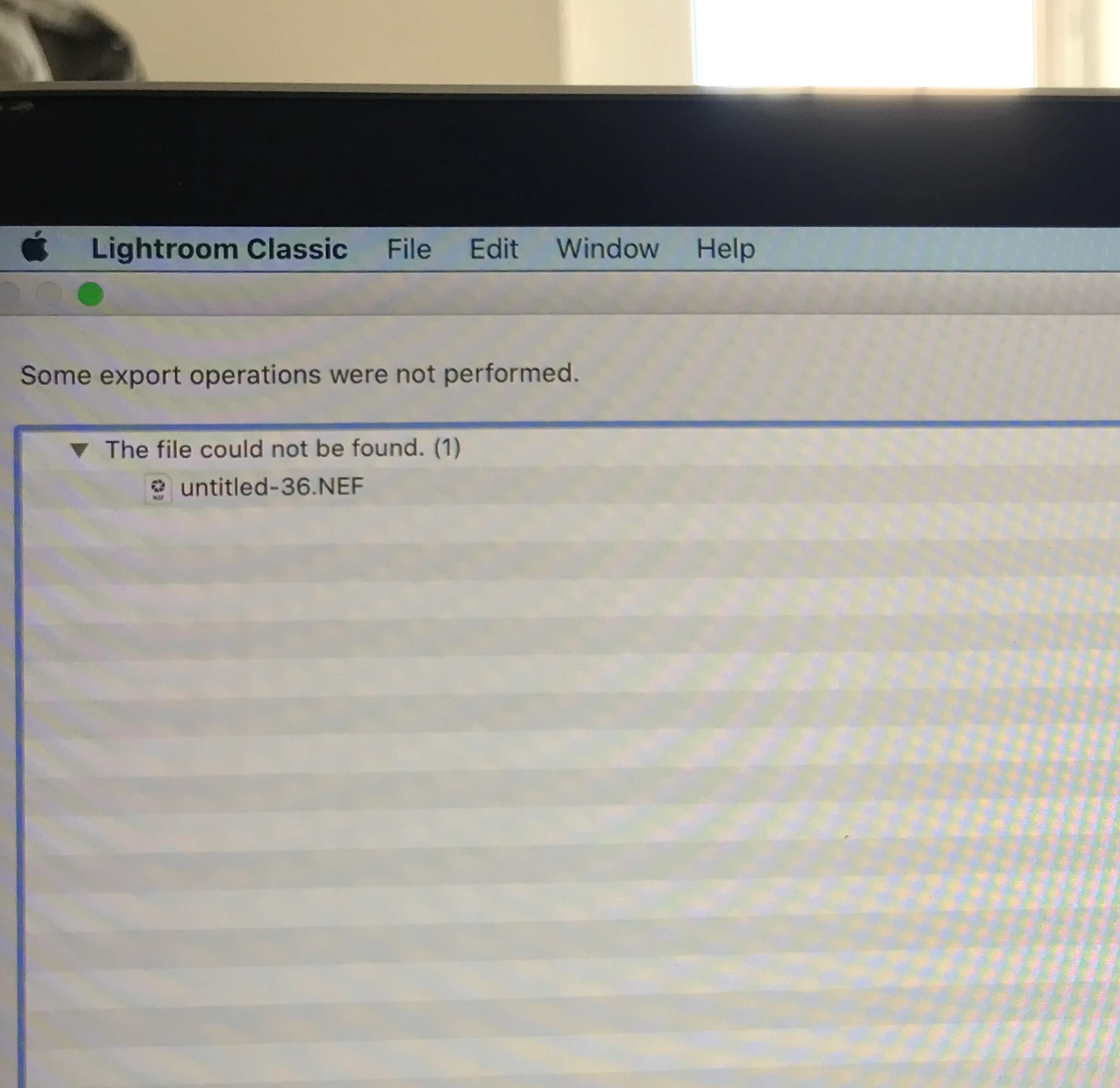
Unable to export photos Lightroom
  • October 19, 2019
  • 3 replies
  • 196 views

I updated to Catalina a few days ago and have had a rash of problems with Lightroom since 

1.  Lost all of my edits I had been working on 

2.  Lightroom not recognizing there are photos on Sd card 

(both of these issues I've posted on already)


The latest issue ....

I uploaded the series of pics I had been previously working on and lost (had to put them on desktop first from SD card then to Lightroom) & Set my destination folder to my external hard drive, like always 


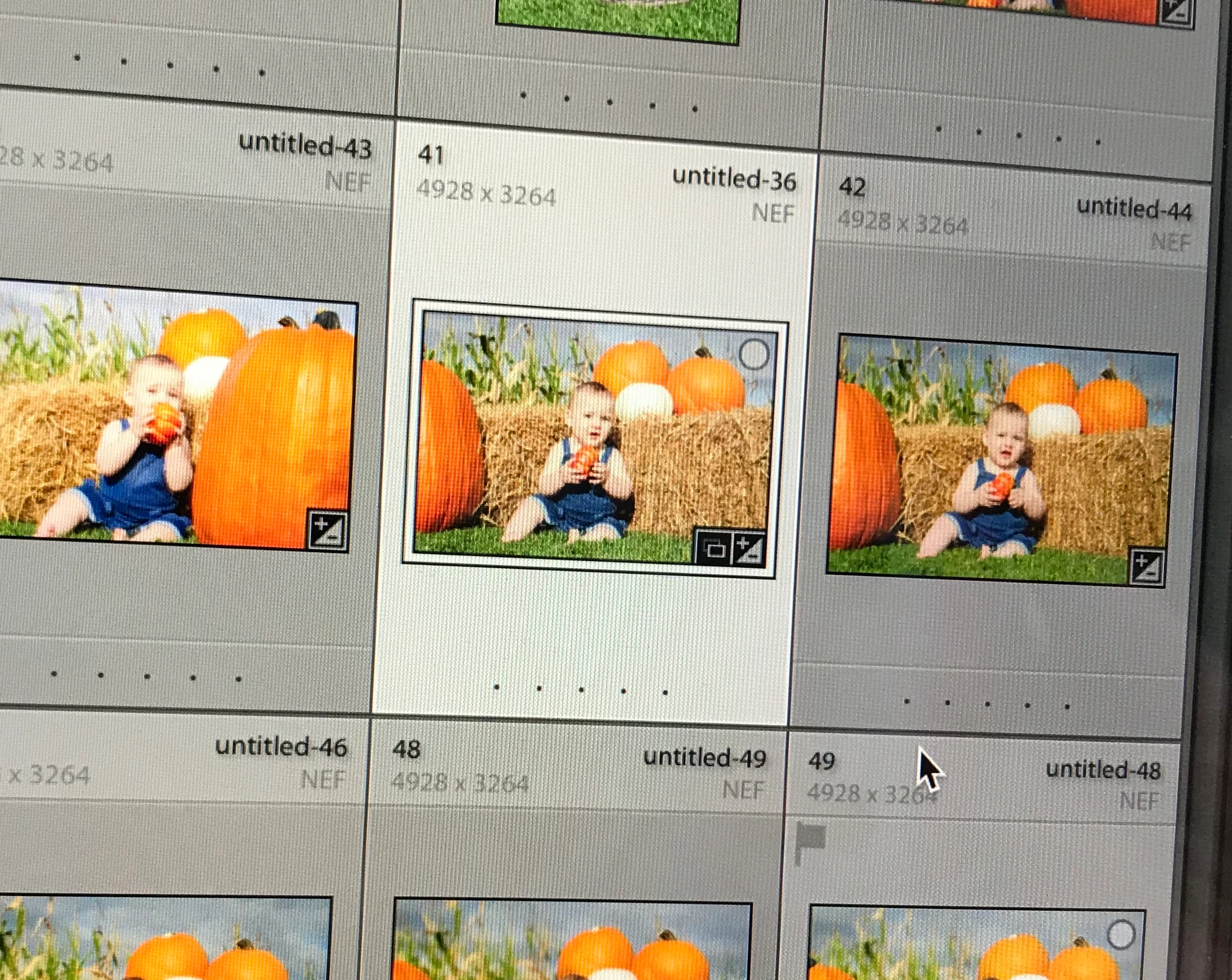
I was able to edit and export the day I had originally did this.  Today I was able to edit, perhaps through the smart preview option, but cannot export.  It says my file is not found, despite my hard drive being plugged in.  When I go to library there is no (?) beside the photograph.  I'm at a loss......

    This topic has been closed for replies.

    3 replies

    Tony_See
    Inspiring
    October 20, 2019

    Have you been making Lightroom Backups that you can use?

    If they are current, it might be a good time for that . . .

    99jon
    Legend
    October 19, 2019

    I always delay updating Mac OS. Apple have been pushing out warnings for months about 32 bit apps stopping yet some people plough on!

    GoldingD
    Legend
    October 19, 2019

    One member with Catalina vs Lightroom problems found that uninstalling Lightroom Classic, then reinstalling Lightroom Classic solved issues. Possible issue is program rights are fouled up, reinstalling a fresh copy of Lightroom reset those rights. An argument between security in Catalina vs an application wanting to acces the computer.


    No gaurentee in any of that


    fsoliday
    fsolidayAuthor
    Known Participant
    October 19, 2019

    Did just that and I seem to be back on track, cautiously hesitant this time....but back on track.


    Can't speak to the imports yet but time will tell