
Answered
Unable to find images and preview boxes are grey after updating Lightroom Classic
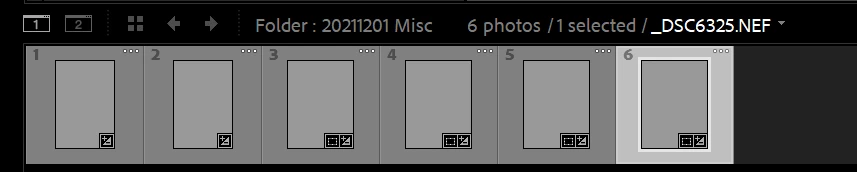
Since updating Lightroom Classic, I'm unable to import any images with the function stuck at "finding files". Files that have been imported before have grey preview boxes.
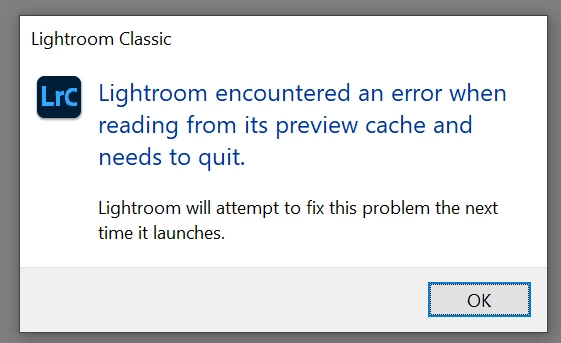
I've tried taking out the previews.db file as suggested in this fix but lightroom crashes on startup after with the following error:
I've set the colour profile "sRGB IEC61966-2.1" as default.
I've tried deleting all of the files and doing a clean install via Adobe Creative Cloud but the problem remains the same.
 AdChoices